

Email Marketing with Newsletter2Go
practical interface, easy integration & API
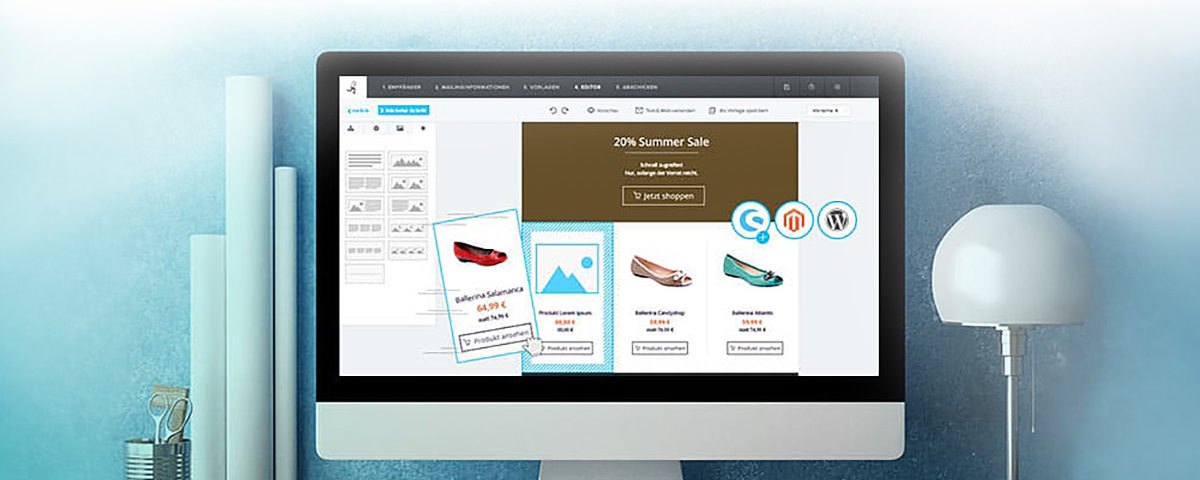
Newsletter2Go offers e-commerce companies a variety of integrations to reliably and quickly connect their account with their shop, CRM, or CMS system. Functions such as 1-click product import provide seamless access to products during newsletter creation. Johannes Kohlmann from Newsletter2Go explains how to connect interfaces in Newsletter2Go and what advantages the software brings in conjunction with your other systems.
UPDATE: Newsletter2Go is now SendInBlue.
How do I connect my shop with Newsletter2Go?
Newsletter2Go is compatible with all common e-commerce systems. On the email marketing software’s website, you will find a total of 19 online shop integrations, each with a short installation guide. Here, you will be guided step-by-step through connecting your shop.
Our recommendation for WordPress + WooCommerce shops:
Probably the best WordPress newsletter plugin with WooCommerce interface + email marketing functions
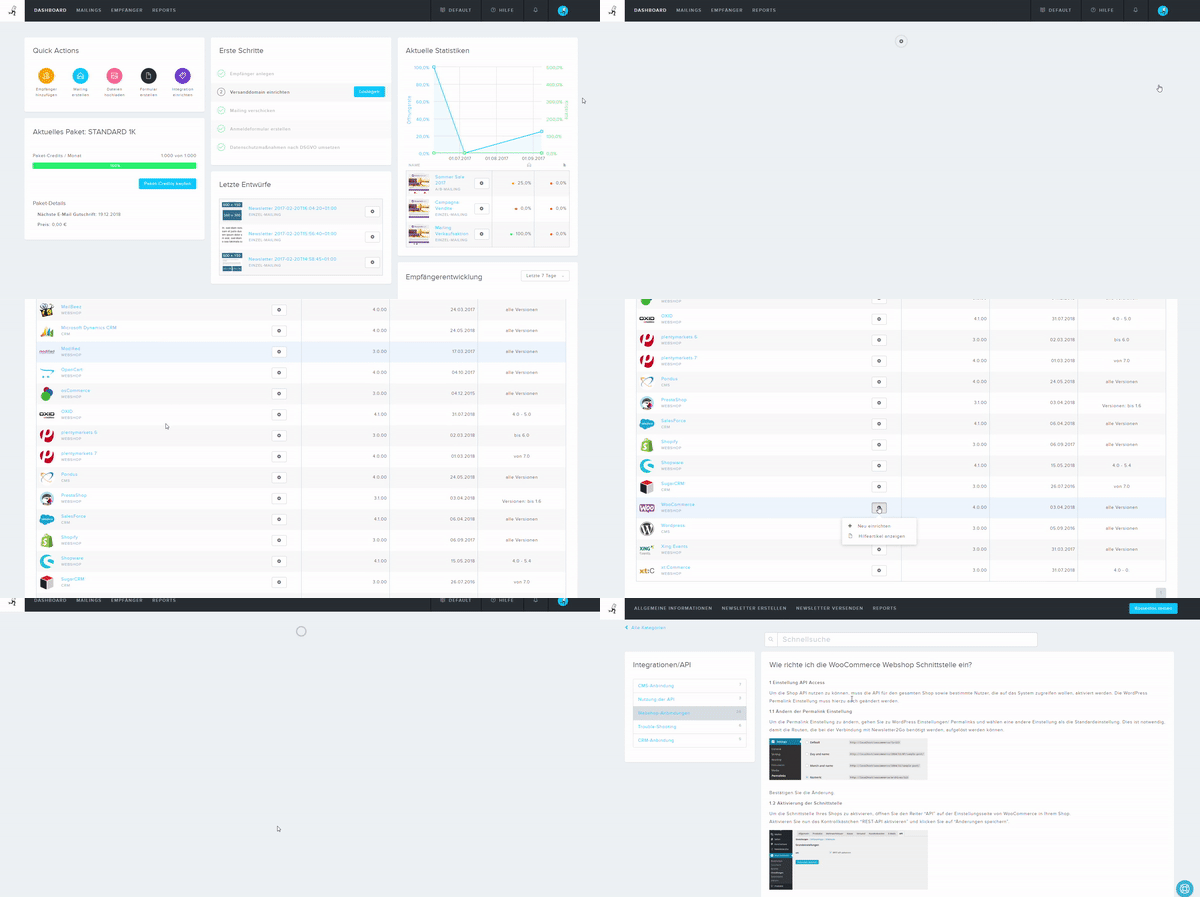
To illustrate the connection, I will briefly show you the integration of the WooCommerce shop. With this interface, you don’t even need to install a plugin. Within the Newsletter2Go software, you will find the Integrations tab in the right navigation bar. Here, an overview of all integrations opens. By clicking on the gear icon, you can view the corresponding instructions in the help section and follow the five steps to a successful connection. Each step is described in detail and illustrated with screenshots.
If you use a shop system for which Newsletter2Go does not yet provide an interface, the software provider also offers custom interfaces. In addition, comprehensive API documentation and ready-made example implementations for your own connection are available.
Advantages of shop connection with Newsletter2Go
Connecting your shop system greatly simplifies your work with Newsletter2Go. In addition to fully automatic recipient synchronization and the import of new recipients, the integration, starting from the Standard package, also offers 1-click product import* in some theme templates. Additionally, you can order individual premium templates with 1-click product import from Newsletter2Go. Here, you can directly import any of your products into the newsletter. Product attributes such as product name, images, description, price, and link are inserted with one click. This not only saves time but also manual effort when creating professional sales newsletters and follow-ups.
How do I connect my CMS and CRM systems?
The connection of systems in Newsletter2Go all proceed similarly. The various interfaces for CMS and CRM systems can be found either in the Download Center* below the shop connections or in the Integrations section within the software. For example, if you want to connect WordPress with Newsletter2Go, you will also receive a short step-by-step guide and a plugin here.
Become more visible on Google & Social Media?
In a free strategy consultation for data-driven online marketing, we uncover your untapped potential, review any existing ad accounts if necessary, examine your SEO ranking and visibility, and determine which strategy is appropriate for your budget and which active measures will lead to more inquiries or sales.

✅ More visibility & perception through targeted placement
✅ More visitors > prospects > customers > revenue
✅ Reach target groups scalably with SEA
✅ Act and grow sustainably with SEO
🫵 Maximum success with our hybrid strategy
💪 More than 15 years of experience across industries in over 1,000+ projects demonstrable!







Similar to shop systems, it can happen that an interface is not yet available for all systems. However, Newsletter2Go also offers custom interfaces and the Newsletter2Go API for connecting to your shop.
Advantages of connecting CRM and CMS systems with Newsletter2Go.
The integrations of CRM and CMS systems primarily serve the data and recipient synchronization of the various systems. Newsletter2Go also offers 1-click content import for some CMS systems (e.g., WordPress). Similar to 1-click product import, this can be used in some theme templates starting from the Standard package. The function can also be integrated into individual premium templates. By entering the post or entity ID, you can use the 1-click content import to directly transfer content from your website into the newsletter. Content attributes such as content preview, author, images, date, and link are directly transferred to the newsletter. With this option, you can, for example, tease new blog posts in your newsletters with just a few clicks.
Newsletter2Go offers marketers a quick connection to all common shop, CRM, and CMS systems. Through step-by-step instructions for each individual integration, your interfaces are set up and ready to use in no time. In addition to daily synchronization of your recipient lists, some interfaces offer practical functions with 1-click product import and 1-click content import to transfer your products and content into your newsletters even faster.
So, if you have now decided on Newsletter2Go, or would like to start a first test, click the button here:

Sie haben Fragen zu NL2Go oder E-Mailmarketing?
E-Mail: fi@vastcob.com
Florian Ibe
About the author:
Johannes Kohlmann regularly writes articles on email marketing for Newsletter2Go. Since completing his bachelor’s degree, he has been working in online marketing alongside his master’s studies and has been supporting the Newsletter2Go marketing team since 2018.





 DE
DE

