

Revolution Slider not displayed in Internet Explorer (IE)
The solution is often to disable filters (image filters) or adjust JavaScript caching settings. Autooptimize, in particular, offers fast and simple caching but leads to massive errors in Internet Explorer. This is what the error looks like in Internet Explorer where the Revolution Slider should be:
Revolution Slider Error: You have some jquery.js library include that comes after the revolution files js include.
This includes make eliminates the revolution slider libraries, and make it not work.
To fix it you can:
1. In the Slider Settings -> Troubleshooting set option: Put JS Includes To Body option to true.
2. Find the double jquery.js include and remove it.
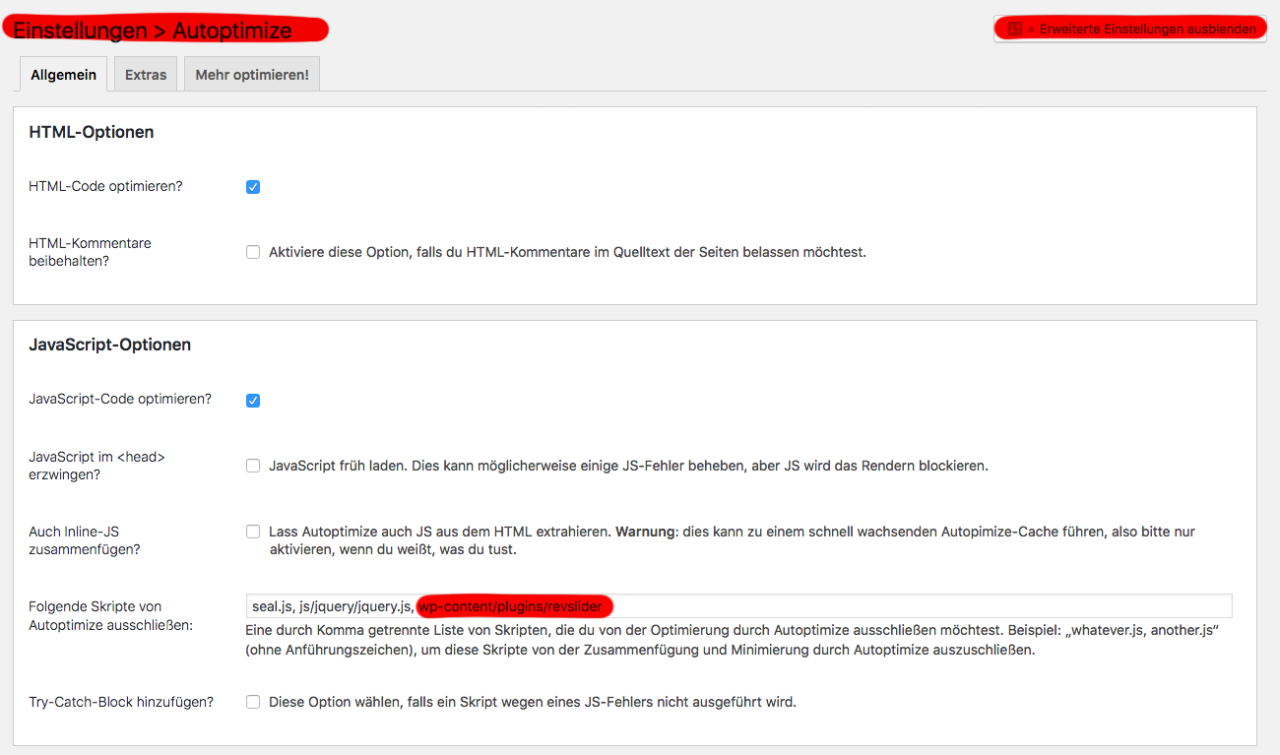
Solution 1: Autooptimize advanced settings – exclude Revolution Slider
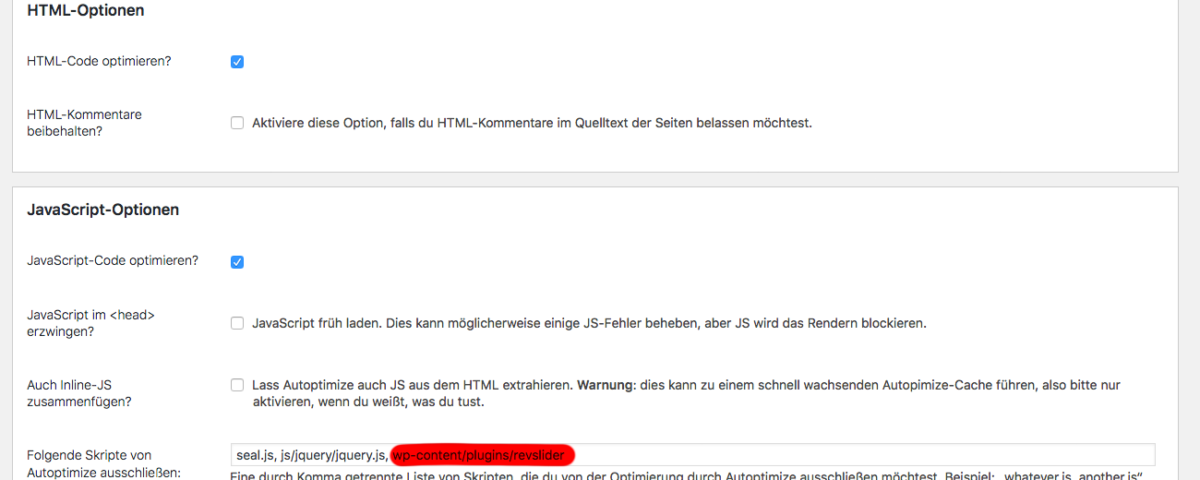
In the advanced settings of Autooptimize, as well as W3 Total Cache, WP Super Cache, etc., you will find an option to exclude specific paths or files from caching. Simply add the plugin’s path to the exclusion input field:
wp-content/plugins/revslider
Solution 2 + Recommendation: Do not load image filters in Internet Explorer
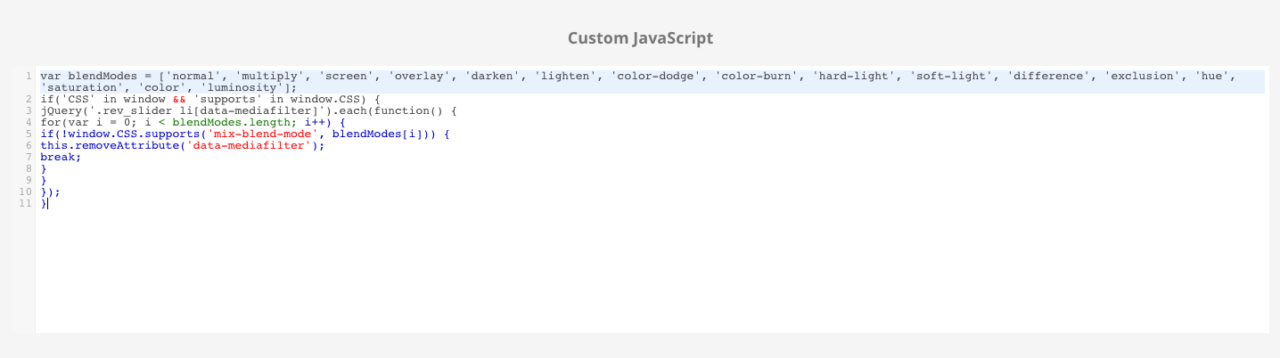
Go to the slider settings, not the „Global Settings“, but specifically to the „Slider Settings“ for each slider, and then insert the following code at the very bottom:
var blendModes = ['normal', 'multiply', 'screen', 'overlay', 'darken', 'lighten', 'color-dodge', 'color-burn', 'hard-light', 'soft-light', 'difference', 'exclusion', 'hue', 'saturation', 'color', 'luminosity'];

if('CSS' in window && 'supports' in window.CSS) {

jQuery('.rev_slider li[data-mediafilter]').each(function() {

for(var i = 0; i < blendModes.length; i++) {

if(!window.CSS.supports('mix-blend-mode', blendModes[i])) {

this.removeAttribute('data-mediafilter');

break;

}

}

});

}
This is how Revolution Slider works even with caching, animations, and image filters in IE Internet Explorer
Are you experiencing problems with WordPress or WooCommerce and other plugins? Are you stuck and need quick help?
We are a WordPress agency with fast support and fair service packages.

Ihr Ansprechpartner für schnelle und zuverlässige WordPress-Hilfe:
E-Mail: fi@vastcob.com
Florian Ibe





 DE
DE

