

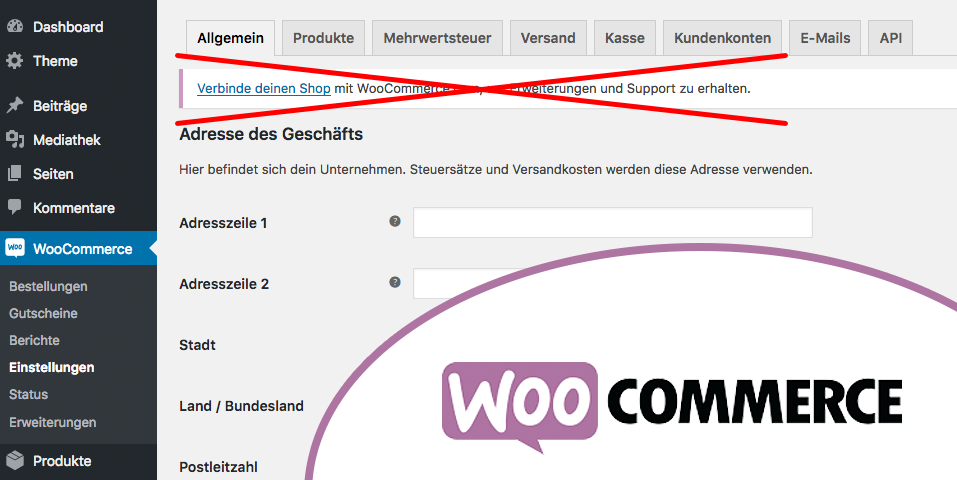
WooCommerce version 3.3.1 is here and can certainly make all e-commerce dreams come true. If you have already upgraded to the latest version or have just started it, an „annoying“ message / notification appears at the top of the admin area with the following content: „Connect your store to WooCommerce.com to get extensions and support.“ This is disruptive and often really annoying alongside all the other notices.
There are 2 ways you can remove this admin message:
1. Connect to your WooCommerce.com account
Simply click on it and connect your WooCommerce.com account to your website. This is the easiest way to do this, allowing you to access all your WooCommerce extensions and all updates you have integrated and purchased. Additionally, you also get easy access to WooCommerce support.
2. Our favorite: Hide the notice from display
You can add the following snippet to the functions.php file of your active theme (child theme). This will permanently hide the notification of this admin notice. Although we fully recommend the first method mentioned above, there may be times when you do not want to register and connect a WooCommerce.com account to your store.
add_filter( 'woocommerce_helper_suppress_admin_notices', '__return_true' );
A useful plugin to avoid interfering with functions.php or when using it without a child theme is Code Snippets, which allows you to easily insert, activate, and deactivate snippets.

Fragen zu WordPress / WooCommerce oder Sie benötigen Hilfe? Ihr Ansprechpartner:
E-Mail: fi@vastcob.com
Florian Ibe





 DE
DE

