

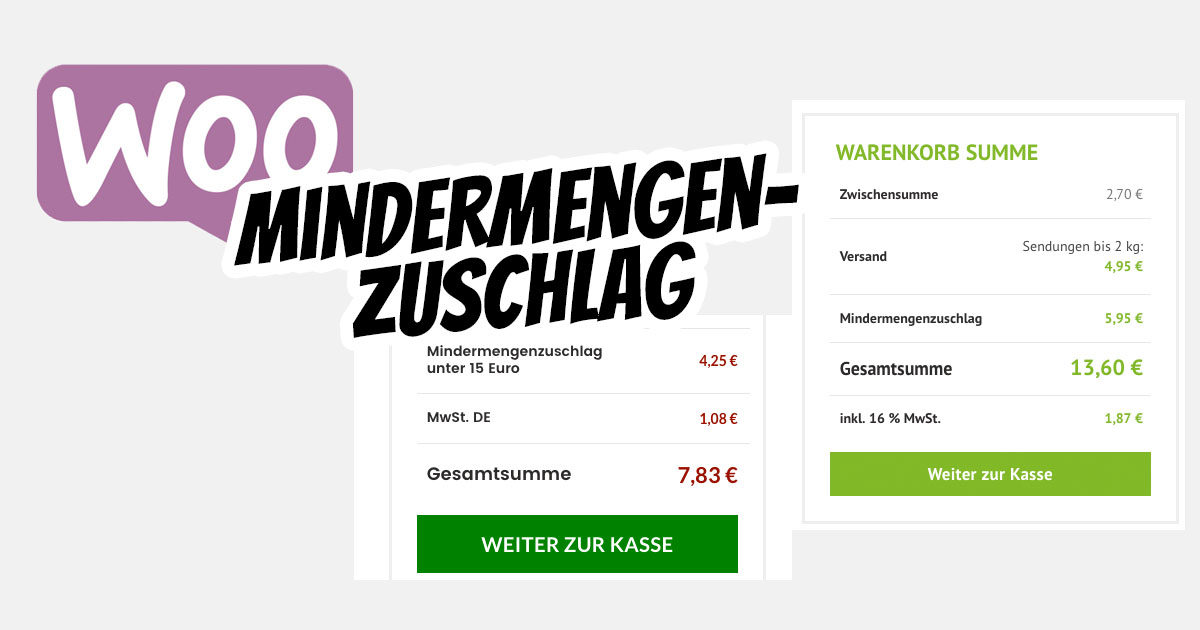
Implementing fees for small quantities (low quantity, total price, unit price) with a WooCommerce online shop is NOT possible by default. However, we have two solutions for this type of fee.
WooCommerce Small Quantity Surcharge (Fees for Small Quantities)
Within two customer projects in conjunction with Germanized, we have written two scripts (gross / net) for easy embedding and customization for WooCommerce shops. This script is extremely performant, easily customizable, and suitable for both net (B2B) and gross (B2C) variants.
You can view the script here (calculation line in the shopping cart):
- www.verkehrswacht-medien-service.de/shop/ (15€ gross as threshold B2C)
- www.ladebordwand-ersatzteile.de/shop/ (15€ net as threshold B2B)
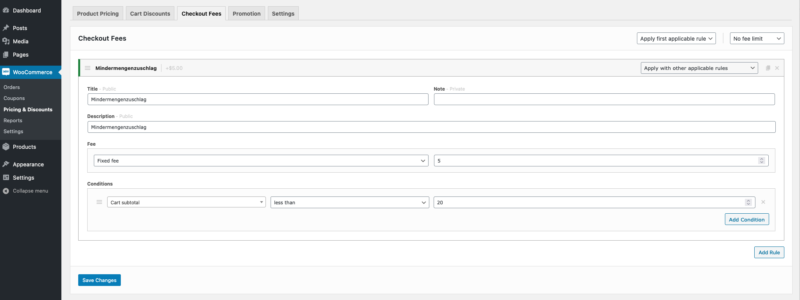
The implementation is very simple with the WooCommerce Pricing & Discounts plugin, which allows an unlimited number of rules to be created.
The setting can look like this:
General blog article about the great plugin:
Become more visible on Google & Social Media?
In a free strategy consultation for data-driven online marketing, we uncover your untapped potential, review any existing ad accounts if necessary, examine your SEO ranking and visibility, and determine which strategy is appropriate for your budget and which active measures will lead to more inquiries or sales.

✅ More visibility & perception through targeted placement
✅ More visitors > prospects > customers > revenue
✅ Reach target groups scalably with SEA
✅ Act and grow sustainably with SEO
🫵 Maximum success with our hybrid strategy
💪 More than 15 years of experience across industries in over 1,000+ projects demonstrable!







The flexible alternative for a gross calculation (i.e., ONLY B2C) is the following plugin:
Plugin: Bolder Fees for WooCommerce*

With the higher fees for WooCommerce, the administrator can create a variety of flexible fees, flat rates, percentages, and even optional fees for the user. These fees can be based on a variety of measures, including the subtotal, the number of items purchased, a specific item, and several other conditions.
This plugin works alongside your WooCommerce shop by directly adding a new „Fees“ tab to your WooCommerce settings page. The familiar layout and user-friendly options make it easy to set up and use in your store.
Useful examples of surcharges / fees:
- Give your customers the option to add gift wrapping to their order
- Add an additional delivery / gas fee
- Extra fees for express shipping or additional services
- Under-fulfillment of minimum quantities or minimum prices
Legally, there are a few simple points to consider regarding the small quantity surcharge. Above all, the labeling and the surcharges or additional costs due to a small quantity, which must be visible at the shopping cart/checkout at the latest, must be clearly communicated and comprehensibly stated. Further information on transparent pricing and legal requirements (click here).





 DE
DE

