


WordPress is one of the most popular platforms for creating a website or blog. With the integration of Chat GPT chatbots, visitors to your website can interact in a completely new way and get answers to their questions. A chatbot is software designed to have human-like conversations with users. ChatGPT is a large language model developed by OpenAI that is capable of interacting with human language naturally. In this blog post, we will discuss how to use ChatGPT in WordPress.
Implementing a WordPress Chat GPT Chatbot
Step 1: Set up an OpenAI account First, you need to register on the OpenAI website and set up an account. Once you’ve signed up, you can access the OpenAI API, which allows you to integrate ChatGPT into WordPress.
Step 2: Generate ChatGPT API Key Once you have set up your OpenAI account, you can generate an API key. This key is required to use ChatGPT in WordPress. To do this, go to your OpenAI dashboard and click „Generate API Key“. Then copy the generated key.
Step 3: Set up WordPress Plugins To integrate ChatGPT into WordPress, you need a plugin. There are several plugins to choose from, but the „OpenAI GPT-3 Assistant“ is one of the best options. Install and activate the plugin in your WordPress dashboard.
Step 4: Configure the OpenAI GPT-3 Assistant Plugin. After installing the plugin, you need to configure the settings. To do this, click „OpenAI GPT-3 Assistant“ in your WordPress dashboard and enter your OpenAI API key. Then select the language settings and the type of mode.
Step 5: Place the chatbot on your website After configuring the plugin, you can place the chatbot on your website. To do this, go to „Widgets“ in your WordPress dashboard and add the „OpenAI GPT-3 Assistant“ widget to your desired area. You can also add a custom button to trigger the chatbot.
WordPress Chatbot with Chat GPT easily implemented
Conclusion Chatbots are a great way to provide an interactive experience for your website visitors. ChatGPT is an advanced technology that allows for natural interaction with users. By integrating ChatGPT into WordPress, you can offer your visitors a personalized experience and support them in a new way. Follow the steps above to integrate ChatGPT into WordPress and improve the user experience on your website.
Learn and further develop skills in working with Chat GPT
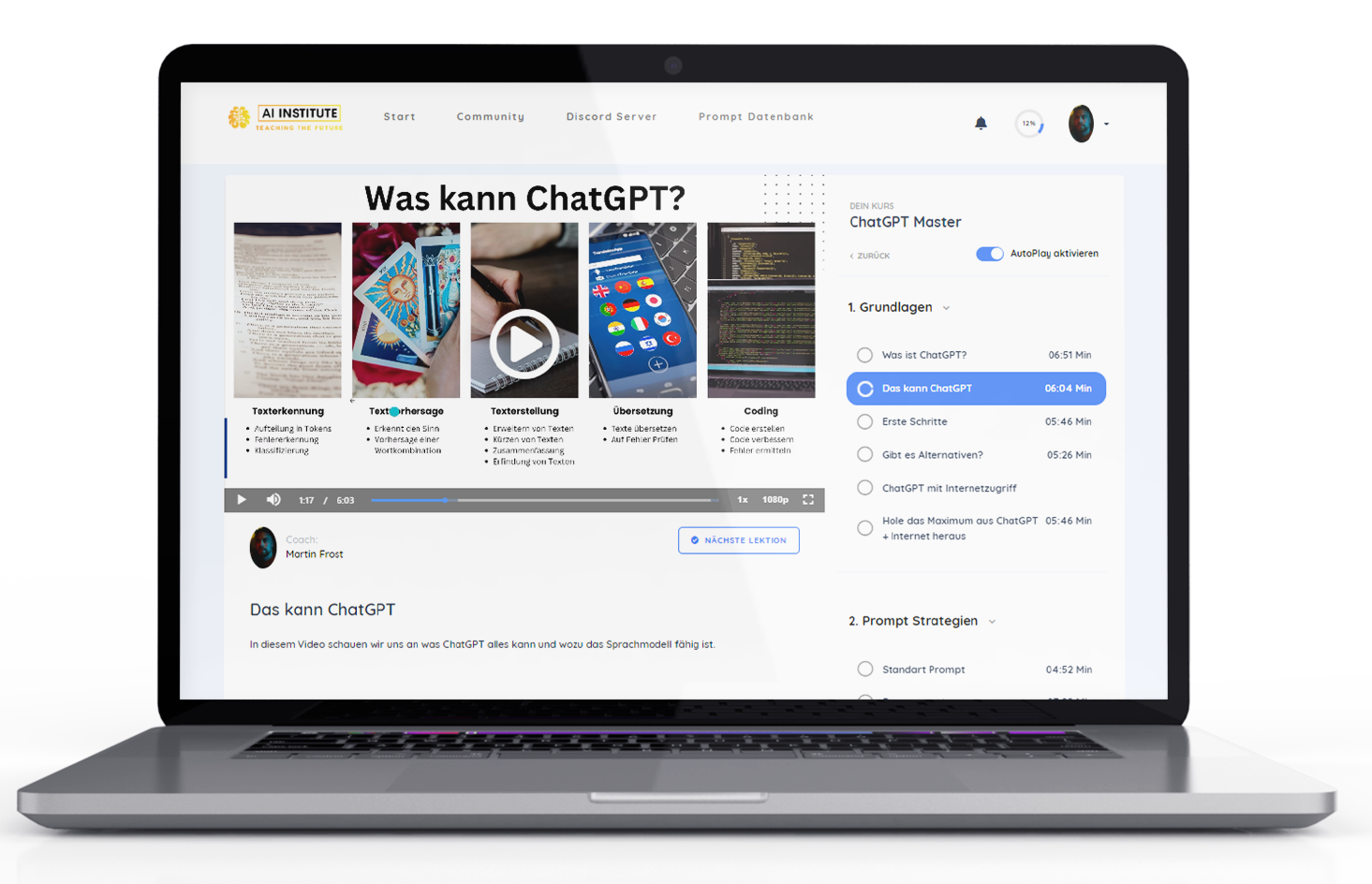
Absolute Empfehlung um den Handling and using Chat GPT + templates to learn quickly 🚀:
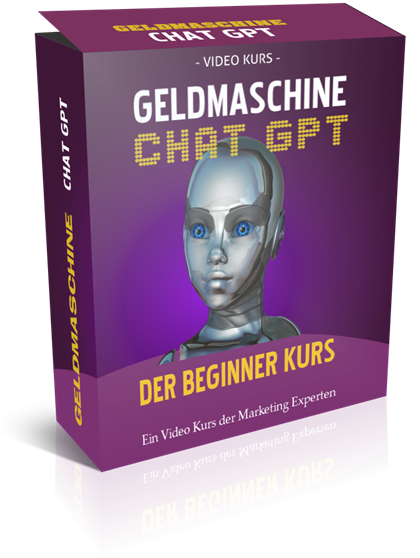
Another alternative as a Chat GPT basic course for business:

Earn money with Chat GPT – the ultimate money-making machine?
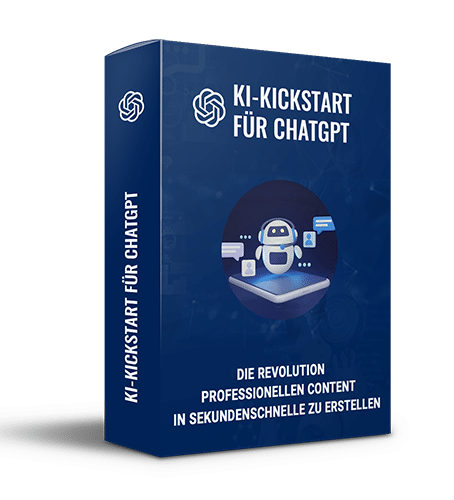
AI Kickstart Course to Get Started 10% Faster in Online Marketing:
Become more visible on Google & Social Media?
In a free strategy consultation for data-driven online marketing, we uncover your untapped potential, review any existing ad accounts if necessary, examine your SEO ranking and visibility, and determine which strategy is appropriate for your budget and which active measures will lead to more inquiries or sales.

✅ More visibility & perception through targeted placement
✅ More visitors > prospects > customers > revenue
✅ Reach target groups scalably with SEA
✅ Act and grow sustainably with SEO
🫵 Maximum success with our hybrid strategy
💪 More than 15 years of experience across industries in over 1,000+ projects demonstrable!







Additional Tip – Buy AI & AI Software Cheaply with One-Time Payment Instead of Monthly Subscriptions





 DE
DE

