

A dream of many customers and a standard feature with every installation for us: The bulk editing function for products, orders, and all other content in the WooCommerce online shop as a simple table (like Excel) without tedious and error-prone export & import. Update 2024 further down in the article!
WooCommerce Advanced Bulk Edit: Bulk Editing of Products in the Shop with a Table
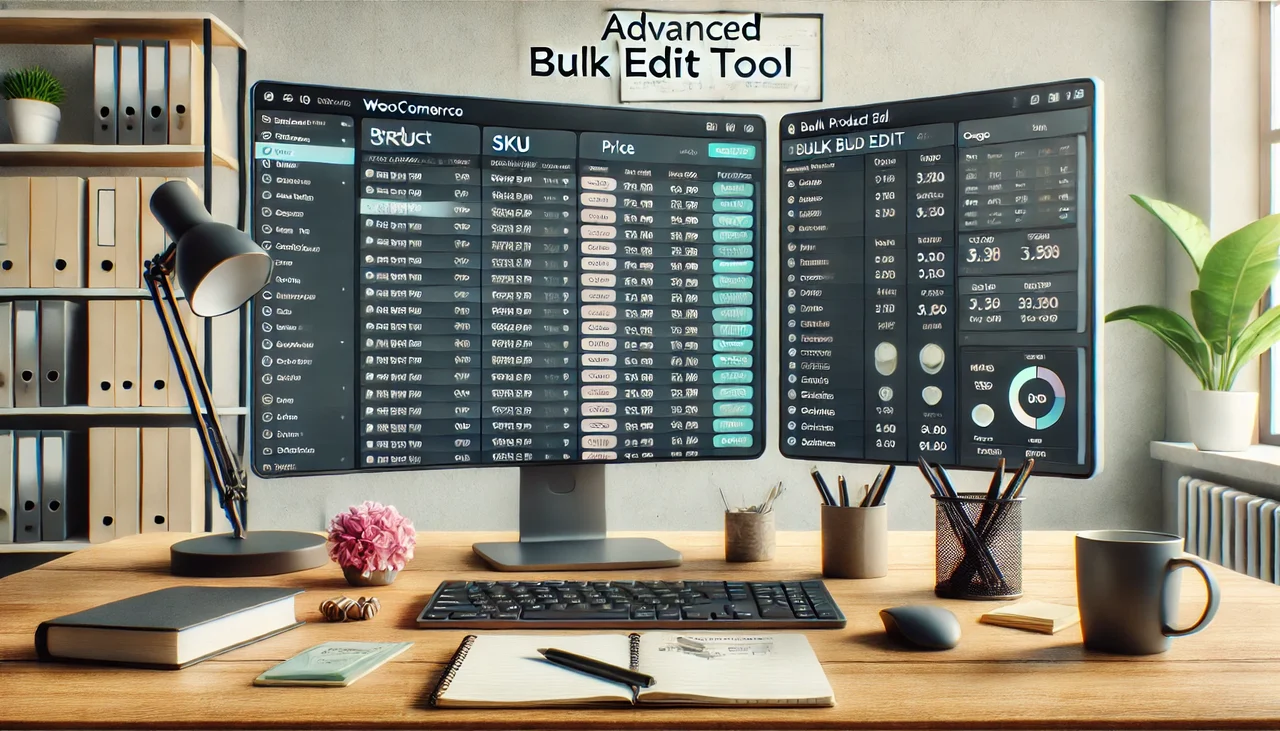
WooCommerce Table for Products as an Overview and for Editing
Diligence is good and well, but it should not be a „waste of time“. Similar in flexibility, if not better, than with an ERP = Enterprise Resource Planning system, the Advanced Bulk Edit for WooCommerce and WordPress allows for the processing of large amounts of data in a few seconds/minutes. It resembles editing in Excel.
Reasons why a Bulk Edit is needed and simplifies the work (editing products):
- Duplicate multiple products in the shop for further processing
- Creating new variants based on existing ones
- Editing multiple products at the same time
- New categorization or conversion
- Quick and easy adjustment of meta information for SEO
- Promotional marketing = creating and sale prices/offer prices
- Inventory management / stock level
- Adding product features (height, length, width, weight)
- Adding properties (brands, material, etc.)
- Easy maintenance of all standard and additional fields via table
The laborious searching, opening, editing, and saving of individual posts, pages, or products is eliminated, and editing simply becomes fun and takes a fraction of the time. In addition, far fewer errors occur during product maintenance.
Please make sure to purchase the correct plugin for your intended use: WordPress (posts, pages, custom post types) and WooCommerce (products). Both plugins can also be installed simultaneously.
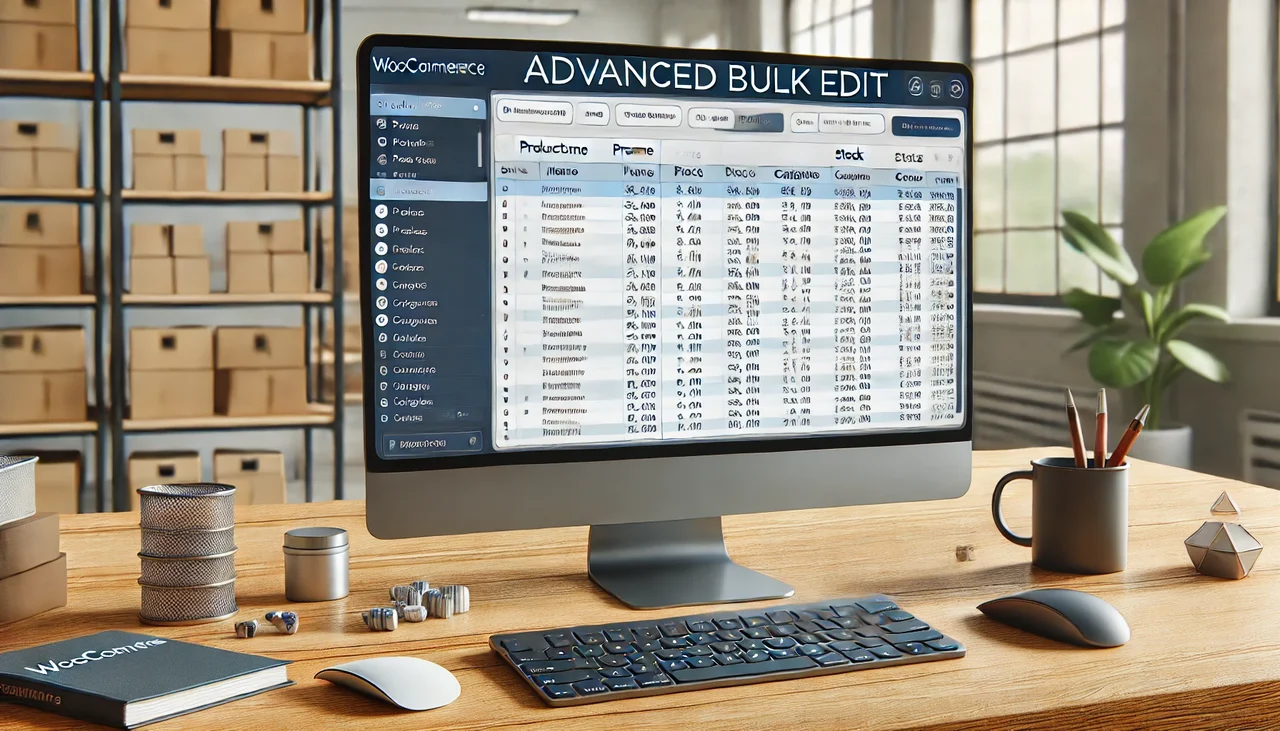
How the plugin works (see also video):
- Use the filter and search function via „Expand Filters“ and make a pre-selection (optional!)
- Preferred working method: Display all products and use the „Selection Manager“ to mark specific products
- Click „Get products“ and leave variants active
- Use „Show/Hide Fields“ to display the required table columns
- For Custom Fields below the table, click „Find Custom Fields“ and display field/s as column/s
- Editing within the fields (like in Excel)
- Perform bulk edits via „Bulk Edit“ (if necessary)
- Save after changes „Save Changes“
Note: If you have made a mistake, marked rows can also be reset.
Have fun with the plugins and enjoy editing the products in the shop using the simple table.
Our new favorite plugin for WooCommerce bulk editing of products, orders, etc., but also for generally editing WordPress content via a table (like Excel)
Become more visible on Google & Social Media?
In a free strategy consultation for data-driven online marketing, we uncover your untapped potential, review any existing ad accounts if necessary, examine your SEO ranking and visibility, and determine which strategy is appropriate for your budget and which active measures will lead to more inquiries or sales.

✅ More visibility & perception through targeted placement
✅ More visitors > prospects > customers > revenue
✅ Reach target groups scalably with SEA
✅ Act and grow sustainably with SEO
🫵 Maximum success with our hybrid strategy
💪 More than 15 years of experience across industries in over 1,000+ projects demonstrable!







Edit WordPress & WooCommerce extremely fast, like in an Excel spreadsheet? No problem with this great plugin! The special thing is that orders can also be edited with it! This means orders can be viewed and edited in individual overviews in just a few seconds.
Bulk Edit WordPress Bulk Editing + WooCommerce:
Editing products, posts, and users in WordPress and WooCommerce can sometimes be very time-consuming. You have to open many pages, make many clicks, and fill out many forms. The solution is to manage WordPress information with an Easy Spreadsheet Editor. All changes are implemented directly live on the website and in the shop. No import/export needed.
✅ All post types possible (i.e., really ALL content)
✅ This plugin offers a table for all WooCommerce orders.
✅ A table for all shipping information, billing information, etc.
✅ Edit order status, appointments, payment data quickly.
✅ Advanced search queries with payment information, shipping/billing information, etc.
✅ Automation possible
More info in the video.


UPDATE 2024: WooCommerce Bulk Editing with editing history and even easier operation
WooCommerce Bulk Edit is a powerful plugin that allows merchants to quickly and easily edit large amounts of product data in bulk. It saves time and effort by simplifying the process of making changes to multiple products or categories, such as changing prices, product descriptions, or images. With its intuitive user interface, Woocommerce Bulk Edit makes even complex tasks easier to accomplish.
The tool offers several options for performing multiple edits; this includes the ability to select specific products or product categories for bulk editing. In addition, it provides tools for creating filters that can further narrow down the selection, ensuring that only specific items are affected by the changes made. For example, if you want to increase prices for products within a certain price range, you can create a filter that excludes all other items outside that range. The history function is particularly important, as it allows us to track which changes have been made. If an error has occurred, you can undo this edit with just one click.
In addition to the ability to make bulk changes to entire catalogs, BEAR – WooCommerce Bulk Editor and Products Manager Professional also offers special features such as exporting products as CSV or XML and importing after modification.
For merchants looking to streamline their shop management and save valuable time without sacrificing accuracy and control over inventory, Woocommerce Bulk Edit is an invaluable tool. It not only offers an easy-to-use interface that allows extensive changes to be made more efficiently than ever before, but also protects against errors by giving customers the opportunity to review the change history and look for errors before the changes are permanently applied.
My video on alternative WooCommerce bulk editing with more clarity:

Fragen zu WordPress / WooCommerce oder Sie benötigen Hilfe?
E-Mail: fi@vastcob.com
Florian Ibe
Explanation & Definition: Bulk editing means the simultaneous editing of several data records or elements in a system or software. Instead of changing each data record individually, bulk editing enables faster and more efficient management by applying changes to many entries at the same time. This function is often used in databases, content management systems (CMS), e-commerce platforms or other IT tools to accelerate routine tasks and administrative processes.
Examples of bulk editing include simultaneously adjusting prices in an online shop or changing tags for several blog posts.





 DE
DE


3 Kommentare
[…] Ähnlich gut mit vielen weiteren Funktinen geht es auch mit dem WooCommerce Bulk Edit (Artikel + Video). […]
[…] WooCommerce Advanced Bulk Edit: Massenbearbeitung von Produkten im Shop […]
[…] WooCommerce Advanced Bulk Edit: Massenbearbeitung von Produkten im Shop […]