

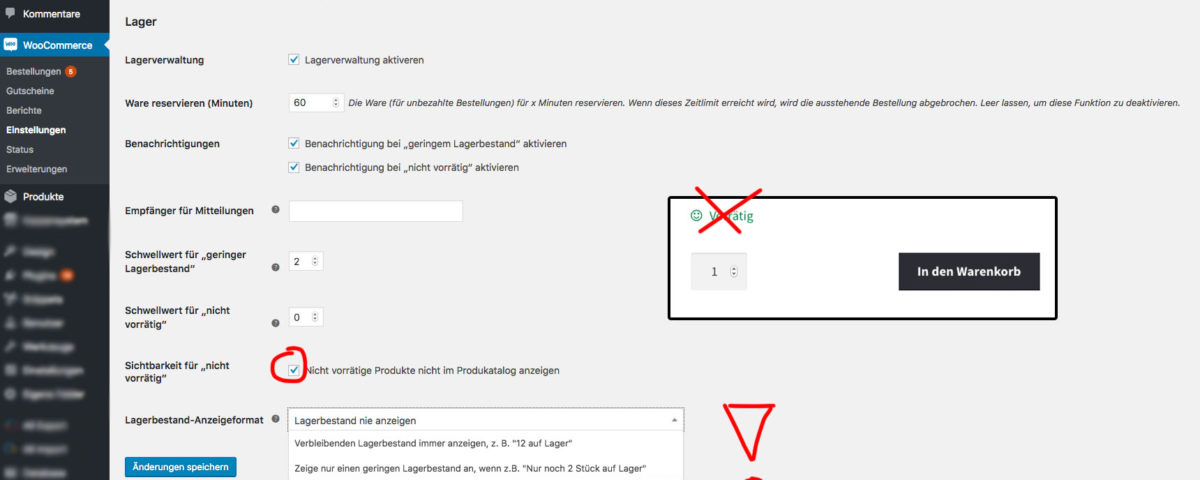
Anyone who has their own WooCommerce online shop will quickly realize that among the countless setting options, there are also some functions that unfortunately cannot be deactivated directly with just one click. This includes, among other things, the display of „In stock“ or „XX in stock“. In addition to the setting in the WooCommerce options, the notice text cannot be completely removed.
How to hide „in stock“ and „out of stock“ in your WooCommerce online shop
The often-mentioned solution of hiding it via CSS is unclean and not recommended!
It’s better to add it to the functions.php of the template (preferably a child template)
// Remove variation stock data from product page display

function woocommerce_remove_variation_stock_display( $data ) {

unset( $data['availability_html'] );

return $data;

}

add_filter( 'woocommerce_available_variation', 'woocommerce_remove_variation_stock_display', 99 );
Recommendation to avoid working directly in the template and code -> WordPress Plugin Code Snippets
Important setting in WooCommerce that also needs to be set:
There is the standard WooCommerce function: It specifies whether products should be displayed on the shop page, in the WooCommerce widgets, everywhere on the page despite being „Out of Stock“, i.e., „not available / not deliverable“.
Only on the individual product page will „Out of Stock“ be displayed instead of „Add to Cart“.
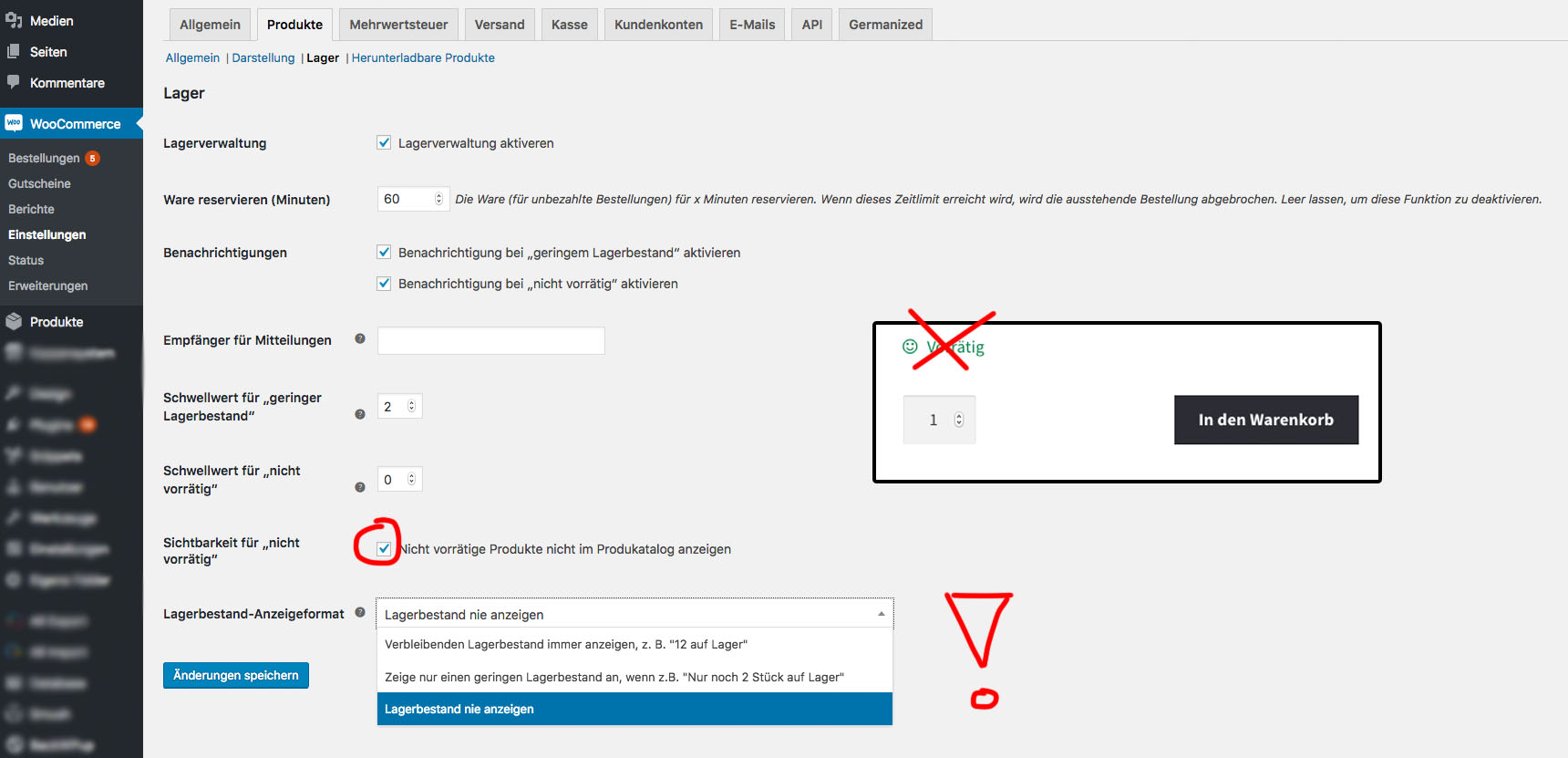
To change this, follow these 3 steps (see screenshot):
- Go to Woocommerce → Settings and click on the Products tab
- Click on the sub-link (tab) at the top -> Inventory
- Activate the option „Out of stock visibility“ -> Hide out of stock items from the catalog
You can also choose when the stock level should be displayed here.
Our recommendation: Only show it when stock is low to increase conversion.

Sie haben Fragen zu WooCommerce oder benötigen Hilfe? Ihr Ansprechpartner:
E-Mail: fi@vastcob.com
Florian Ibe
Become more visible on Google & Social Media?
In a free strategy consultation for data-driven online marketing, we uncover your untapped potential, review any existing ad accounts if necessary, examine your SEO ranking and visibility, and determine which strategy is appropriate for your budget and which active measures will lead to more inquiries or sales.

✅ More visibility & perception through targeted placement
✅ More visitors > prospects > customers > revenue
✅ Reach target groups scalably with SEA
✅ Act and grow sustainably with SEO
🫵 Maximum success with our hybrid strategy
💪 More than 15 years of experience across industries in over 1,000+ projects demonstrable!












 DE
DE

