Add separate products that are linked/connected via variations on the product page. With the „Products Linked by Variations for WooCommerce“ extension, you can create separate products instead of adding variations and link these products to each other based on their attributes. The advantage is enormous and it is extremely easy to implement.
Link WooCommerce variations with products 🔗 link individual product pages
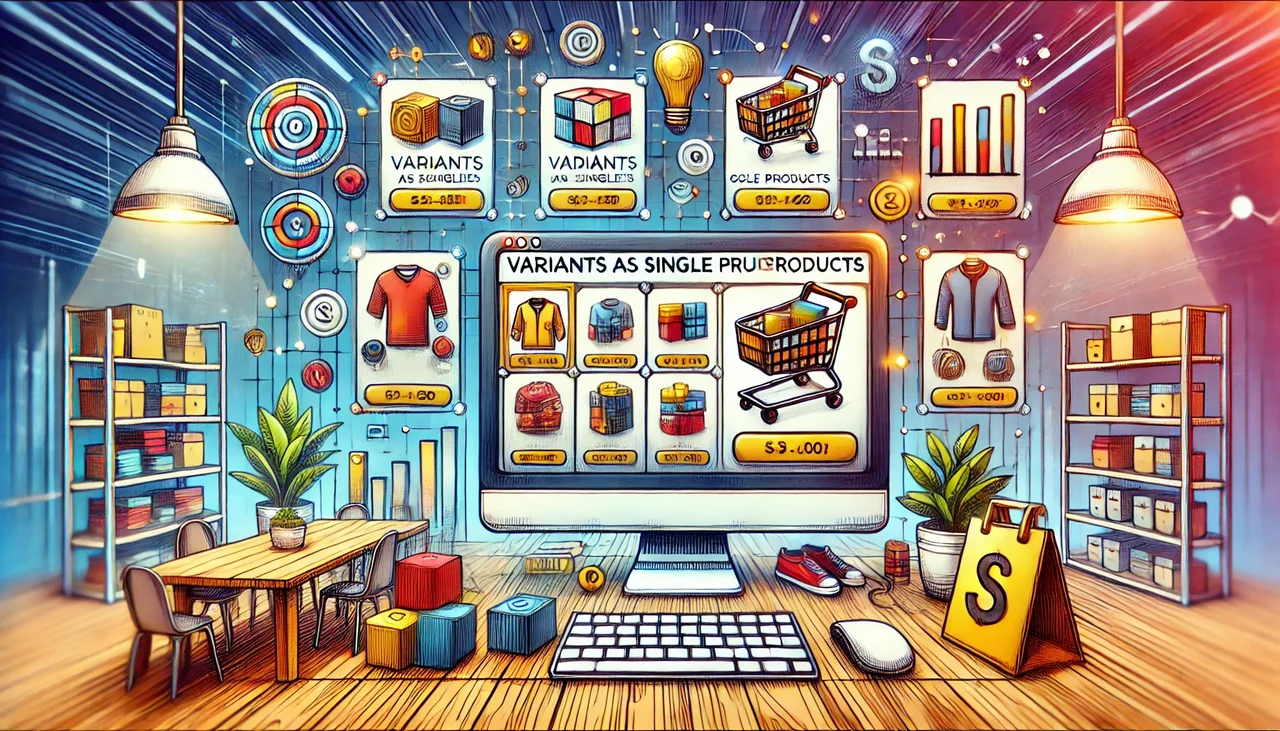
It is an excellent way to present variations on the product page, with each variation having a separate product page. You can also add multiple groups of linked products. You can link specific products by variations and categories. You have the option to display variation images or text on product pages. Enable images to highlight variation links like color swatches. Customers can access each variation by clicking on the respective variation link.
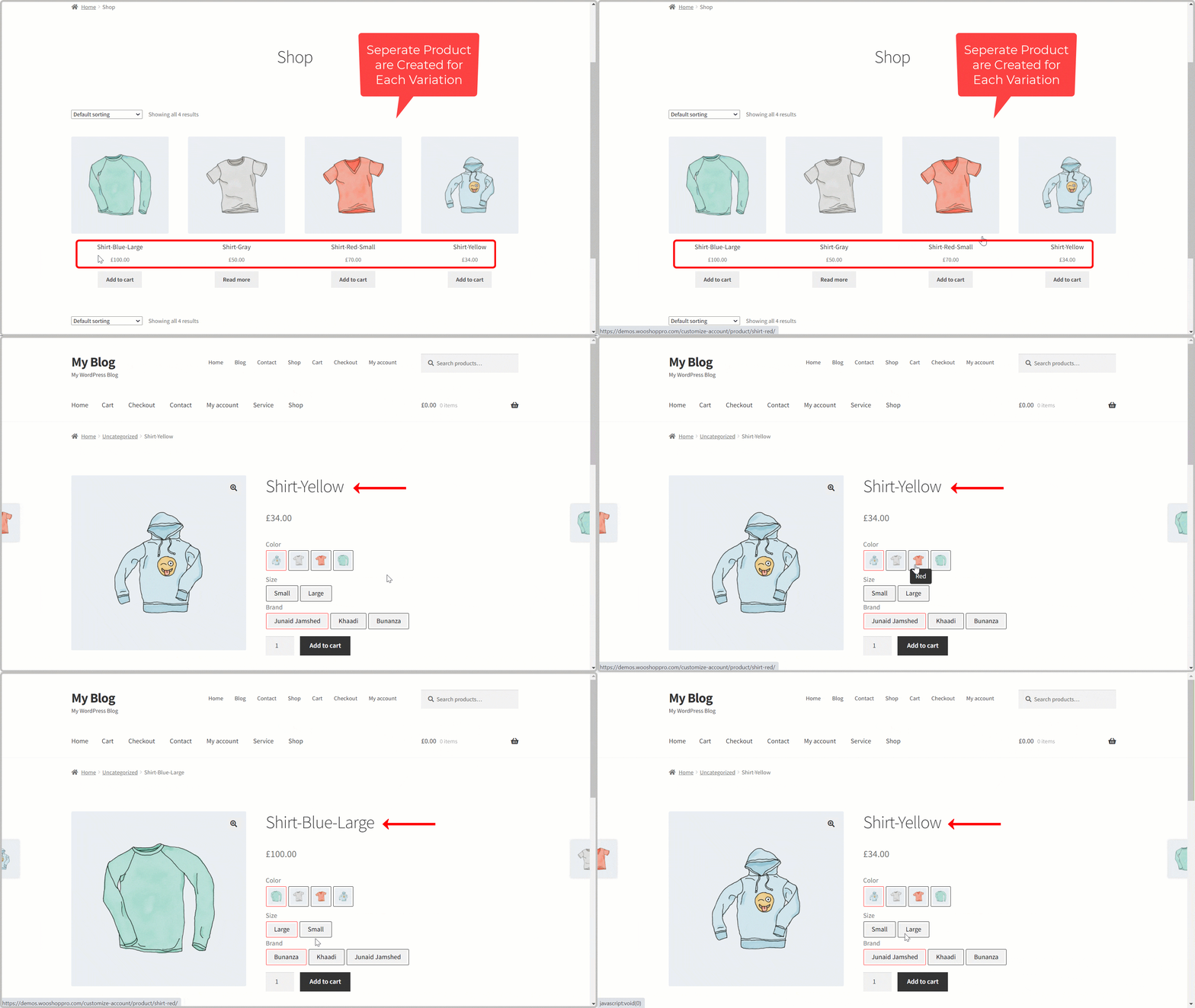
You can also hide the variants that are not in stock. There are options to display variations on the same tab or on a new tab. With this extension, you can also customize the variation buttons like frame, background, spacing and text color, and view the settings in a live preview before saving them.
- Features Add multiple rules to create separate groups of related products
- Link products based on their attributes such as color, size, brands, etc.
- Redirect users to a single variation page when you click on the variation link.
- Display variations like color swatches Option to display variations as text or images
- Link specific products as well as categories Option to hide out-of-stock product variants
- Open the variation page on the same or next tab when the user clicks on it
- Customize the colors of the variation buttons like background, padding, border and text
- Displays live preview of customization settings Redirect customers to a separate variant page
Since you can create a separate product page for each variation, our extension redirects customers to a single variation page when they click on the variations displayed on the product pages.
Effectively linking product variants: Tips for WooCommerce products with selection options

Have you ever searched for a specific product in an online shop and wondered why it’s not easier to see different variants at a glance? I remember my last online shopping expedition when I found a T-shirt in five different colors, but each variant was listed as a separate product page. Many clicks later, I was frustrated and almost ready to give up. But it doesn’t have to be this way! In this article, I will show you how to optimize the linking of product variants in your WooCommerce shop using a clever plugin.
Become more visible on Google & Social Media?
In a free strategy consultation for data-driven online marketing, we uncover your untapped potential, review any existing ad accounts if necessary, examine your SEO ranking and visibility, and determine which strategy is appropriate for your budget and which active measures will lead to more inquiries or sales.

✅ More visibility & perception through targeted placement
✅ More visitors > prospects > customers > revenue
✅ Reach target groups scalably with SEA
✅ Act and grow sustainably with SEO
🫵 Maximum success with our hybrid strategy
💪 More than 15 years of experience across industries in over 1,000+ projects demonstrable!







Introduction to product variants in WooCommerce
If you operate an online shop, you may have already heard of product variants. But what exactly are they? In short, product variants are different versions of each item. For example, they can be different colors or sizes of a T-shirt. Why are they important? Because variants give your customer a choice. If someone wants a T-shirt in red or blue, they want to have the option to choose.
The more selection options you offer, the more buyers you can attract.
The challenge of presenting variants clearly
Now comes the crux of the matter. How do you present these variants clearly? Many online shops display their products in long lists or confusing grids. That can be overwhelming! Imagine you visit a shop and there’s just a huge list. How easy is it to find your way around? A clear, well-organized presentation of variants can make all the difference.
- Colors
- Sizes
- Materials
- Designs
When you present different variants on your page, think of a kind of „bundle“ experience. Customers should be able to easily switch between different options. This makes it easier for them to make a decision. Implementing an appropriate plugin can be very helpful here.
User Experience: Why User-Friendliness is Crucial
User-friendliness is crucial to the success of your online shop. A good example of this is the following quote:
„User-friendliness is the key to e-commerce success.“
In a world where distractions are just a click away, your shop must be easy to navigate. If users cannot find what they are looking for, they often abandon their purchase.
Did you know that
43% of online shoppers abandon their purchase when they cannot find the desired variants.
This shows how important a clear structure is for the shopping experience.
The right presentation of your product variants can ultimately lead to higher sales figures. Consider what information is important and ensure that it is easily accessible. Make the shopping process as pleasant as possible for your customers, and they will thank you for it.
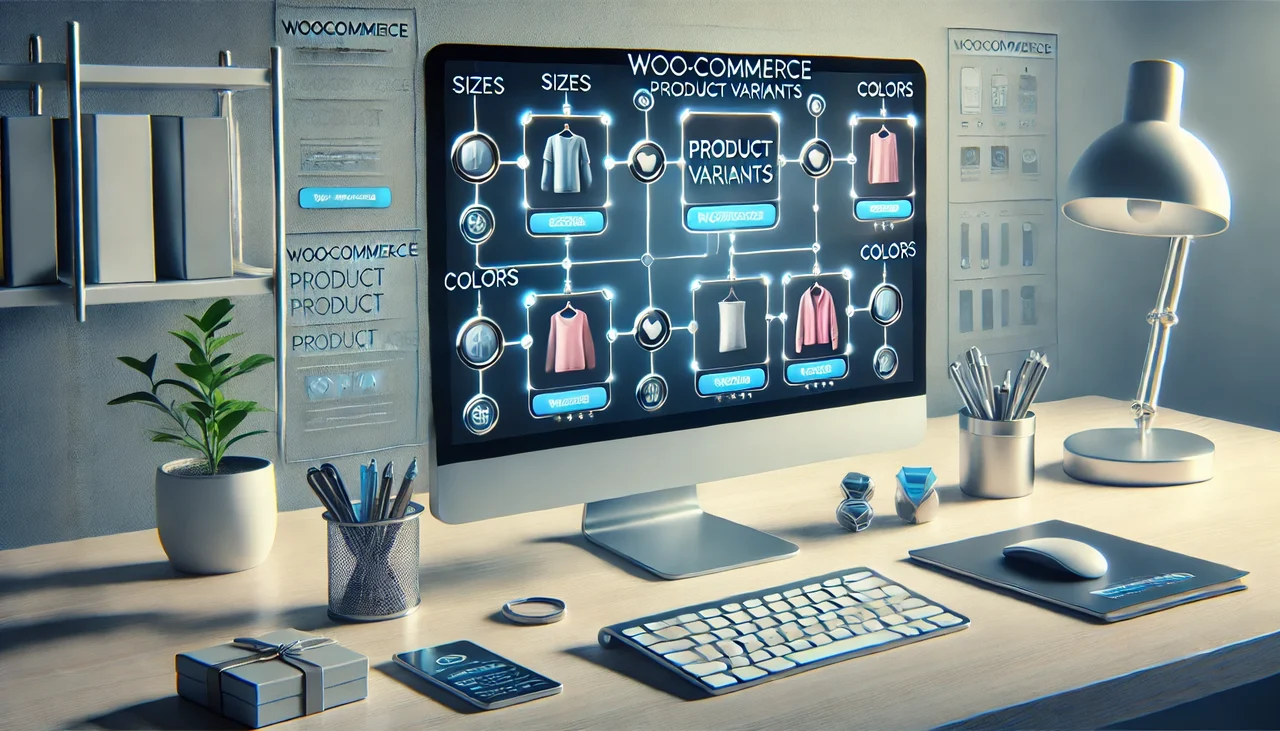
The featured plugin for variant linking is an innovative solution
In the world of e-commerce, it is important to find solutions that are simple, effective, and future-proof. Today I present to you a plugin that meets exactly these requirements. It is a user-friendly tool, which helps your online shop significantly simplify the linking of product variants. But what exactly makes it so special?
Easy Implementation
The implementation of this plugin is extremely straightforward. With just a few clicks, you have it installed. Isn’t that fantastic? You don’t need to be a tech expert to use it. With this plugin, you can enhance your shop without much effort.
Costs at a Glance
- Investment: 49 dollars for an effective plugin.
- Long-term benefit: The costs pay for themselves quickly through increased user interactions.
For just 49 dollars, you get a tool that helps you improve your shop’s user-friendliness. And that’s not all – the average increase in user interactions is an impressive 22%! It’s clear that such an investment can pay off quickly.
Practical Examples
Let’s look at how the plugin works in real shops. Take t-shirts: These come in different colors and sizes. With the plugin, you can display different color variants so your customers can immediately see what’s available. Doesn’t the decision-making process often become easier for you when shopping if you can see all options at a glance?
The plugin allows you to display these variants as separate products and even set up links between the products. This makes shopping even easier and more exciting for your customers. That’s what you want, isn’t it?
Customization Options
A major advantage of the plugin is the wide range of customization options. Would you like the variation buttons to be displayed in your special way? No problem! The plugin allows you to customize your design. You can adapt the user interface according to your brand.
„With the right technology, any online store can shine.“ – Marketing Expert
Data at a Glance
| Aspect | Value |
|---|---|
| Plugin price | $49 |
| Average increase in user interactions | 22% |
Conclusion: The plugin presented is definitely an excellent choice for anyone looking to improve their online shop. With its ease of use and high flexibility, it offers everything you need to optimize your sales process. Perhaps it is the next step your shop needs?
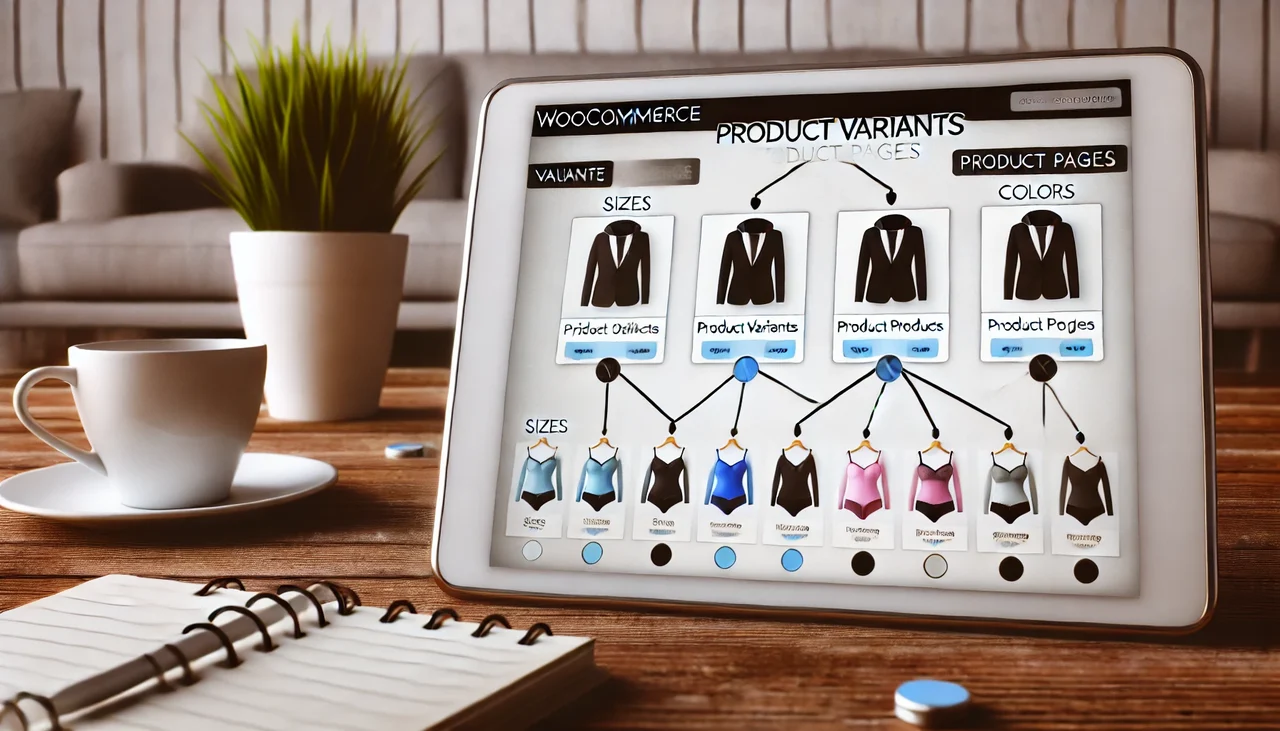
The advantages of linking variants through a product page
In this section, we discuss the benefits of linking product variants and how this can improve user experience and sales figures. If you operate an online shop, it is extremely important to optimize user-friendliness. Why? Because a simple product selection not only helps your customers, but also increases your sales opportunities.
1. Simplified product selection for the user
Linking product variants allows your customers to navigate between different options. For example: Imagine you offer T-shirts in different colors. By presenting the colors as variants on one page, users can quickly make a selection.
A clear and simple purchasing process is crucial. Here is a quote from an e-commerce specialist:
„A simple purchasing process is crucial for returning customers.“
2. Increased time spent on the shop page
When you give your visitors the opportunity to easily compare different products, this can increase their time spent on your page. The longer they stay, the higher the probability that they will complete a purchase.
3. Improved conversion rates through simpler navigation
Through simple and intuitive navigation on your page, conversion rates increase. Studies show: User-friendliness correlates directly with sales figures. When buyer navigation is uncomplicated, they are more likely to complete a purchase.
The positive shopping experience leads to customer loyalty.
Data at a glance
| Metric | Value |
|---|---|
| Conversion Rate Boost | 15% |
| Average Dwell Time | Doubled |
You may be wondering how you can implement these strategies in your online shop. This is where a useful plugin comes into play. It allows you to link multiple products via a single product page and also to create mutual links between different product pages. This way, buyers can switch from one T-shirt to another without having to leave the page. This contributes enormously to improving user-friendliness.
In summary: If you want to offer your users a simpler product selection, increased dwell time, and better conversion rates, then linking product variants is a must. It could turn out to be the decisive measure for the success of your shop.
Another option:
Restraint in E-Commerce: Why Many Shops Don’t Link
In today’s digital world, e-commerce is an exciting field. Yet why do many online shops hesitate to link product variants? Here we examine some reasons that explain this restraint.
1. The Fear of Complexity
The belief that things could be complicated holds many shop operators back. Often they fear getting lost in technology. What does a possible solution look like? The right training can help.
- Training on products and user interfaces is essential.
- Additionally, one should rely on simple plugins that work without elaborate setup.
Have you ever thought about the possibilities of linking different product variants? Perhaps a simple plugin is exactly what you need to master the complexity.
2. Misunderstandings About User Experience
Another factor is misunderstanding. Many operators believe that additional links and variants could worsen user experience. Instead, however, it could make navigation easier.
„Technology should be a tool for improving user experience, not an obstacle.“ – UX Designer
When customers can see all their options clearly and understandably, they often conduct their purchasing behavior differently. However, if clear links to variants are missing, they may wander to the competition.
3. Lack of Resources and Expertise
Even if the will is there, bad news awaits: Not every shop has the necessary resources. To implement plugins or offer training.
- Focus on the user interface is important, but often not financially feasible.
- The need to have specialized knowledge can feel overwhelming.
An example: 60% of shop operators hesitate to use new technologies. Why? Often the necessary expertise is lacking.
Chart: Shop operators' hesitation
| Factor | Percentage |
|---|---|
| Hesitation to use new technologies | 60% |
| Lack of expertise | Suboptimal experiences |
This data shows how widespread these obstacles are and how important it is to face these challenges.
Overall, we see that many shops hesitate to link product variants for various reasons. A clearer picture can help reduce this uncertainty.
Practical tips for implementation in your shop
In this section, I’ll give you practical tips on how to successfully integrate the plugin into your shop to optimize the linking of product variants. For example, if you sell T-shirts in different colors and sizes, you want your customers to have an easy selection, right? By using a plugin, you can significantly improve the user experience.
1. First Steps to Installing the Plugin
Installing the plugin is simple and quick. In just 15 minutes you can set everything up. Here are the steps:
- Go to your dashboard in WooCommerce.
- Select „Plugins“ and click on „Install“.
- Search for the corresponding plugin.
- Click on „Install Now“.
- Activate the plugin after installation.
It’s worth trying a test version of the plugin. This way you can try out all the features before you buy.
2. Customizing Settings for Maximum Efficiency
After installation, you need to adjust some settings. These are crucial to get the most out of the plugin.
- Go to the plugin's "Settings".
- Select the desired product variants that should be linked.
- Set global rules that control the plugin's behavior.
- Test the settings to ensure everything works smoothly.
Important tip: Take advantage of the ability to use badges. This makes the different variants clearly visible.
3. Important factors for a smooth user experience
To provide users with a positive experience, pay attention to the following factors:
- Transparent product selection: 80% of users prefer clear information about product variants. Make it easy for them to make decisions.
- Fast loading times: Delays can deter customers. Optimize your page for this.
- Simplicity: The user interface should be intuitive. This keeps buyers in your shop longer.
"Use the right technology to significantly improve the user experience." – Shop Owner
User feedback can help you make adjustments and further improve the user experience. Good communication with your customers is invaluable.
The goal is to make your products easily accessible and to make the purchase decision easier for your customers. This way, shopping becomes an experience for them!
Conclusion: The Future of Your Online Shop with Productive Links
The e-commerce market never stands still. It is constantly evolving. So you have to be on your guard. Why is user-friendliness so important? It’s simple: if your customers‘ shopping experience is pleasant, they will remain loyal and gladly return.
„Simplicity is the key to customer loyalty.“
Why do you focus on user-friendliness?
Think about it. What makes an online shop attractive? Is it the design? Certainly, that plays a role. But ultimately, it comes down to user-friendliness. A user should be able to navigate intuitively. Other helpful elements include:
- Easy access to different product variants.
- Clear product presentations that make it easy to make decisions.
- Cross-links to related products to support the purchase.
Outlook on Future Developments in E-Commerce
The future looks promising. Forecasts predict an annual growth of 17% for the e-commerce sector. This means more competition. The growing focus on user experiences will become the norm. If you invest in these factors, you will enormously improve your chances of success.
Gather feedback to continue optimizing
Have you received feedback from your customers? Follow up on it and use it to optimize your shop. Often, the best ideas come from the people who actually shop with you. Understand the needs of your users. Do not hesitate to ask them questions or conduct surveys.
Remember that you are not alone on this journey. E-commerce is a dynamic field. Through constant adjustments and improvements, you can keep your online shop competitive. Your customers will thank you for it – and this can translate into higher sales.
The key to a successful online shop lies in user-friendliness and an optimization process that never ends. Stay tuned and discover the exciting possibilities available to you. This way, your shop will not only remain vibrant but will flourish in the world of e-commerce!



 DE
DE