

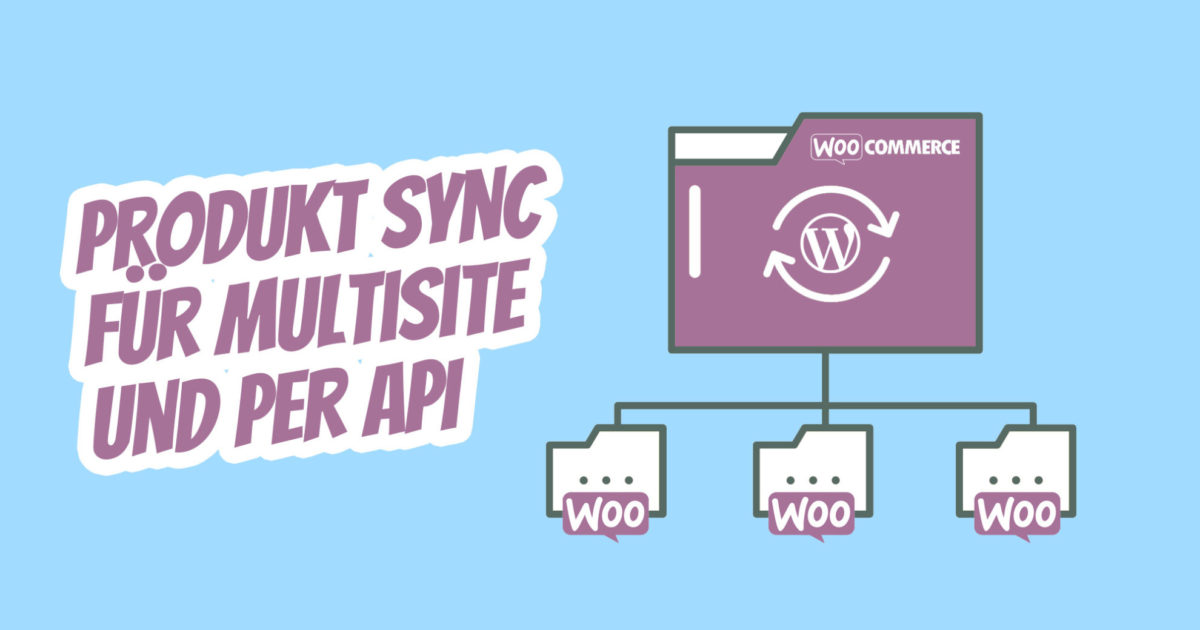
If you have multiple webshops / online shops and want to synchronize products within several sub-websites of a WordPress Multisite, you can easily do this with the following plugins. After installing and setting up the WooCommerce Multisite Sync Plugin, you can go to Multisite Sync in your backend. There you can make initial settings and activate a first cron job and configure it for synchronizing WooCommerce products, categories, stocks, etc.
We also provide a way to synchronize between multiple shops that are not in one installation (Multisite).
How to synchronize WooCommerce products, categories, stocks, inventory etc. within a WordPress Multisite
The WooCommerce Multisite Product Sync Plugin* is the perfect solution for synchronizing products (simple, grouped, virtual, downloadable, external/affiliated, and variable) across your WordPress Multisite network.
Types of WordPress Multisite Networks
- Multi-domains. For example: example.site1, example.site2
- Subdomains. Example: site1.example.com, site2.example.com
- Subdirectories. For example: example.com/site1, example.com/site2
Synchronization Features
- Automatically synchronize simple products.
- Automatically synchronize grouped products.
- Automatic synchronization of virtual products.
- Downloadable products are automatically synchronized.
- Automatic synchronization of external / affiliated products.
- Automatic synchronization of variable products.
- Automatic synchronization of product data (General, Inventory, Shipping, Linked Products, Attributes, Variations, and Advanced).
- Automatic synchronization of product categories, tags, and custom taxonomies.
- Automatically synchronize product media (featured image, gallery, downloadable files, etc.)
- All Sites Option: Products are automatically synchronized across all sites.
- „Main Site to Subsites“ Option: Products on the main site are automatically synchronized with subsites.
- Subsite to Main Site: Automatic synchronization of products on subsites with the main site.
- Disable Synchronization Option: Disables synchronization when creating / updating the product.
- Stock Sync Option: Enable / Disable the Stock Sync.
- Bulk synchronization products (simple, grouped, virtual, downloadable, external/affiliated and variable) from one location to another location.
- Also supports custom fields in products (simple, grouped, virtual, downloadable, external/affiliated and variable).
Third-Party Plugin Support
- Advanced Custom Fields (ACF): Only Text, Textarea, Number, Email, Password, Wysiwyg Editor, Image, File, Select, Checkbox, Radio Button, True/False, Google Map, Date Picker, Color Picker and Message field types are supported.
- Advanced Custom Fields (ACF) PRO: Only Text, Textarea, Number, Email, Password, Wysiwyg Editor, Image, File, Select, Checkbox, Radio Button, True/False, Google Map, Date Picker, Color Picker and Message field types are supported.
Synchronize only WooCommerce products
First, you should activate the cron job itself. Then you can enable data updates when a product is published or updated. If you do not enable this, product data will only be updated once a day. The repetition, of course, depends on what you have set for this cron job. We use „daily synchronization“.
Then you should define your master page and the target page with which the data should be synchronized. The type of source post is important. Use „Products“ here to update only the WooCommerce product data.
Automatically create and update products
If products are to be created when they do not exist, you should enable the option. In addition, you should set the update, if available, and use the SKU update key. You can also exclude specific product IDs and metadata that you do not want to synchronize. For example, the _regular_ price is managed on the sub-websites themselves.
Synchronize product tags, categories and images
Finally, you can enable the synchronization of product categories (taxonomies), post meta, images or tags. These are created if they do not exist, otherwise they are automatically assigned to existing tags or categories.
Become more visible on Google & Social Media?
In a free strategy consultation for data-driven online marketing, we uncover your untapped potential, review any existing ad accounts if necessary, examine your SEO ranking and visibility, and determine which strategy is appropriate for your budget and which active measures will lead to more inquiries or sales.

✅ More visibility & perception through targeted placement
✅ More visitors > prospects > customers > revenue
✅ Reach target groups scalably with SEA
✅ Act and grow sustainably with SEO
🫵 Maximum success with our hybrid strategy
💪 More than 15 years of experience across industries in over 1,000+ projects demonstrable!







This is how you can synchronize products, stock, categories, tags and data between multiple WooCommerce stores
A more extensive option is WordPress Multisite Sync with which you can synchronize your posts, pages, products and more in your WordPress Multisite with Sync. Create up to 10 different cron jobs, select the source and target websites and the data you want to synchronize.
You want to synchronize products and data between several different WordPress installations – The solution: WooCommerce to WooCommerce product synchronization via API (REST API)?

The WooCommerce API Product Synchronization Plugin* is a great solution for separate WooCommerce stores, whether as a distributor or end-user. With this plugin, you can synchronize the product across multiple WooCommerce sites. All product-related data is synchronized using this plugin using a bulk action or a selective action, allowing for easy and fast synchronization. This plugin can synchronize data from one installation to multiple installations.
Features of API Synchronization:
- Products can be synchronized in both bulk and selective actions.
- It supports various products such as simple, variable, and external products.
- We can control which meta keys we want to synchronize. If desired, we can disable price synchronization.
- Synchronize all data related to products such as name, description, price, SKU, attributes, categories, and inventory.
- It restricts the synchronization of specific categories to a target.
- One can prevent a product from being synchronized.
- It can define a price change in the target store.
- It supports hierarchical synchronization of product categories.
- Product tags can be synchronized with this plugin.
- Variation images can be synchronized.
- The main image and gallery images of the product can be synchronized.
- Data is updated in the target store when a product is added/updated by the administrator in the source store.
- Products deleted from the source store can be deleted from the target store using the source store.
- Inventory is automatically updated when the order is placed in the source store.
- Quick processing is not supported.
How do I configure API synchronization? It's simple:
The configuration takes only three steps. Suppose you need to synchronize the product from Store A to Store B.
-
- In Store B, enable the WooCommerce API and generate API keys. You will need a Consumer Key and a Consumer Secret.
- Follow these steps for the Consumer Key and Consumer Secret: WooCommerce REST API Documentation – View Documentation
- Now, install the plugin in Store A and go to the plugin settings page „TM Woo API Link“.
- Configure the API credentials for Store A.
- In Store B, enable the WooCommerce API and generate API keys. You will need a Consumer Key and a Consumer Secret.
That’s all you need to synchronize your products with the target store.

Fragen zu WordPress oder WooCommerce Sync? Wir helfen gerne:
E-Mail: fi@vastcob.com
Florian Ibe






 DE
DE

