

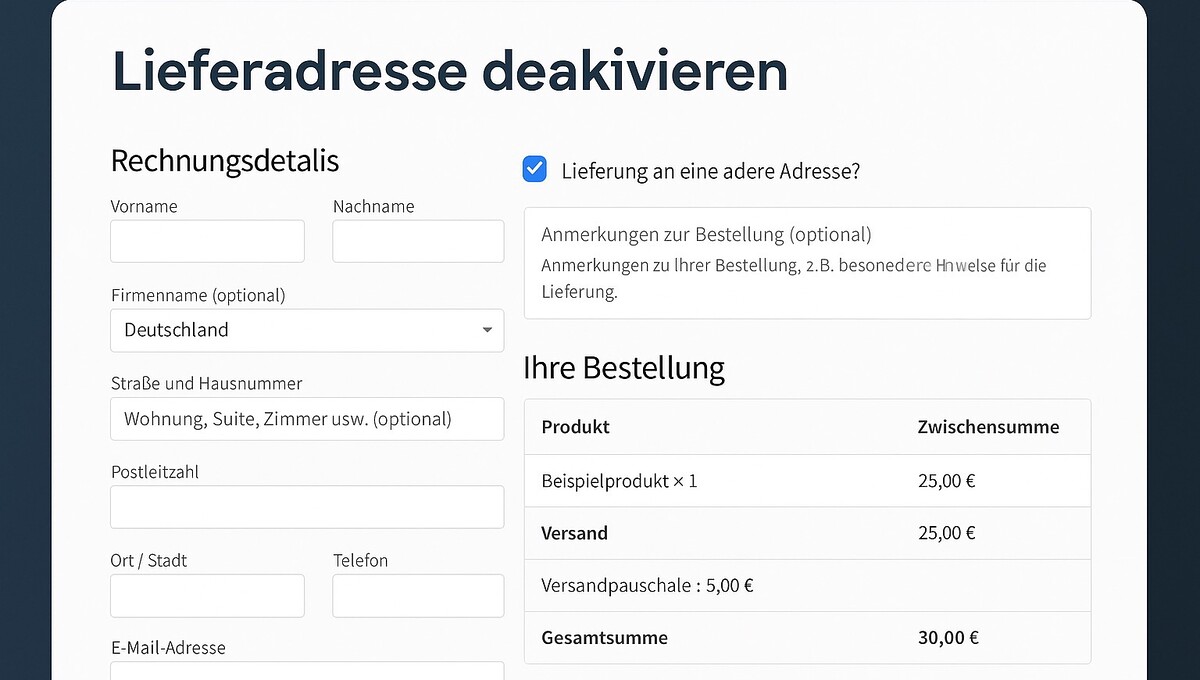
If you operate an online shop with WooCommerce, you may have noticed that the „Ship to a different address“ field is activated by default at checkout – even if many customers have items delivered to their own address. This behavior can seem confusing or impair the user experience.
Collapse / Hide WooCommerce „Ship to a different address?“ by default (not pre-selected)
In this post, we will show you why WooCommerce handles it this way, how you can customize the WooCommerce shipping address by default, and what options are available to optimize the WooCommerce checkout. You will also receive a practical code snippet that allows you to deactivate the WooCommerce shipping address – completely without a plugin.
Why is „Ship to a different address“ activated by default in WooCommerce – and how can you change it?
Anyone using WooCommerce as an online shop system may have already wondered why the „Ship to a different address“ checkbox is checked by default at checkout – even if the customer and shipping address could be identical. This default setting is not a coincidence, but part of the WooCommerce logic. In this article, you will learn the reasons for this, when the behavior may differ, and how you can easily adjust the setting – including a code snippet for deactivation.
1. Why is „Ship to a different address“ pre-selected?
WooCommerce attempts to simulate the typical process of a physical online purchase. This includes the option to send an order as a gift or to another person. For this reason, the checkbox for „Ship to a different address“ is activated by default, provided the following conditions are met:
- It concerns physical products, i.e., products with shipping.
- The customer is not logged in or has never ordered before.
- No previous settings (cookies or session data) influence the behavior.
WooCommerce therefore plays it safe: shipping and billing addresses are potentially different until the customer states otherwise.
2. When does the behavior change?
There are cases where WooCommerce does not automatically check the box or the behavior changes:
- For pure downloadable products or virtual products, the shipping address is not requested.
- If a customer has already ordered or logged in, WooCommerce can adjust the behavior to previous settings (e.g., via cookies or sessions).
- Certain themes or plugins (like Germanized or German Market) can influence the default behavior.
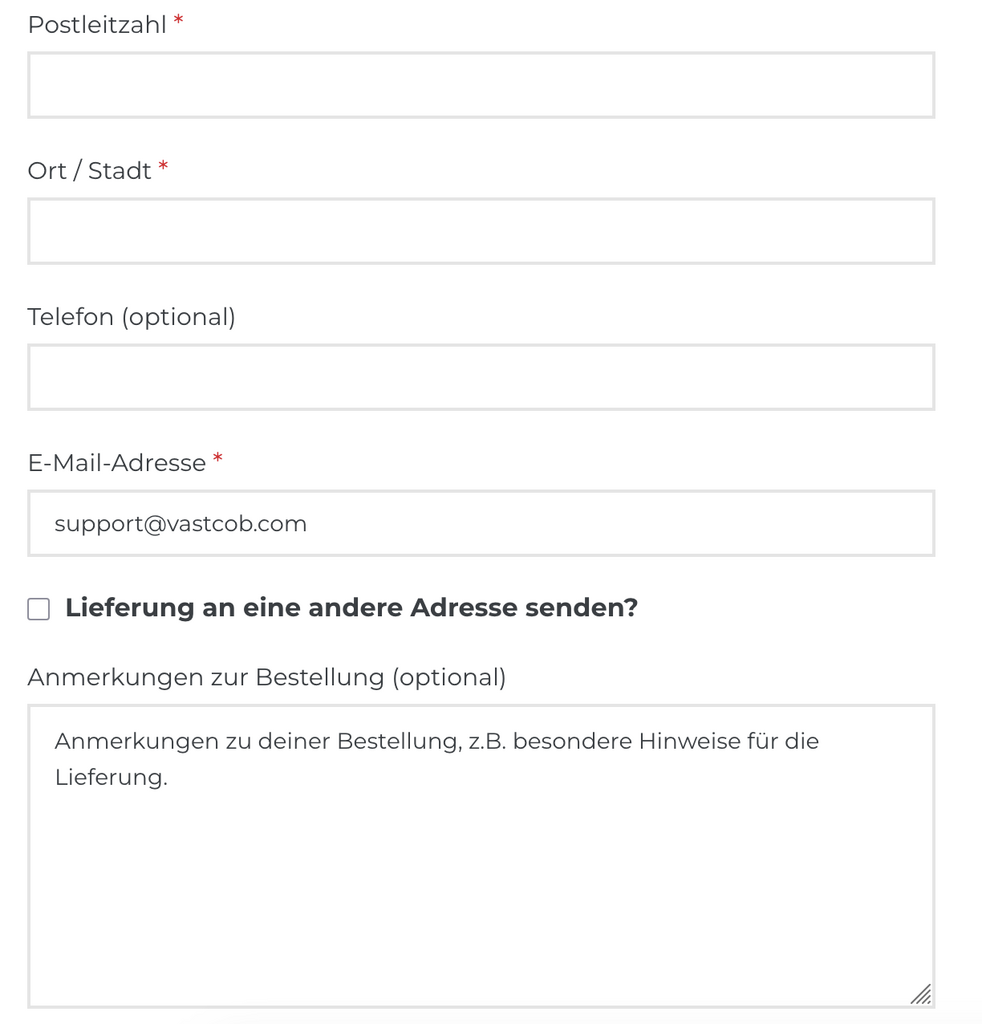
3. How can I disable „Ship to a different address“?
If you want this option to be disabled by default – meaning the checkbox is not checked – you can achieve this with a simple code snippet.
🔧 PHP Snippet to disable:
add_filter( 'woocommerce_ship_to_different_address_checked', '__return_false' );
👉 Application: You can add this snippet to your child theme’s functions.php file or use it via a plugin like Code Snippets. After that, the checkbox at checkout will no longer be pre-selected, and customers will have to actively indicate if they want to ship to a different address.
Become more visible on Google & Social Media?
In a free strategy consultation for data-driven online marketing, we uncover your untapped potential, review any existing ad accounts if necessary, examine your SEO ranking and visibility, and determine which strategy is appropriate for your budget and which active measures will lead to more inquiries or sales.

✅ More visibility & perception through targeted placement
✅ More visitors > prospects > customers > revenue
✅ Reach target groups scalably with SEA
✅ Act and grow sustainably with SEO
🫵 Maximum success with our hybrid strategy
💪 More than 15 years of experience across industries in over 1,000+ projects demonstrable!







4. Advanced control possible
Would you like to change the behavior only for specific countries,products or customer groups? That is also possible. Here is an example for deactivating only for orders from Germany:
add_filter( ‚woocommerce_ship_to_different_address_checked', ‚custom_ship_to_different_address_based_on_country' );
function custom_ship_to_different_address_based_on_country() {
$country = WC()->customer ? WC()->customer->get_billing_country() :
return $country !== 'DE';
}
Conclusion: Small setting – big impact for checkout and checkout optimization
The „Ship to a different address“ option is active by default in WooCommerce to meet the diverse requirements of online retail. However, depending on the target group and product type, it may be useful to change this default setting. With the right snippet, WooCommerce can be easily adapted to your needs – for a better user experience and less confusion at the checkout.





 DE
DE

