

When shopping online, delivery times are important. If your business offers delivery (delivery service) or in-store pickup (Click & Collect / Meet), it is important to provide options for order dates and time slots. By using Iconic Delivery Slots for WooCommerce, you can ensure that your store or restaurant is never overbooked and that orders are received or delivered to the customer at the right time. Your customers will be satisfied because they know when to expect their order, and your staff will be happy because you can deliver without overcapacity.
Set, specify, display WooCommerce delivery times for delivery service, pickup, Click & Collect or similar.
What can Delivery Slots (delivery time / period) do for your WooCommerce shop for products & services?
- Increase customer satisfaction by giving customers the choice of when they want to receive their order.
- Prevent your business from being overloaded by limiting the number of orders per day and time slot.
- Increase the average order value by charging additional shipping costs.
- Keep your customers coming back by meeting delivery expectations.
Delivery / Pickup Date and Time Slot
Set up flexible delivery and pickup time slots so your customers know exactly when to expect their order.
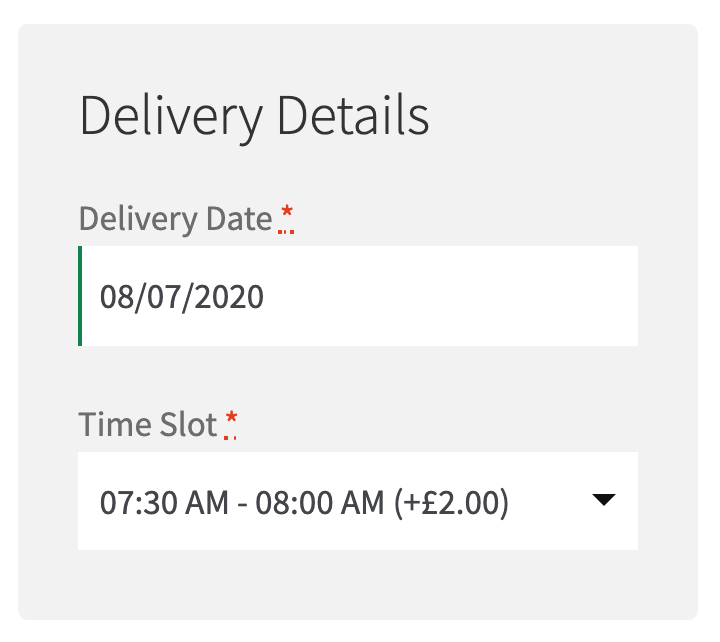
Can I change the wording from „Delivery“ to „Pickup“ or „Collection“?
Yes, you can customize the field labels once your customer selects a shipping method.
Reserve a slot before checkout
Your customers can reserve a slot before shopping to avoid disappointment at checkout.
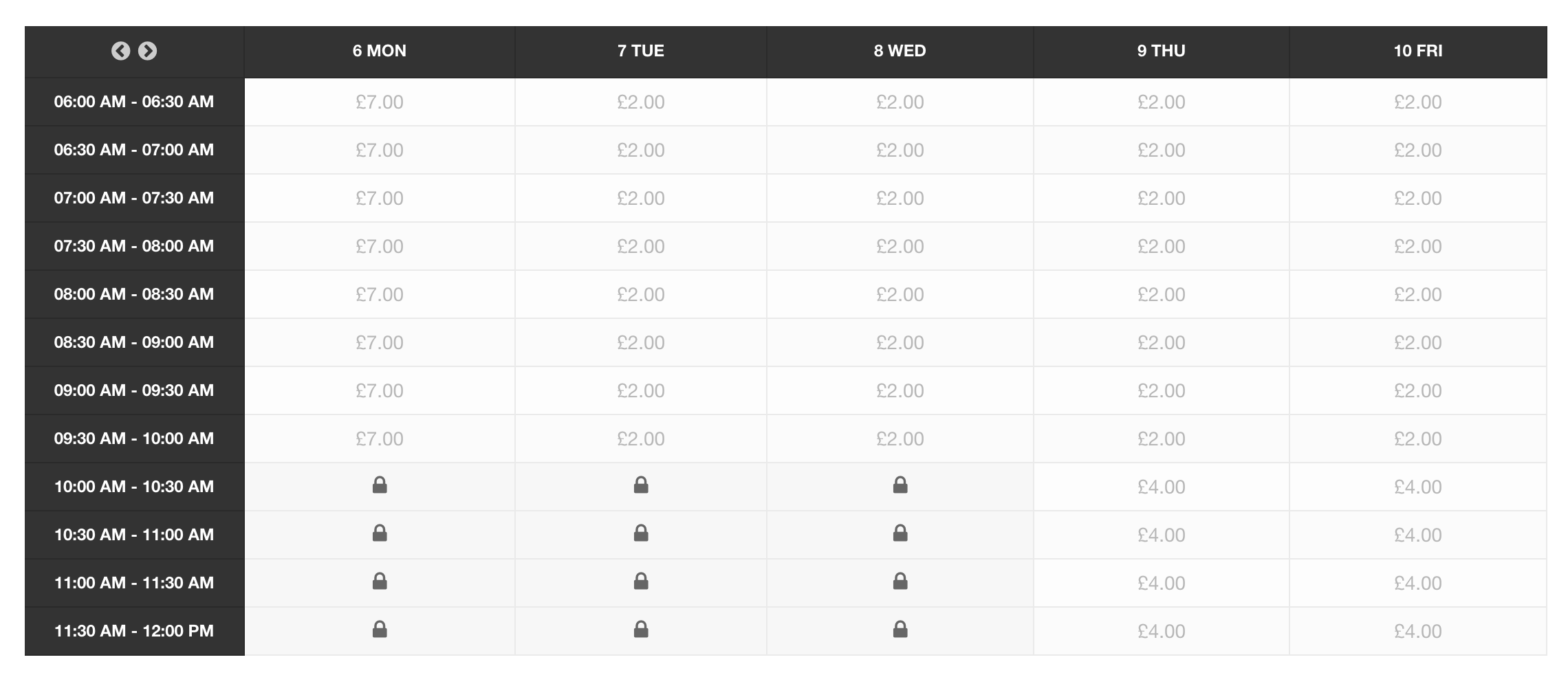
How long do reservations last?
The default reservation duration is 30 minutes, and you can adjust it to your needs on the settings page.
Choose your delivery days
Manage your delivery days by offering delivery and pickup dates only when your store is open.
Become more visible on Google & Social Media?
In a free strategy consultation for data-driven online marketing, we uncover your untapped potential, review any existing ad accounts if necessary, examine your SEO ranking and visibility, and determine which strategy is appropriate for your budget and which active measures will lead to more inquiries or sales.

✅ More visibility & perception through targeted placement
✅ More visitors > prospects > customers > revenue
✅ Reach target groups scalably with SEA
✅ Act and grow sustainably with SEO
🫵 Maximum success with our hybrid strategy
💪 More than 15 years of experience across industries in over 1,000+ projects demonstrable!







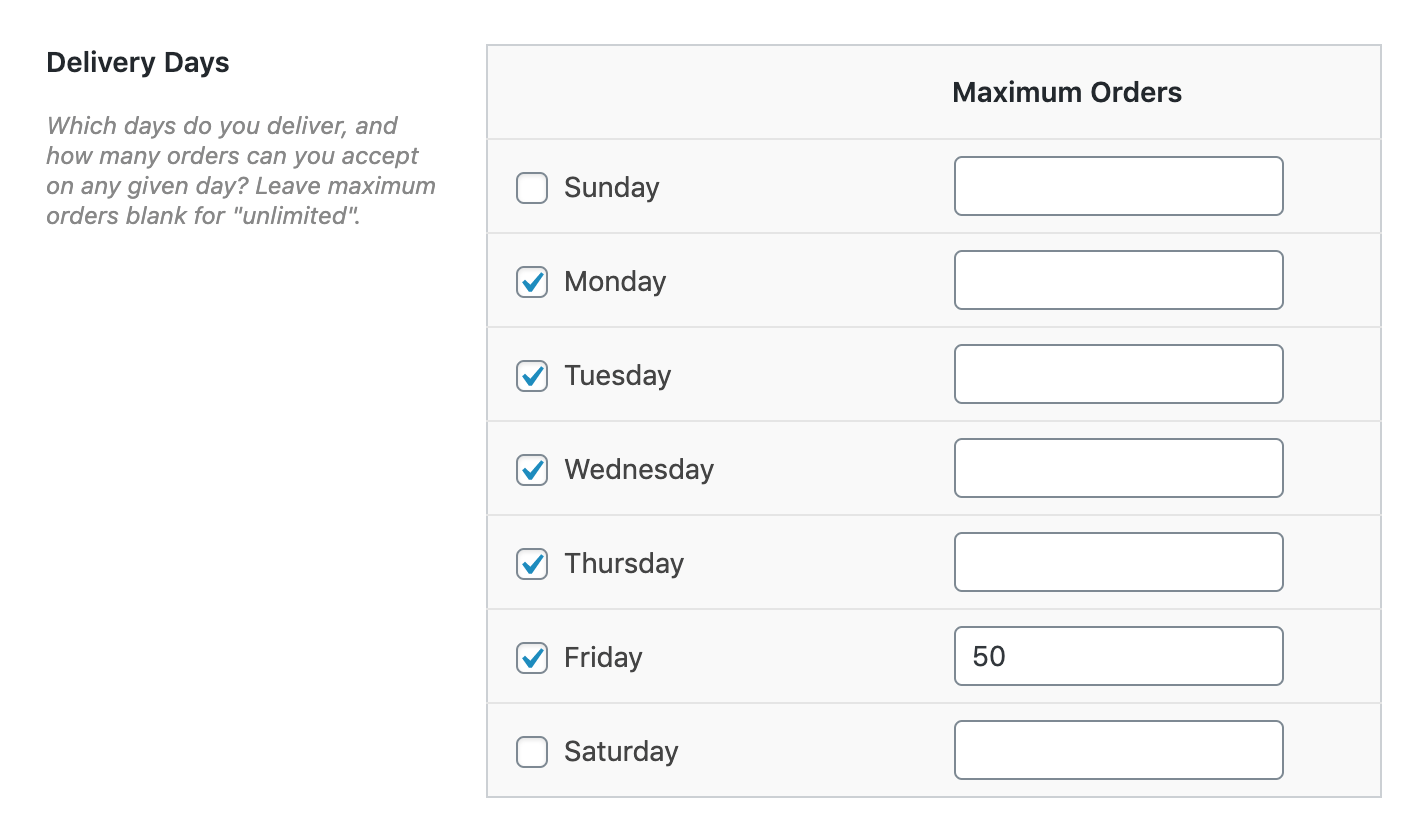
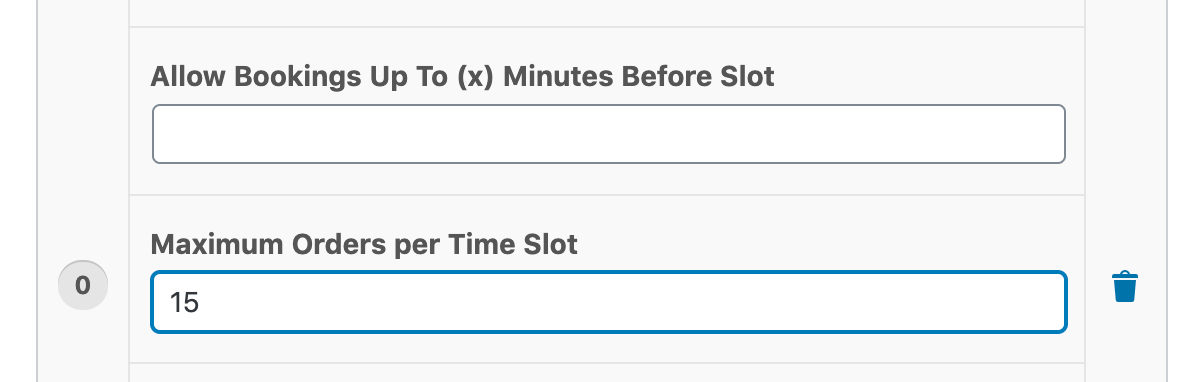
Maximum orders per day and time slot
Limit orders per day and time slot to avoid overwhelming your store and staff.
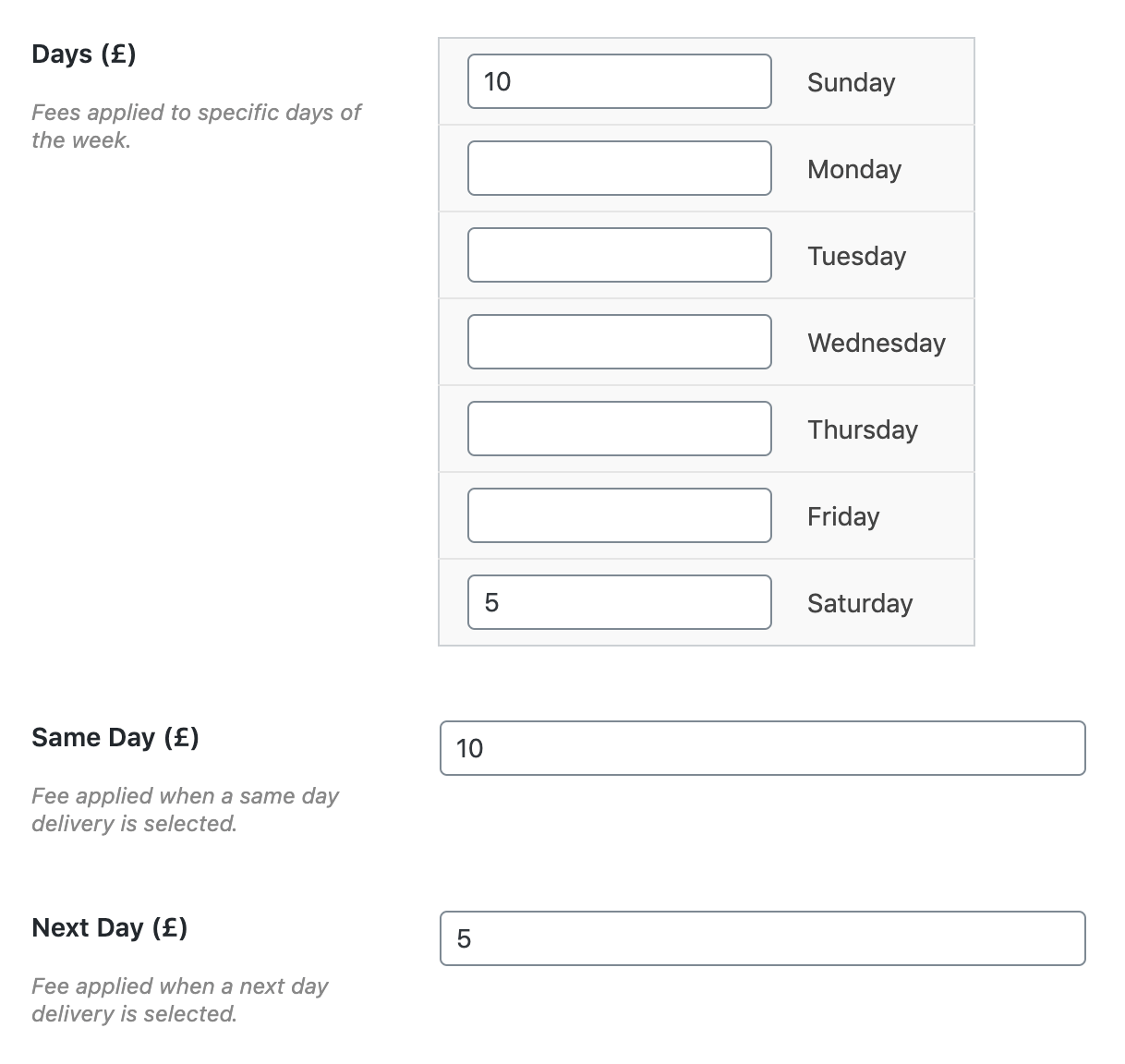
Delivery day fees
Charge additional delivery fees based on same-day/next-day delivery, day of the week, or selected time slot.
Modern calendar design
Choose a light or dark calendar theme to enhance your customer experience at checkout and perfectly blend with your store’s design.
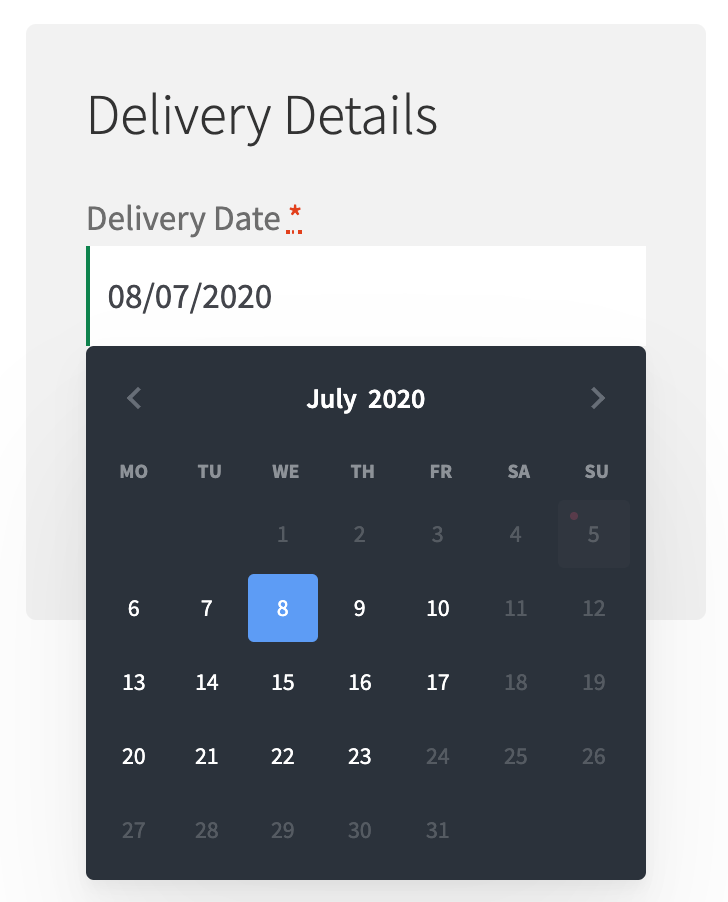
Can I use my own calendar theme?
Yes, select „None“ from the settings and use your own jQuery Datepicker theme.
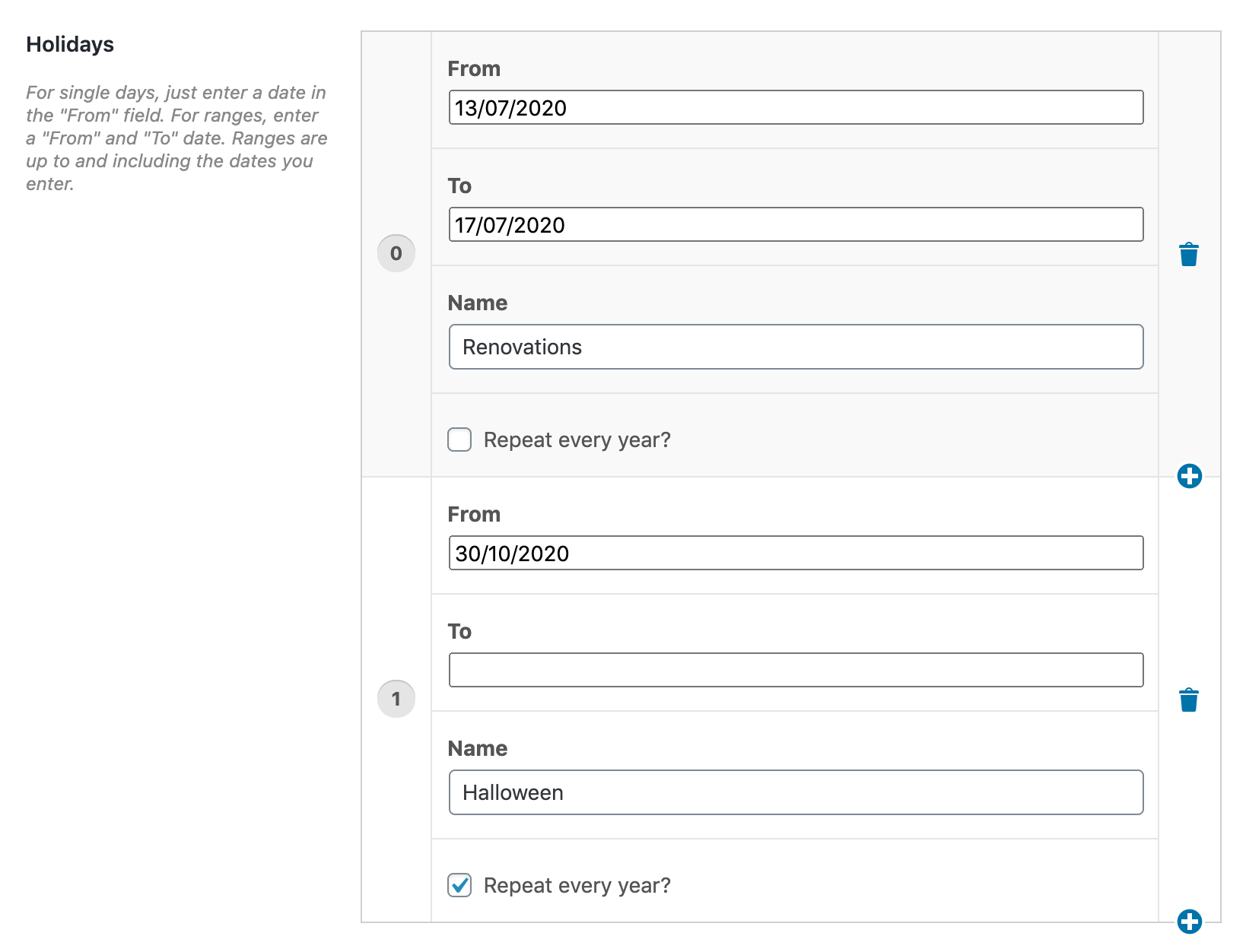
Flexible „holiday“ times when you are unavailable.
Create flexible and repeatable holidays to prevent customers from booking on days when your business is closed.
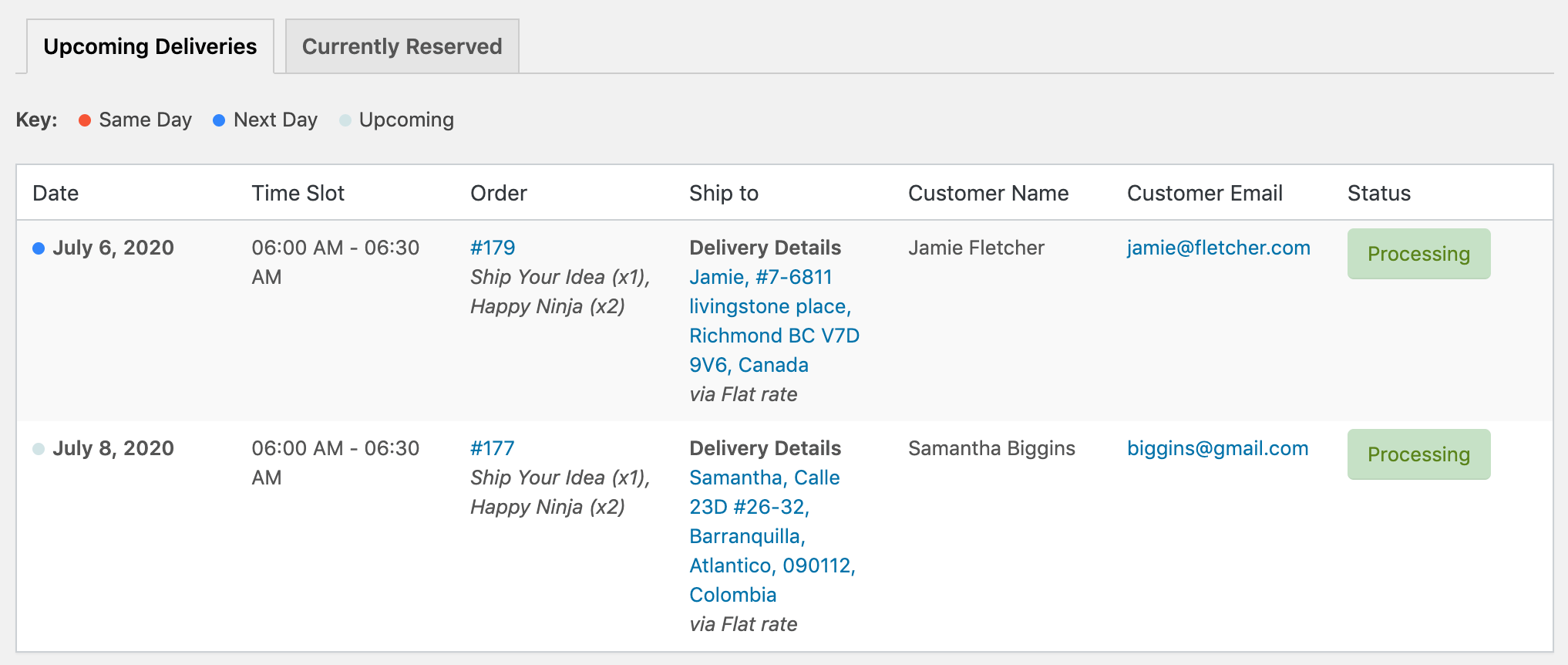
Overview of upcoming and reserved deliveries
Get a detailed overview of upcoming and reserved orders so that you and your employees know exactly when to prepare orders.
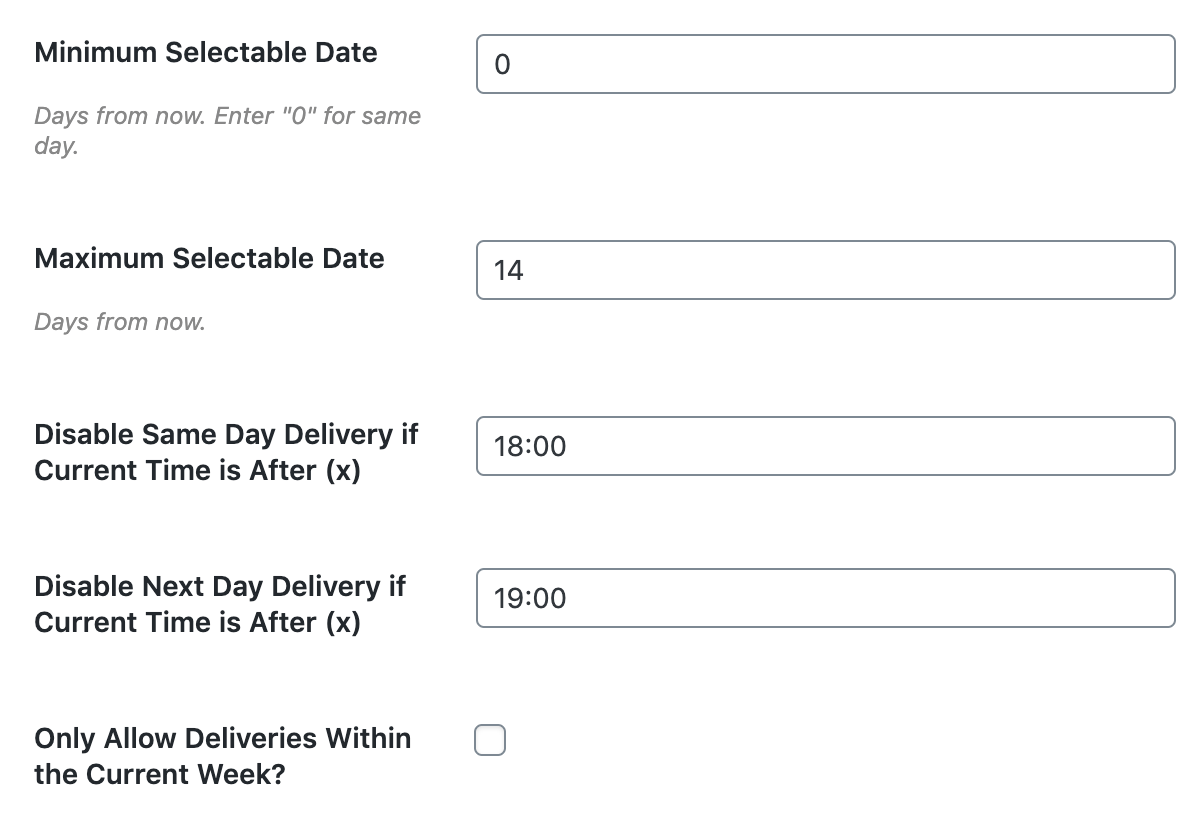
Flexible delivery settings
Set minimum and maximum delivery dates, automatically generate time slots, disable date and time selection based on the products in the cart, and much more.
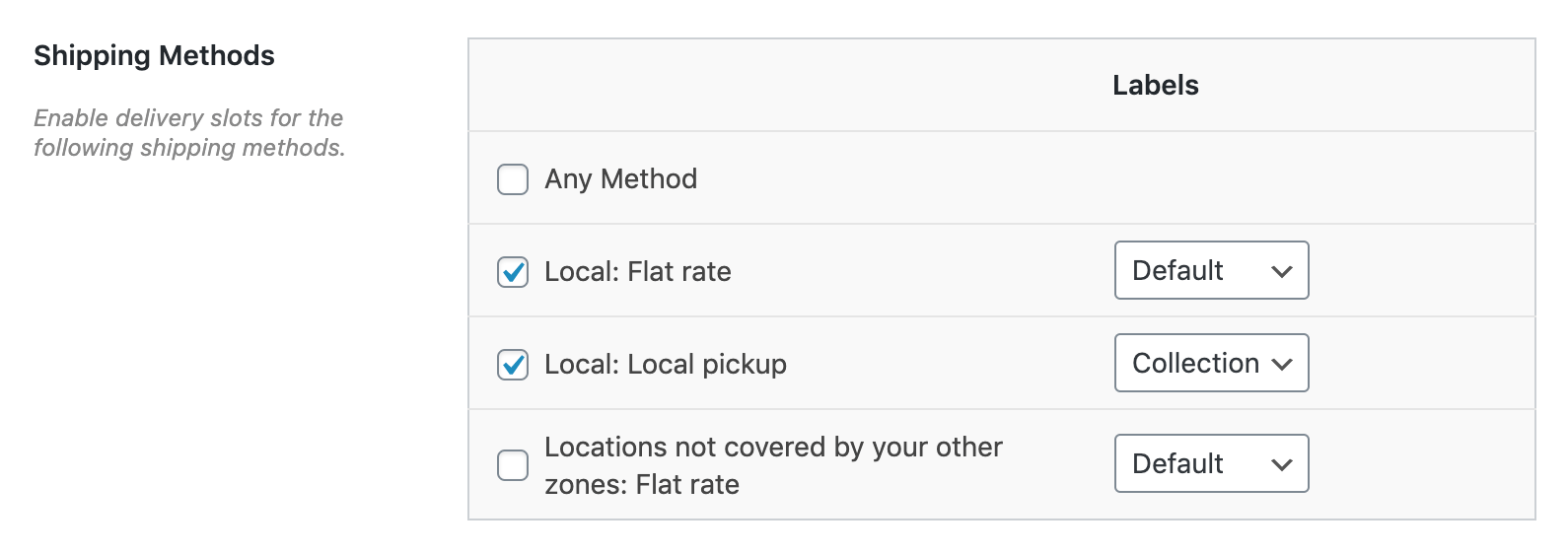
Shipping method conditions
Toggle date and time fields based on the selected shipping method and zone, and assign time slots to specific shipping methods.
Developer-Friendly Codebase
Use WordPress hooks (actions and filters) to fully customize your delivery schedule.
Third-Party Compatibility
Delivery Slots is compatible with many third-party plugins, such as PDF Invoices, Flux Checkout, WooCommerce Lead Time, shipping plugins, and many more.

Schedule a non-binding consultation appointment now:
E-Mail: fi@vastcob.com
Florian Ibe





 DE
DE

