

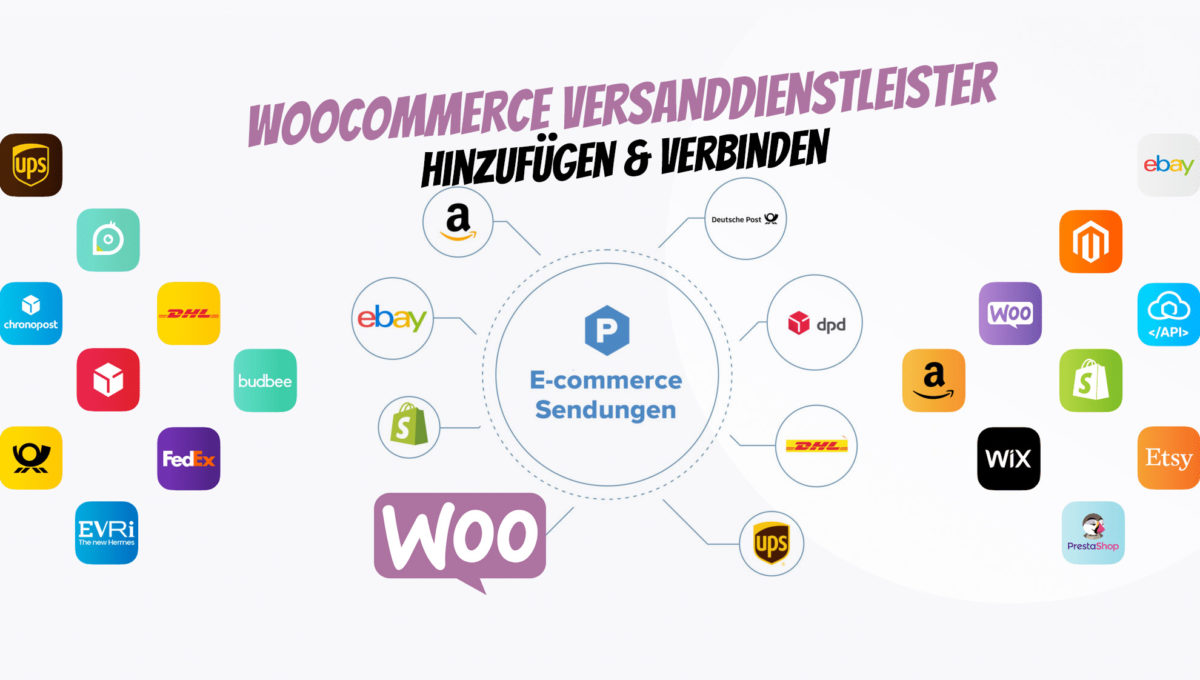
WooCommerce is one of the most popular shop software solutions on the market. It allows you to create online shops quickly and easily. Integrating shipping service providers with WooCommerce is also not a problem. In this post, we will show you how to add and connect WooCommerce shipping service providers.
Add & Connect WooCommerce Shipping Service Providers
WooCommerce is the ideal platform for creating and managing an online shop. It allows users to quickly set up their own shop, manage products, track orders, and much more. But what if you need to seamlessly integrate a shipping service provider into your WooCommerce shop? Here are the solutions!
Which shipping service provider is the best? Comparison of shipping service providers DHL, DPD, GLS, UPS, etc.
There is a wide selection of shipping service providers. Among the most popular are DHL, DPD, GLS, and UPS. But which one is best for your needs?
- DHL is a well-known provider with a global reach. It offers a variety of shipping options, including express and economy services.
- DPD is also a well-known provider with a strong presence in Europe. It offers both courier and parcel services, as well as a range of different delivery options.
- GLS is another popular provider with a strong presence in Europe. It offers parcel delivery, express delivery, and freight services.
- UPS is another major global provider with a wide range of delivery options.
- Hermes is another provider that offers a range of delivery options across Europe.
Difficult, isn’t it? BUT there is an ideal solution for this: shipping interface providers. Instead of laboriously, individually, and error-prone connecting each shipping provider, a shipping interface provider offers the best solution as an all-in-one shipping software for online shops.
The automation of the shipping process can mean enormous time savings for online shops. By automating the shipping process, you can save time and ensure that your orders are shipped quickly and efficiently. This can be done through a shipping interface provider that offers all-in-one shipping software for online shops. With this software, you can connect to a variety of shipping providers, saving you the hassle of having to connect to each provider individually. In addition, the shipping interface provider can automate many aspects of the shipping process, including order tracking, shipping labels, and more.
Easy integration, save on shipping costs, and everything in one place.
The biggest advantage, however, is the lower shipping price, as these providers have negotiated large contingents with the shipping providers, meaning a DHL parcel, for example, no longer costs 3.50 but only 2.90.
Add & Connect WooCommerce Shipping Providers – How to Easily Connect Shipping Providers to WooCommerce
Once you have chosen the shipping provider that best suits your needs, adding and connecting it to your WooCommerce shop is very simple. All you need to do is install the corresponding plugin from the official WordPress directory. After installation, you just need to enter your shipping provider credentials to connect it to WooCommerce.
You can then manage settings such as shipping zones, rates, taxes, and more within the plugin.
Adding and connecting a shipping provider to WooCommerce is a simple process when done correctly with the help of plugins or extensions (see below). You can easily integrate a variety of shipping providers into your shop, manage their settings, and ensure that your customers receive the best possible delivery experience. With this added convenience, you can ensure that your business runs smoothly and efficiently.
So what are you waiting for? Get started today and connect your WooCommerce shop with a reliable shipping provider!
Become more visible on Google & Social Media?
In a free strategy consultation for data-driven online marketing, we uncover your untapped potential, review any existing ad accounts if necessary, examine your SEO ranking and visibility, and determine which strategy is appropriate for your budget and which active measures will lead to more inquiries or sales.

✅ More visibility & perception through targeted placement
✅ More visitors > prospects > customers > revenue
✅ Reach target groups scalably with SEA
✅ Act and grow sustainably with SEO
🫵 Maximum success with our hybrid strategy
💪 More than 15 years of experience across industries in over 1,000+ projects demonstrable!







How to connect WooCommerce with a shipping provider
Once you have selected your preferred shipping provider, you need to connect it to your WooCommerce shop. To do this, you will need the official plugin for the respective shipping provider. After installation, you can configure the settings for the respective provider on the plugin’s settings page.
You will also need to enter your billing and payment information into the plugin so that your customers can make payments and receive their goods on time. Finally, make sure that all your products have accurate weights and dimensions so that accurate delivery estimates can be generated.
Option 1: Sendcloud as Europe's #1 Shipping Provider
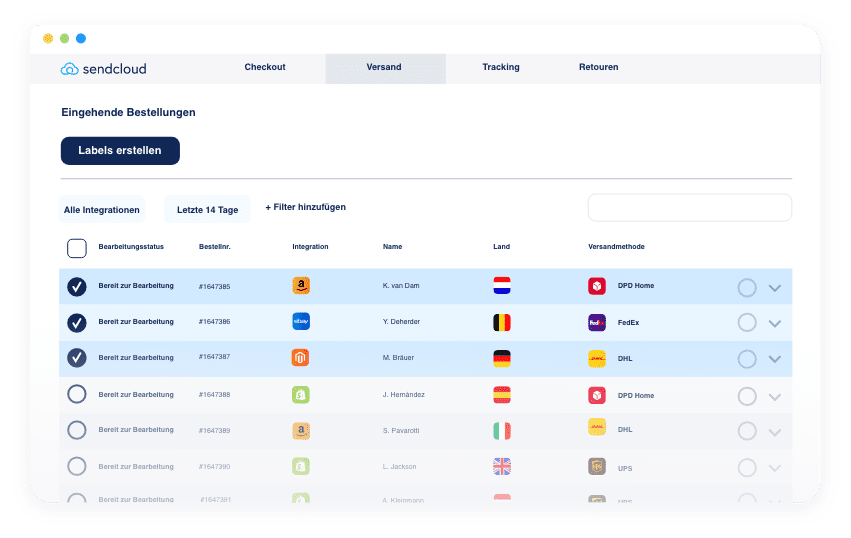
Are you looking for a reliable shipping provider to deliver your products quickly and efficiently? Then Sendcloud is the right choice for you, Europe’s leading shipping provider for WooCommerce. With Sendcloud, you can easily add and connect multiple shipping providers under one roof, without having to manage them individually. With Sendcloud*, you can compare prices from different shipping companies (80+ parcel services), choose the most cost-effective option, track shipments in real-time, effortlessly create invoices, and much more.
With its intuitive dashboard and advanced features such as printing custom labels and automatic returns processing, Sendcloud is the perfect solution for businesses that want to ensure their orders reach their customers on time. So if you are serious about improving your business, Sendcloud is the best provider for shipping and delivery in Europe. Sign up today and take advantage of the best shipping provider in Europe!
Option 2: Packlink PRO – The professional shipping solution for your online shop
Packlink Pro is a shipping solution that allows you to connect with multiple shipping providers under one roof. With Packlink Pro*, you can compare prices from different shipping companies, choose the most cost-effective option, track shipments in real-time, and effortlessly create invoices. With its intuitive dashboard and advanced features such as printing custom labels and automatic returns processing, Packlink Pro is the perfect solution for businesses that want to ensure their orders reach their customers on time.
So if you are serious about improving your business, Packlink Pro is the best shipping solution for your online shop. Sign up today and take advantage of the best shipping solution in Europe:
Info article on Packlink Pro:
Packlink Send parcels cheaply for online shop operators and online retailers
Option 3: WooCommerce Germanized – Easy Addition and Connection of Shipping Service Providers with WooCommerce
Are you looking for a reliable way to manage the shipping for your online shop? If you are already using Germanized (Pro), this is the ideal basis for a separate integration of DHL, DPD, GLS and Hermes.
See also: https://vendidero.de/dokument/versanddienstleister-verwalten
In conclusion, choosing the right shipping service provider for your business and webshop is an important decision. It is worth exploring the various options available to find out which provider is best suited for your needs and products. Once you have made your choice between DHL, DPD, GLS, UPS and Hermes (or another provider), add them to WooCommerce using one of the 3 options above.
If you need help with the integration, please feel free to contact us as one of the leading WooCommerce agencies.





 DE
DE

