

The „Vehicle Parts Finder“ plugin for WooCommerce helps customers search for and find the right spare parts or accessories for their vehicles in the online shop. The Vehicle Parts Search module also offers dropdown menu options for quickly finding the right parts for your vehicle.
WooCommerce Vehicle Parts Finder / Search & Find Spare Parts with a Simple Plugin
The administrator can also add the Parts Finder to various layouts according to their needs. With this module, customers can search for parts in the online shop. The Vehicle Parts Finder module offers dropdown menu options for quickly finding the right parts for your vehicle. Various options are available to the store administrator for managing the Vehicle Parts Finder module.
2 Plugins + an Alternative for Searching & Finding Vehicle Parts, Spare Parts, and Accessories
The first plugin is very new and from an elite developer webkul with first-class support. The second plugin has been around since 2015 and, with over 1,200 sales, is also from a very good elite author. Both plugins can, of course, also be easily translated into German with Loco Translate.
Woo Plugin 1: Features of WooCommerce Vehicle Parts Finder

Go directly to the plugin (click here)*
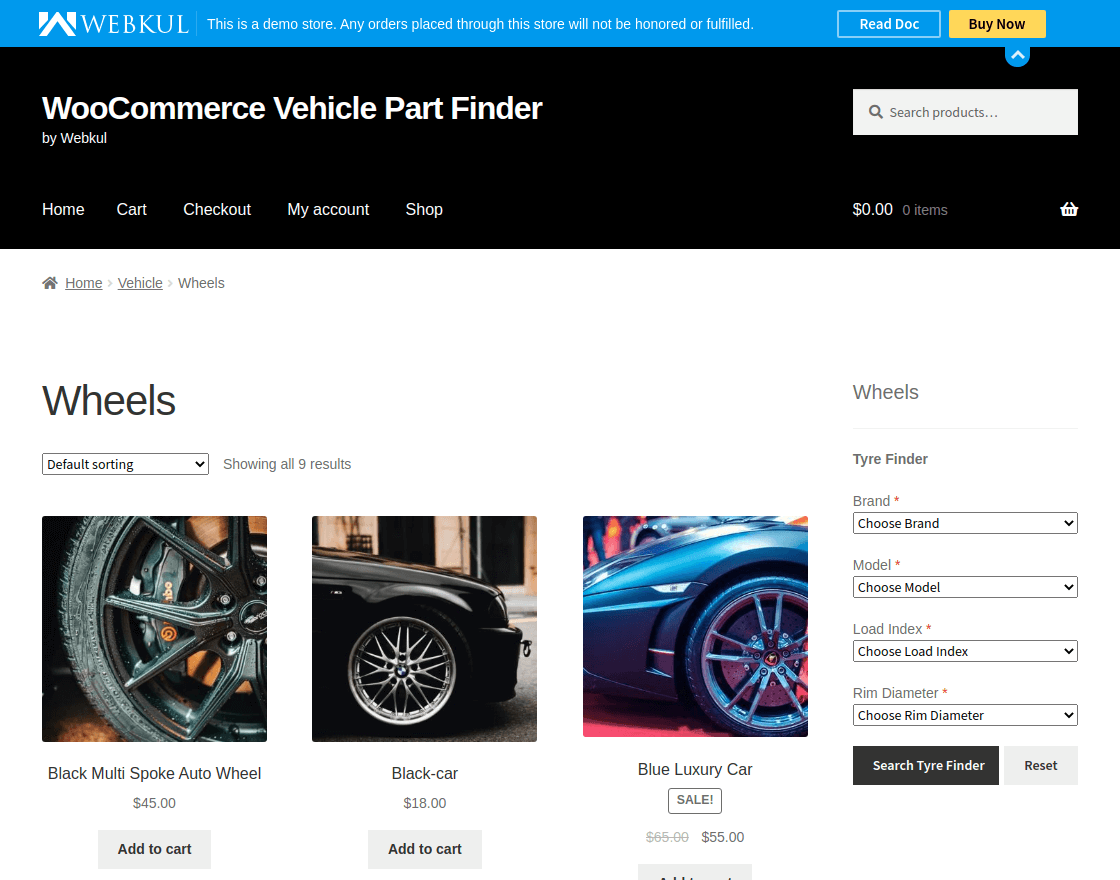
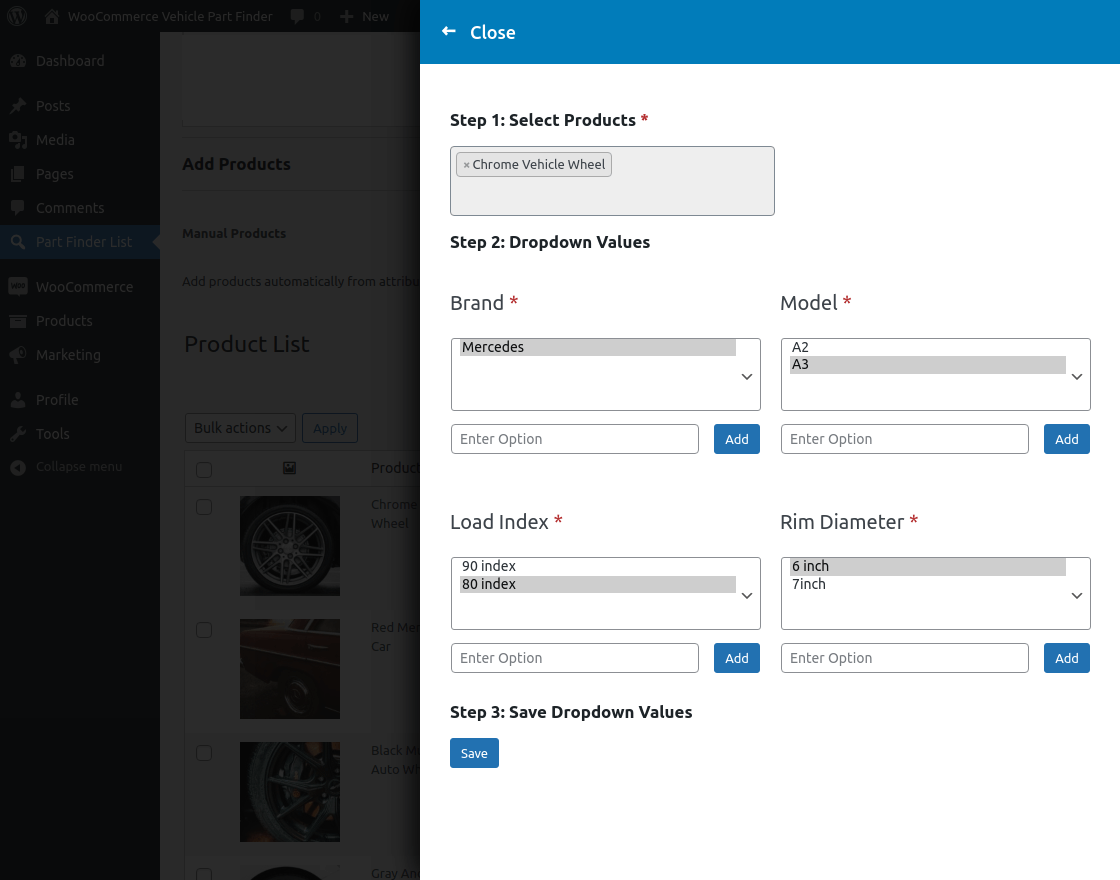
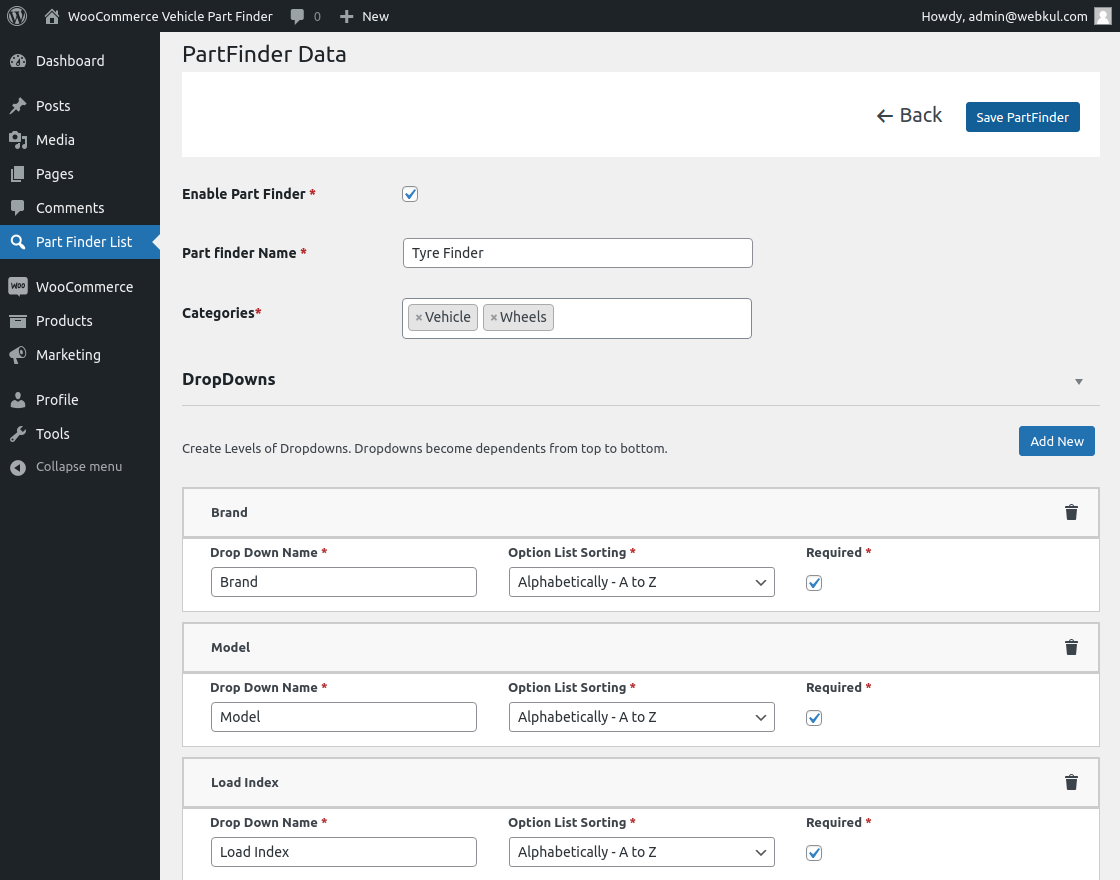
- The admin can create/update/delete the part finder.
- The admin can create/delete multiple dropdown options for the part finder.
- The admin can add the part finder to the different layouts.
- Also, the admin can add multiple products to the part finder.
- Customers can search for parts on the website.
- The admin can enable/disable part finders.
- Also, the admin can assign multiple categories to a part finder.
- The part finder can search the parts globally.
- Also, the part finder can search the parts category-wise as per the admin setting.
- If the customer selects a different category, the dropdown of options will not change unless the result does not contain the product being searched.
Become more visible on Google & Social Media?
In a free strategy consultation for data-driven online marketing, we uncover your untapped potential, review any existing ad accounts if necessary, examine your SEO ranking and visibility, and determine which strategy is appropriate for your budget and which active measures will lead to more inquiries or sales.

✅ More visibility & perception through targeted placement
✅ More visitors > prospects > customers > revenue
✅ Reach target groups scalably with SEA
✅ Act and grow sustainably with SEO
🫵 Maximum success with our hybrid strategy
💪 More than 15 years of experience across industries in over 1,000+ projects demonstrable!







Woo Plugin 2: "WooCommerce Vehicle Parts Finder – Make/Model/Year/Engine/Category/Keyword"

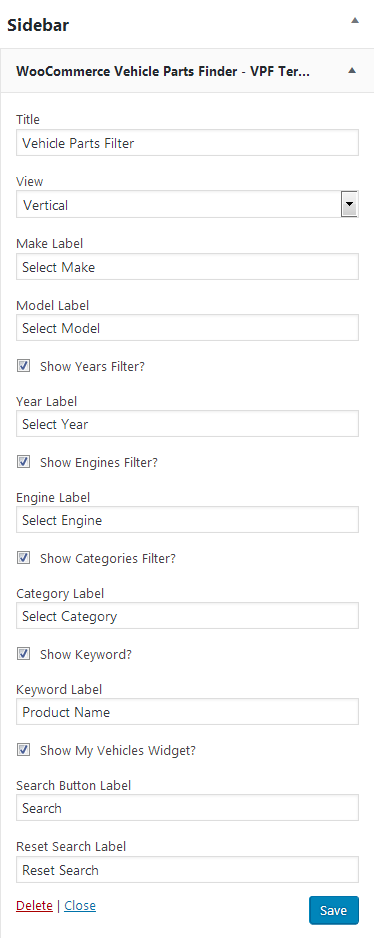
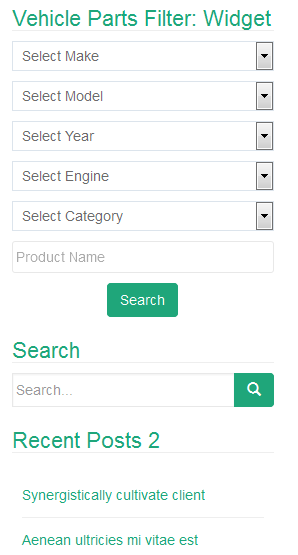
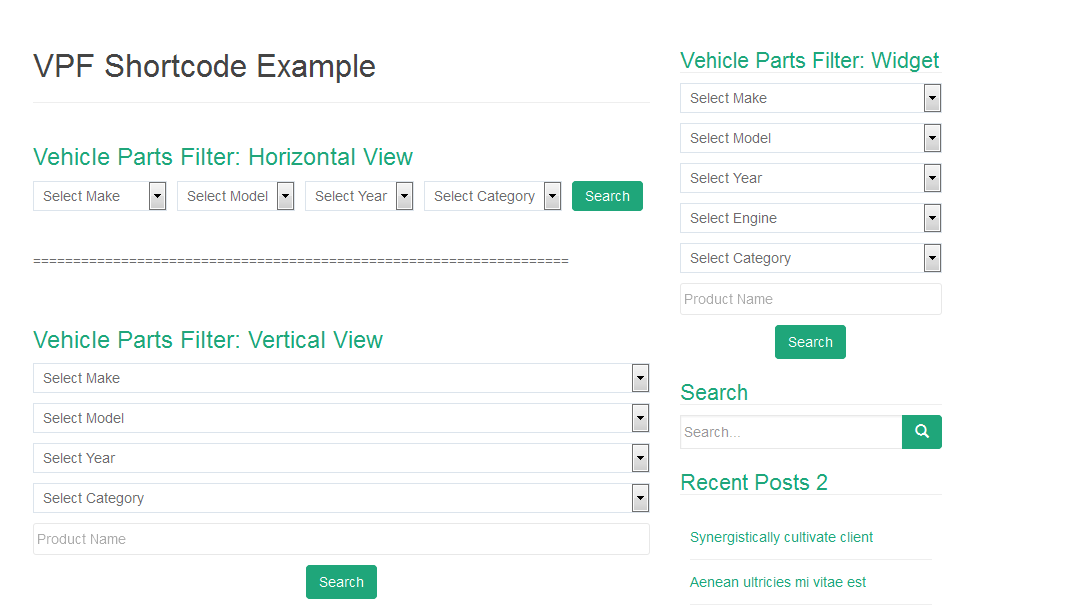
It is one of the best plugins for finding vehicles or vehicle parts on the website based on make/model/year/engine/category/keyword. The plugin offers very simple editing for the administrator. The administrator can add the filter widget anywhere on the website by using either the widget area or the shortcode.
Click here to go directly to the plugin (click here)*
- A plugin for vehicle parts search based on make/model/year/engine/category/keyword
- Allows adding multiple brands via a simple user interface
- Allows adding multiple models relevant to a specific brand via a simple user interface
- Allows adding multiple years relevant to a specific model via a simple user interface
- Allows adding multiple engines relevant to a specific year via a simple user interface
- Enables showing/hiding the Engines filter
- Enables showing/hiding the Categories filter
- Enables showing/hiding the Keyword filter
- Enables enabling/disabling an additional tab on the product detail page to show makes/models/years/engines
- Enables enabling/disabling jQuery Chosen for Plugin Select Boxes to make them more user-friendly
- Provides a very simple interface for mapping makes, models, years, and engines for a product
- Provides the „WooCommerce Vehicle Parts Finder – Make/Model/Year“ widget as well as a shortcode for easy use
- Upload makes/models/years/engines in bulk via the import tool
- Users can search for products/parts based on their desired criteria
- Mobile-friendly (Responsive) and easy to set up and use
- Fully controllable for the administrator
- Saves search histories for logged-out users
- Allow logged-in users to save their search queries
- Users can recall their search queries via the „My Vehicles“ widget
- A simple popup to add more searches to histories
A very good alternative for general filtering based on product properties (attributes) is presented in this article:
As a WooCommerce agency, we rely on one of these 3 WooCommerce plugins for filtering, sorting, and finding parts.





 DE
DE

