


WordPress automation and SaaS integration play a crucial role in increasing the efficiency and scalability of online platforms – whether it’s a blog, website, or shop. By automating routine tasks and integrating various applications and services, WordPress users and WooCommerce users can save valuable time and improve the accuracy of their processes.
An important tool in this area are integration interfaces, which act as intermediaries between WordPress and external applications such as CRM systems,email marketing platforms, and social media. These interfaces enable users to achieve seamless data communication and functionality across different tools and platforms without constant manual intervention. Automation extends to the complete ERP workflow.
WordPress Automation & Integration Interfaces – the Better Zapier Alternative
Compared to established services like Zapier, which are often regarded as the standard solution for automation tasks, newer and more specialized alternatives are emerging that are better tailored to the specific needs of WordPress users. These alternatives offer deeper (better) integrations, more specific functions, and a more user-friendly interface developed specifically for WordPress installations. They not only enable automation across various applications, but also optimize the website’s performance by minimizing resource load and improving speed.
Choosing the right automation and integration tools can therefore make a significant difference in the management and success of a WordPress website. This enables users to implement tailored solutions that meet their specific requirements and give them a competitive advantage in their industry.
SureTriggers vs. Zapier: Comprehensive Comparison for Your Automation Needs
| Features | SureTriggers | Zapier |
|---|---|---|
| Workflow Building | ||
| No-code visual editor | ✔️ | ✔️ |
| Multi-step workflows | ✔️ | ✔️ |
| Polling triggers | ✔️ | ✔️ |
| Workflow templates | ✔️ | ✔️ |
| Instant triggers | ✔️ | ✔️ |
| Paths | ✔️ | ✔️ |
| Webhooks | ✔️ | ✔️ |
| APIs | ✔️ | ✔️ |
| Filters | ✔️ | ✔️ |
| Formatters | ✔️ | ✔️ |
| Email parser | ✔️ | ✔️ |
| Schedule | ✔️ | ✔️ |
| Delay | ✔️ | ✔️ |
| Loop | ✔️ | ✔️ |
| Skip action based on conditions | ✔️ | ✘ |
| Integrations | 400+ | 1000+ |
| Workflow Maintenance | ||
| Use within WordPress | ✔️ | ✔️ |
| Workflow history | ✔️ | ✔️ |
| Workflow versioning | ✔️ | ✔️ |
| Auto-replay failed steps | ✔️ | ✔️ |
| Collaboration and Support | ||
| Invite team members | ✔️ | ✔️ |
| Share workflows with others | ✔️ | ✔️ |
| Knowledge base | ✔️ | ✔️ |
| Email support | ✔️ | ✔️ |
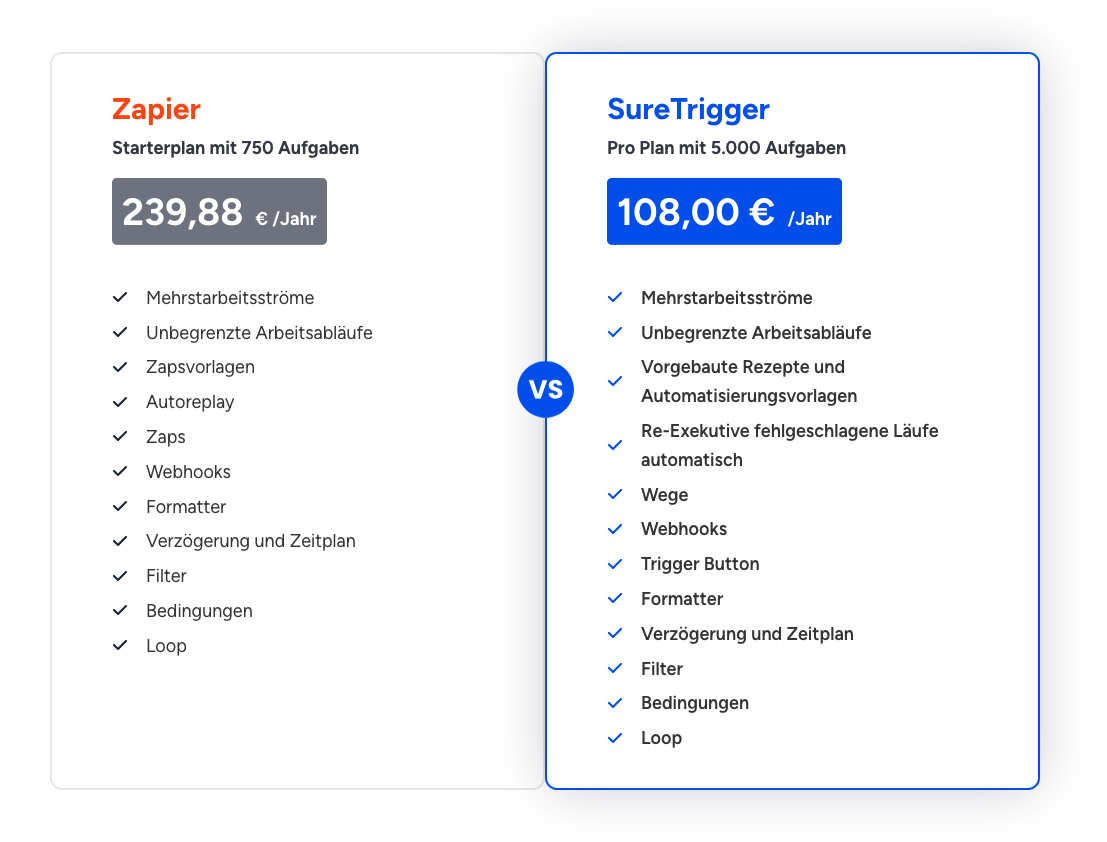
Price Comparison Zapier vs SureTriggers
SureTriggers* is a leading automation platform that aims to automate workflows by integrating popular online tools and WordPress plugins, thereby increasing business efficiency. The platform allows users to connect their favorite apps, services, and WordPress plugins to automate repetitive tasks and optimize business processes.

Become more visible on Google & Social Media?
In a free strategy consultation for data-driven online marketing, we uncover your untapped potential, review any existing ad accounts if necessary, examine your SEO ranking and visibility, and determine which strategy is appropriate for your budget and which active measures will lead to more inquiries or sales.

✅ More visibility & perception through targeted placement
✅ More visitors > prospects > customers > revenue
✅ Reach target groups scalably with SEA
✅ Act and grow sustainably with SEO
🫵 Maximum success with our hybrid strategy
💪 More than 15 years of experience across industries in over 1,000+ projects demonstrable!







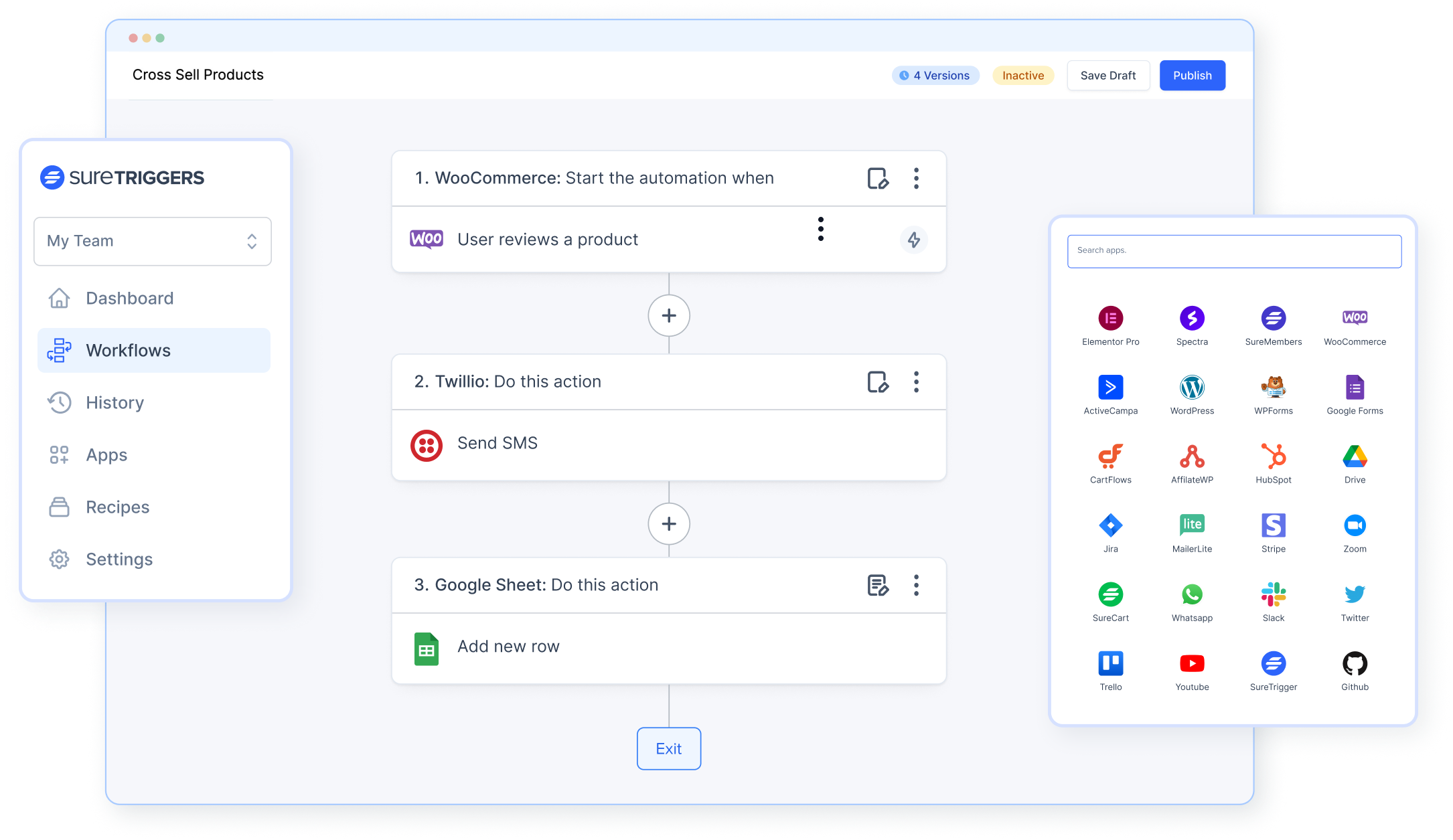
SureTriggers is an all-in-one automation platform designed to easily integrate various apps and services to enable efficient workflows without requiring programming knowledge. The platform offers a user-friendly interface with a visual workflow builder that allows users to easily create automations by dragging and dropping triggers and actions.
SureTriggers‘ main features include the ability to interact with numerous popular web apps and WordPress plugins, such as Google Sheets, Gmail, WooCommerce, and many others. It supports a wide range of tasks, including scheduling social media posts, reminding customers of appointments, creating events in Google Calendar, and much more. SureTriggers also enables the conditional execution of steps, making complex workflows possible that can respond dynamically to various conditions.
A special feature of SureTriggers is its seamless integration with WordPress through a dedicated plugin that connects WordPress sites with the SureTriggers cloud platform. This ensures that all processing is carried out externally so as not to affect the website’s performance. This integration extends to various WordPress plugins and enables functions such as cross-site data transfer and user creation without burdening the site’s resources.

Florian Ibe
CEO & Marketing Consultant
Your contact person: Florian Ibe
The main features of SureTriggers
Visual Automation Builder
SureTriggers‘ powerful visual canvas builder allows you to create automations in just a few minutes. You can see your entire workflow at a glance and visually design complex automation processes by arranging components using drag and drop. This intuitive user interface helps you understand and adjust the processes more easily, which reduces the likelihood of errors and increases efficiency.
Web App Integration
SureTriggers supports extensive integrations with numerous web apps, making the platform extremely flexible. You can transfer data between your favorite apps and services such as Mailchimp, Gmail, and HubSpot. This makes it possible to automatically synchronize information between different services and effectively automate workflows.
WP Plugin Integration
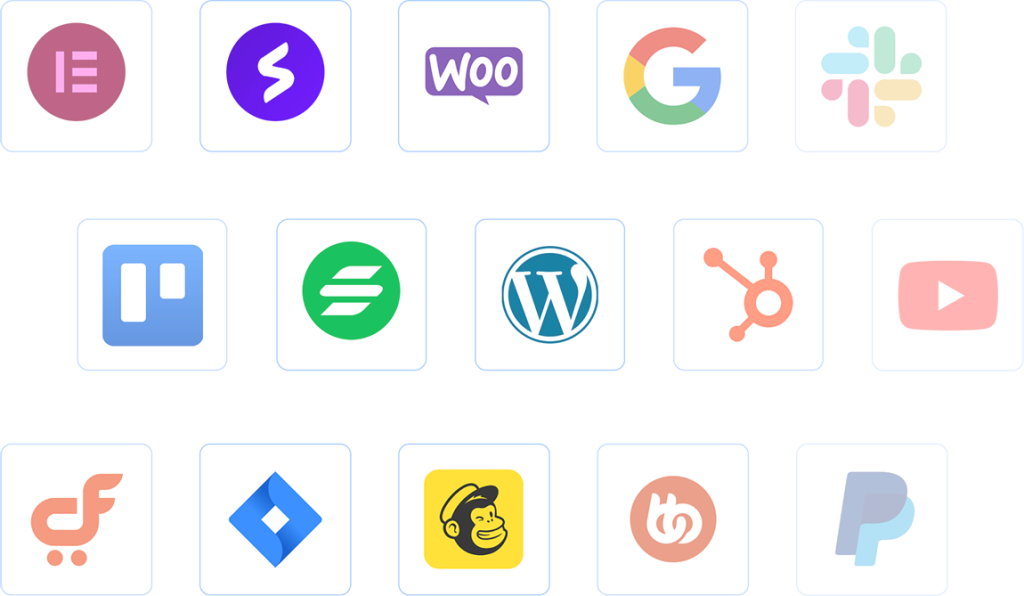
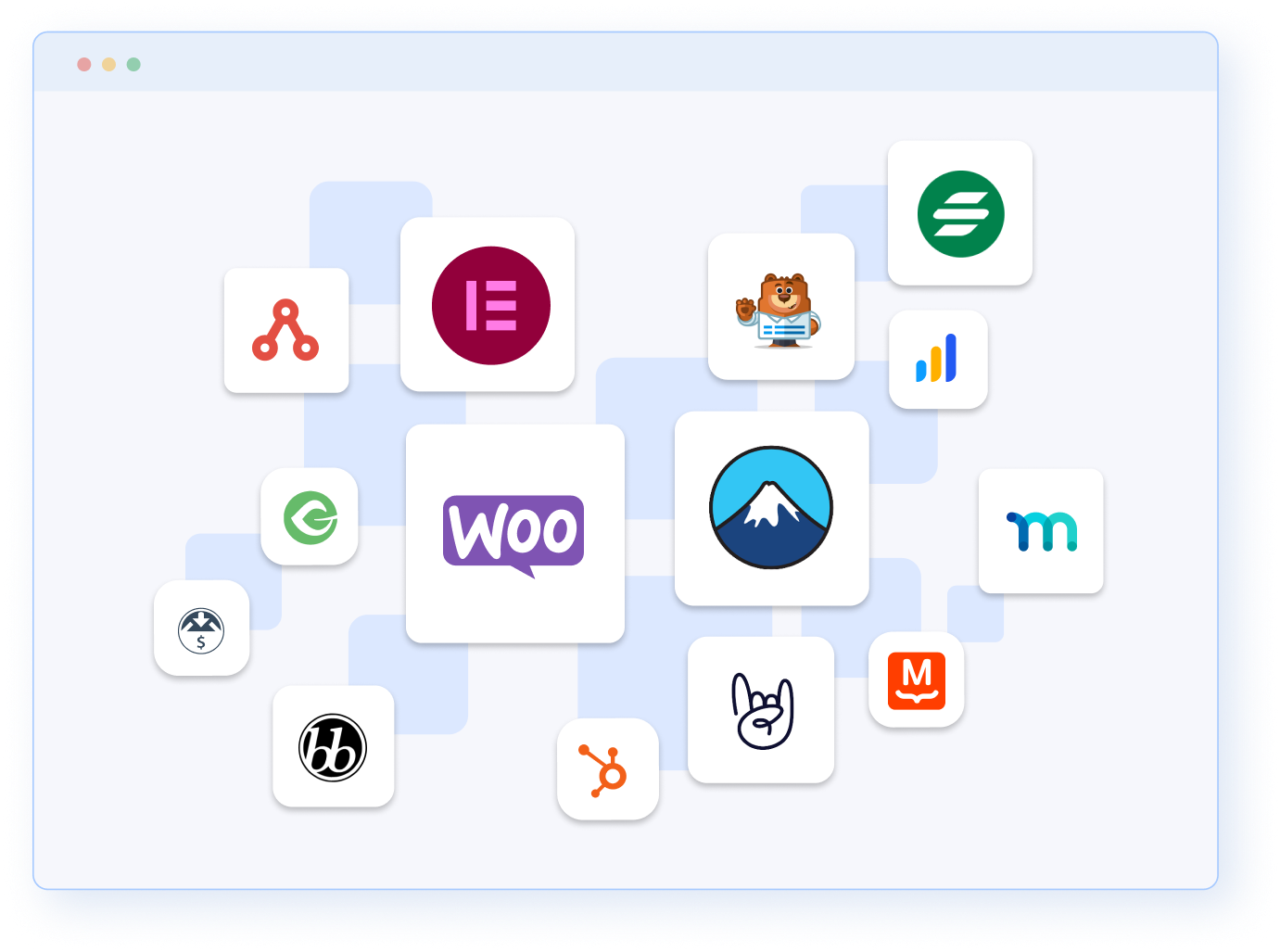
SureTriggers enables deep integration with a wide range of WordPress plugins such as Gravity Forms, WooCommerce, Elementor, CartFlows, and more. These features simplify the automation of e-commerce, customer management, and content creation directly within WordPress, making website management significantly more efficient.
Connect and synchronize multiple sites
With SureTriggers, you can easily connect and synchronize multiple WordPress websites, for example transferring data and user actions between different installations such as WooCommerce and LearnDash. This is particularly useful for operators of multisite environments.
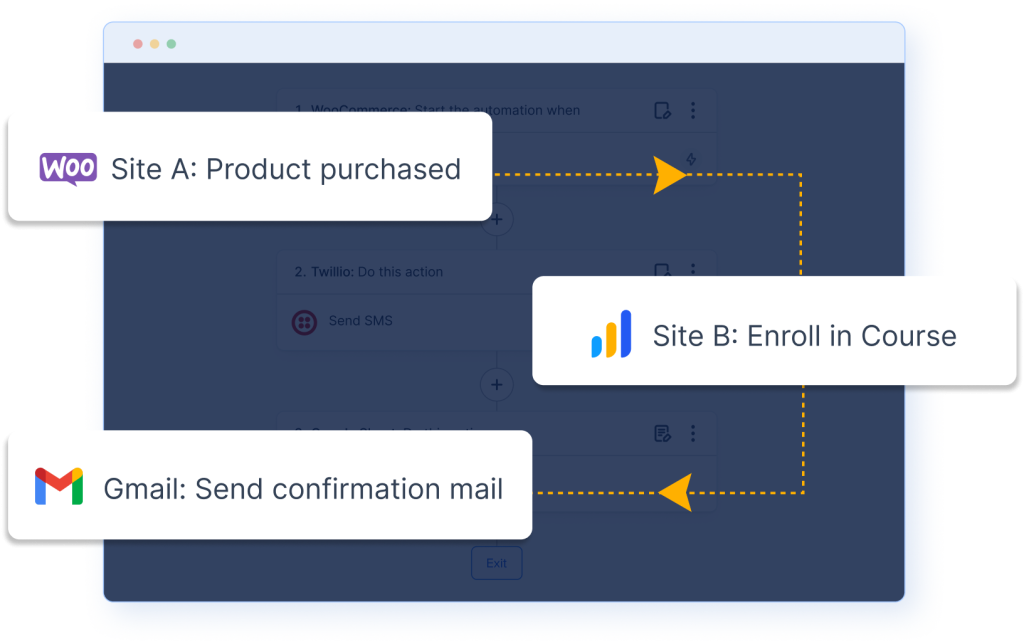
Advanced Workflows
SureTriggers offers advanced tools that give you the flexibility to create tailored automation scenarios that meet specific business requirements. Efficiently customize your workflows with features such as delay, schedule, conditional logic, and filters to automate complex tasks.
Team Members
Invite your teammates and experts to collaborate on automation projects in a secure and collaborative environment. This feature promotes teamwork and knowledge sharing, enabling team members to access and use these tools from any location.
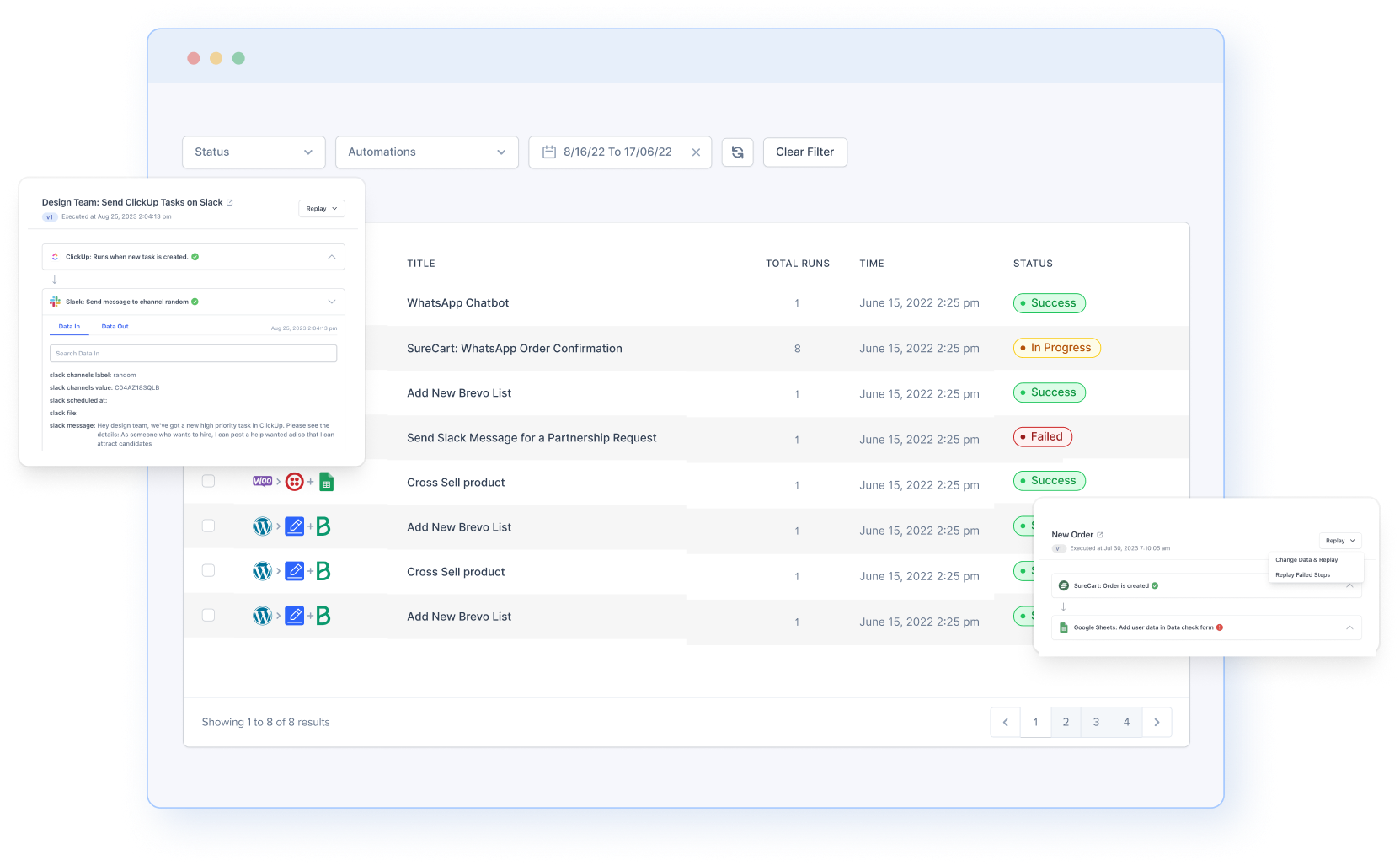
Detailed History Logs
SureTriggers‘ detailed history logs provide valuable insights into the flow of your automations. They enable quick error diagnosis and support continuous optimization of workflow performance by showing exactly what data one app sends to other apps.
RSS Feed Trigger
Use RSS feeds to stay informed about new content and automatically integrate this information into other applications such as Slack. This feature is particularly useful for content management and marketing automation.
Trigger Button
With SureTriggers‘ Trigger Button, users can trigger specific automations by clicking a button on their WordPress pages. This interactive feature is particularly beneficial in customer service and e-commerce scenarios.
Webhooks & APIs
SureTriggers enables virtually unlimited customization and integration with external services through the use of webhooks and APIs. This feature makes SureTriggers an extremely powerful tool for developers and advanced users who want to create custom integrations.
In addition, SureTriggers stands out in its market segment with an inexpensive software solution that does not compromise on features, making it a compelling choice for websites, blogs, and online shops that want to automate their processes without incurring high costs.
How easy is SureTriggers to use?
Automation is easy with SureTriggers‘ user-friendly interface. Follow these 3 simple steps:
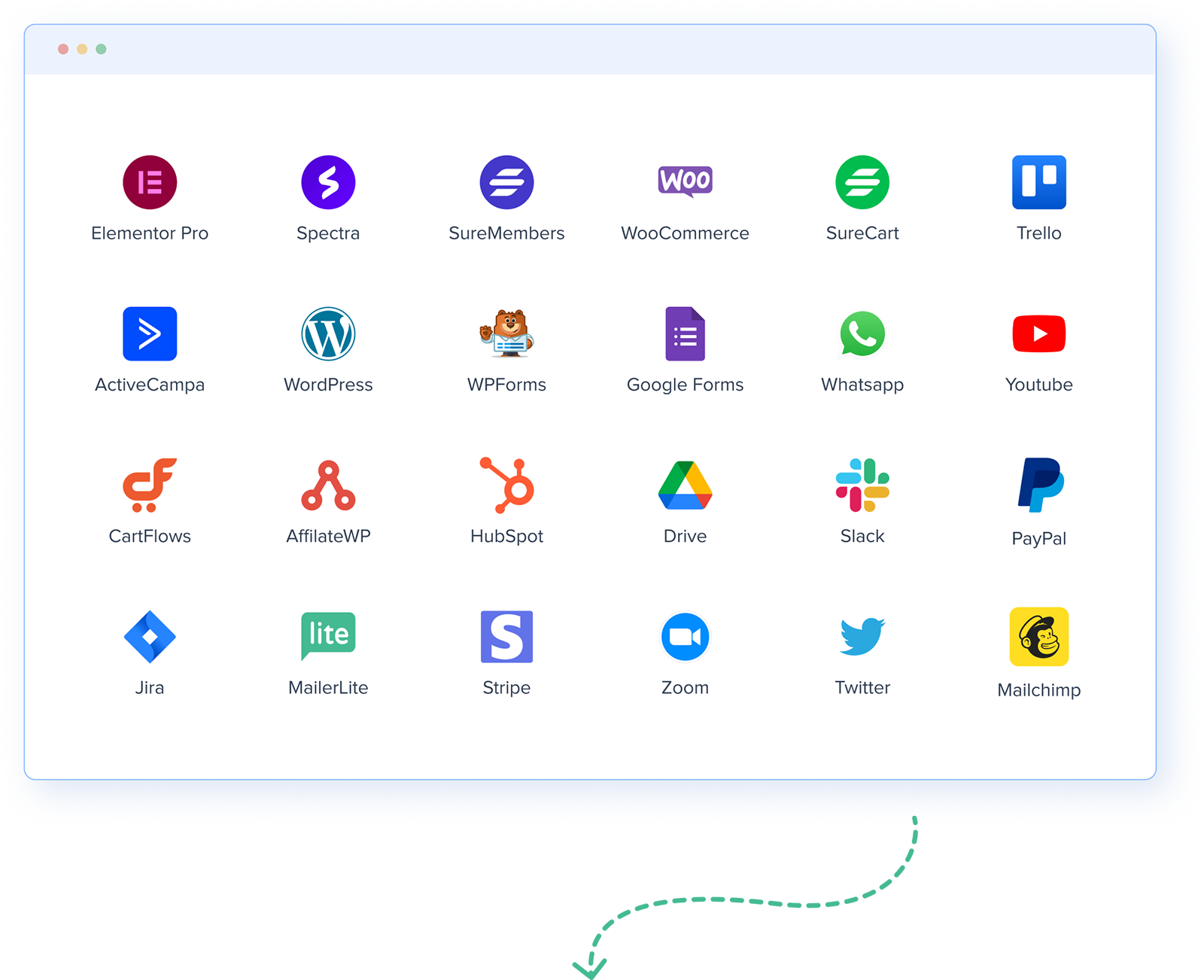
Step 1: Choose your apps
SureTriggers can connect with hundreds of popular apps, WordPress plugins, and services. Tell SureTriggers which apps you use in your daily work and select the ones you want to connect.
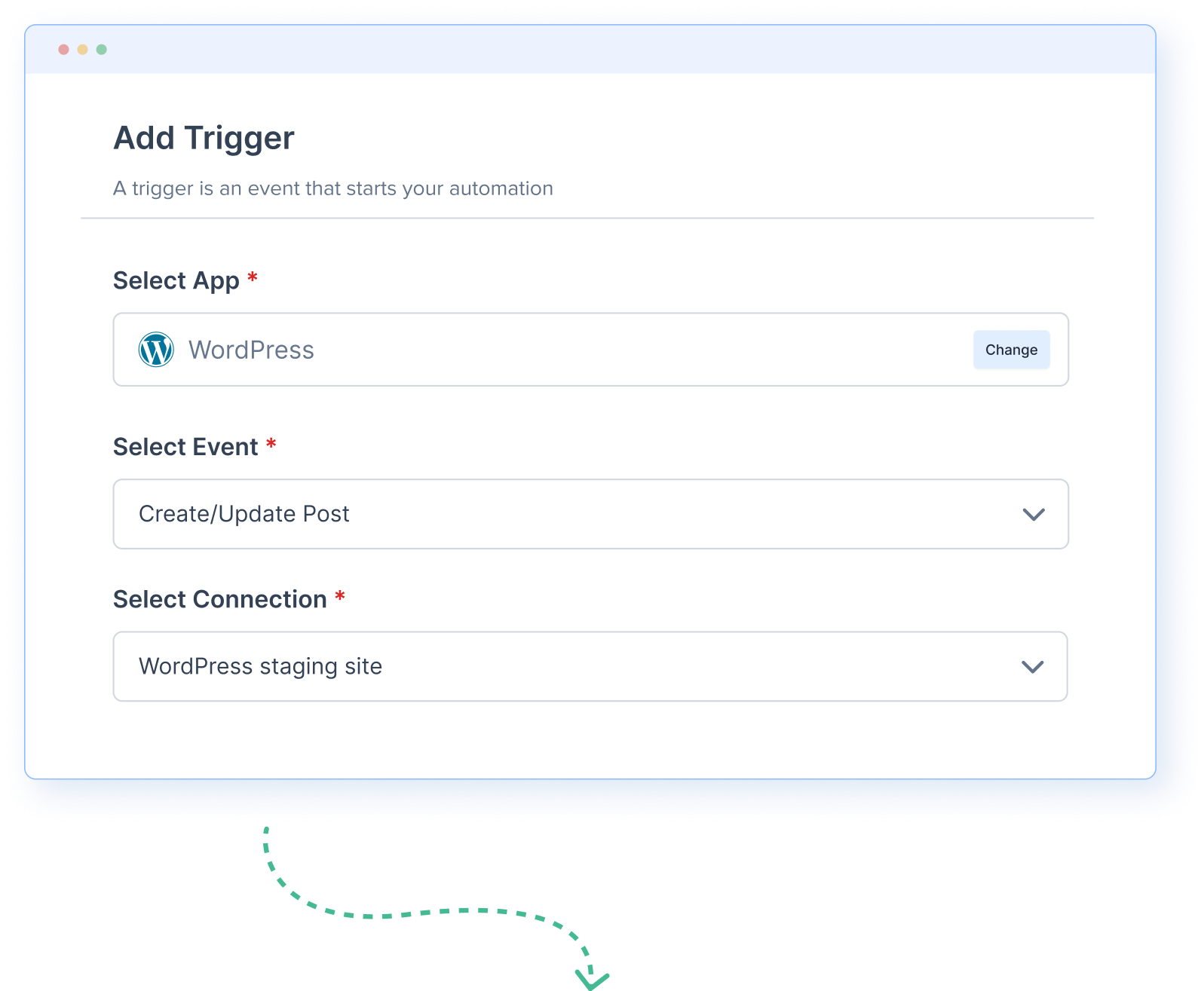
Step 2: Choose a trigger
A trigger is an event that represents the starting point of the automation. When a specific event occurs in one of the connected apps, you may want to initiate a series of tasks in other apps. For example, a new order on your e-commerce platform could trigger a series of tasks in other apps. This event is called a trigger.
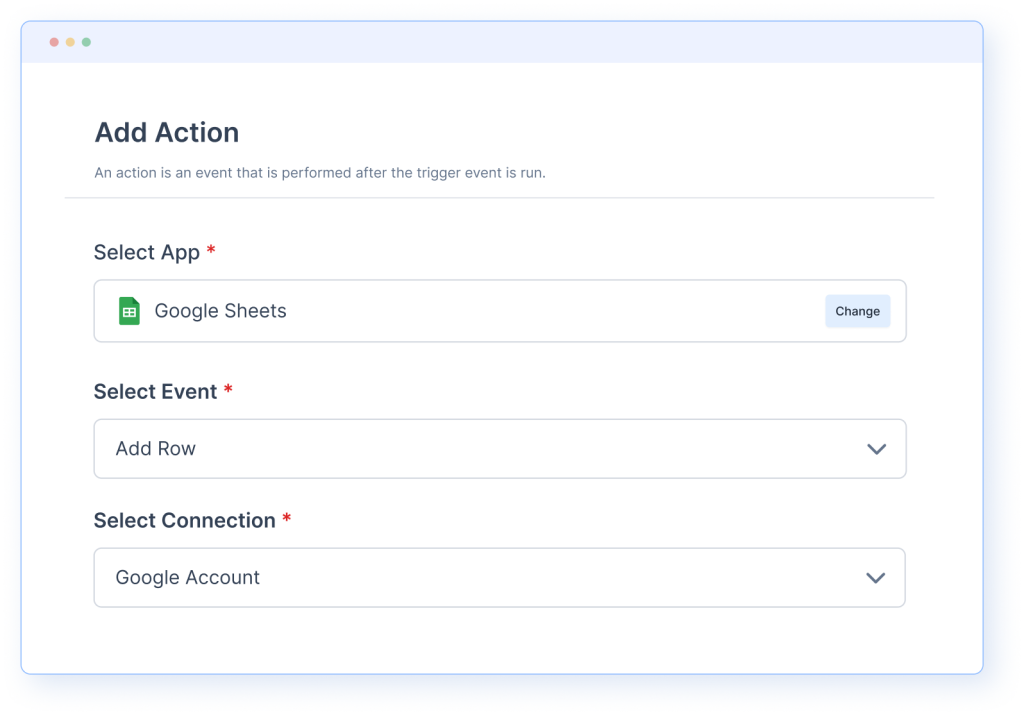
Step 3: Add actions
Actions are the tasks you want to perform with your connected apps. For example, receiving a new order on your e-commerce platform could include the following actions: sending an email to the customer, uploading an invoice to your accounting software, and notifying your team on Slack. You can easily automate all these steps with SureTriggers.
WordPress automation of workflows, marketing processes, and internal operations
The automation of workflows and marketing processes through specialized software has proven to be crucial for increasing efficiency and scalability in various business areas. Various types of automation software play a role here:
- Workflow automation tools enable the seamless design and execution of business processes by automating routine tasks and facilitating communication between different systems and platforms.
- WordPress automation specializes in optimizing and automating processes within the WordPress platform, such as content management, user interactions, and data-intensive operations.
- Marketing automation software offers comprehensive solutions for automating marketing campaigns, from email automation to customer interaction and segmentation, leading to more effective marketing strategies.
- E-commerce automation software supports online shops in automating order processes, customer communication, and inventory management to ensure efficient processing.
A popular solution in this area is Zapier, which links a variety of applications and services. However, Zapier alternatives are emerging, which often offer deeper integrations with specific platforms such as WordPress and are tailored to specific needs. These alternatives often promise improved performance and a more user-friendly interface for specific use cases.
The selection of the right automation tool depends heavily on the specific needs of the company. It is important that the software not only automates existing processes but is also flexible enough to adapt to changing business requirements. The implementation of such systems can lead to a significant increase in productivity and a reduction in errors, which ultimately contributes to cost reduction and increased customer satisfaction.

Why use SureTriggers and what for?
SureTriggers is a leading automation platform that aims to automate workflows by integrating popular online tools and WordPress plugins, thereby increasing the efficiency of businesses. The platform enables users to connect their favorite apps, services, and WordPress plugins with each other to automate repetitive tasks and optimize business processes.
The core functions of SureTriggers include:
- WordPress automation: Connection of WordPress websites with other popular apps and WordPress plugins for automation.
- SaaS integration: Integration of hundreds of SaaS applications to ensure seamless collaboration between the tools.
- Website and service connections: Connection of websites and services to automate recurring tasks from a single platform.
- Canvas Builder: A visual canvas editor that allows you to create automations by dragging and dropping triggers and actions.
- Wide integrations: Support for a wide variety of apps and services such as Google Sheets, Gmail, Slack, Trello, MailChimp, Zoom, Stripe, PayPal, WooCommerce, SureCart, and many more.
- Automation between multiple WordPress sites: Connecting multiple WordPress websites to automate tasks across different sites.
- Scheduling and timing: Setting times and dates for the execution of automations or setting up recurring schedules.
- Conditions and filters: Adding conditions that must be met for certain actions to be executed; control over which parts of the automations are executed and when.
- Path control: Creation of automations that can take different paths depending on conditions.
- Delay: Pausing actions and effectively controlling delays and pauses in automations.
- Multi-step automations: Creation of multi-step automations that execute a series of actions triggered by a specific event.
- Incoming and outgoing webhooks: Sending and receiving data to and from websites, external software solutions, or third-party apps without programming knowledge.
- Formatter: Customization of data formats, such as date formats, text formatting, currency conversions, and more.
Areas of application include:
- Business Processes: Automating business processes to save time and increase productivity.
- Customer Support: Automating customer communication and support tickets.
- Marketing Automation: Integrating email marketing services, social media, and other tools for seamless marketing activities.
- E-commerce: Automating order processing, customer messages, and inventory management by integrating platforms like WooCommerce and SureCart.
- Educational Platforms: Connecting and automating e-learning tools like LearnDash for seamless course management.
SureTriggers offers a user-friendly interface that allows anyone to create automations without programming knowledge. It is ideal for businesses that want to make their daily tasks more efficient and automate repetitive processes. With SureTriggers, companies can significantly increase their productivity and make their business operations smoother.
More on WordPress ERP:





 DE
DE

