

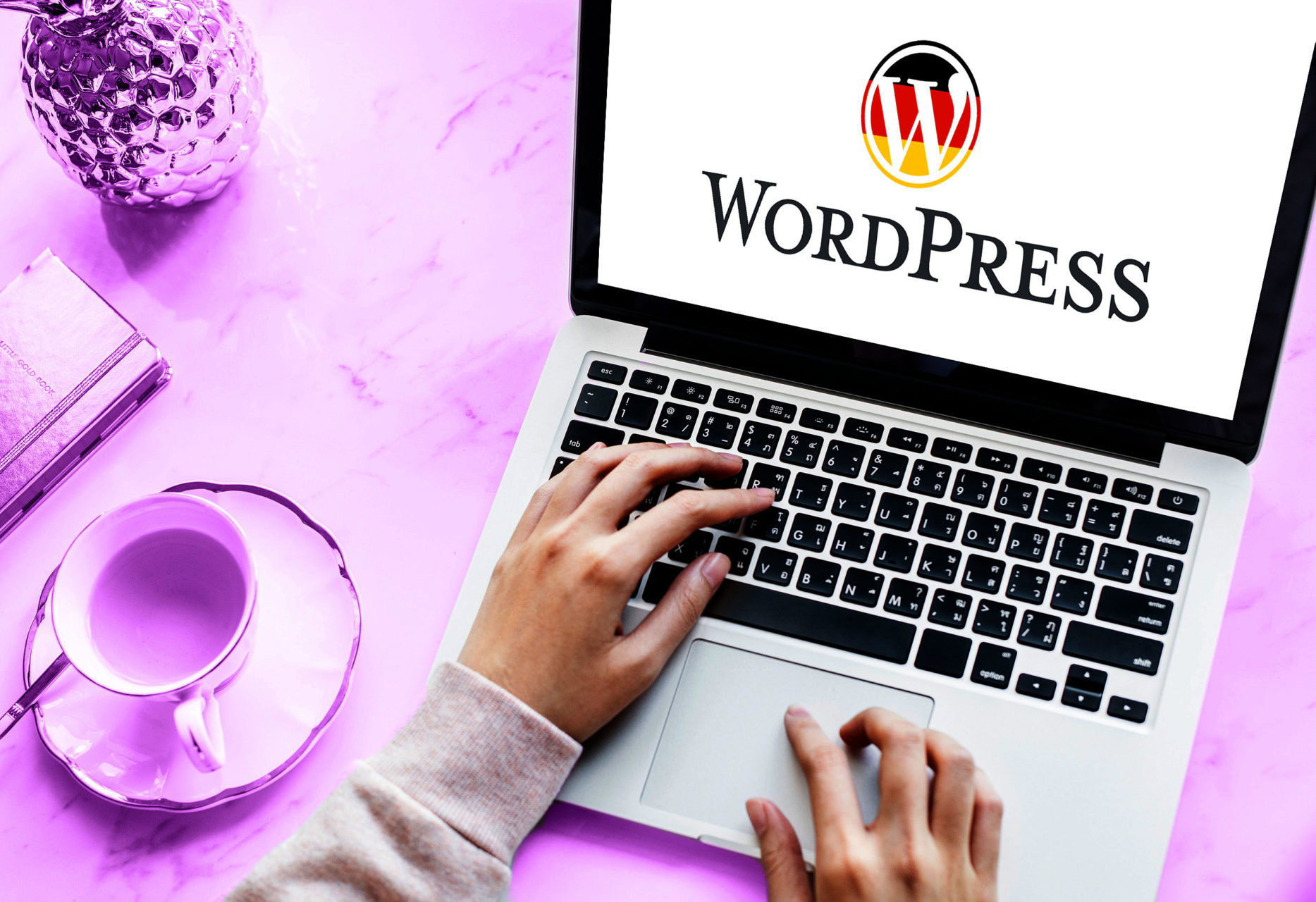
WordPress can be in German and is available in German by default in addition to the standard language (English). But how does this work and how do I activate it correctly?
Install / Switch / Manage WordPress in German
To use WordPress in German, the German WP version should be downloaded directly.
This installation always contains all current language files.
- The German WordPress installation file can be found here: https://de.wordpress.org
- In the top right corner, you will find the download file via the „Get WordPress“ button
- After downloading, unpack the .ZIP file
- Upload to the FTP server (hosting) via an FTP program (example: FileZilla)
Once the files have been uploaded to the directory, the installation can begin. These refer to the entire content of the backend (dashboard) as well as the current WordPress themes and are in most cases also compatible with WordPress plugins in German and translate them as well.
How to change the language in WordPress to German
If WordPress has already been set up in the original version, you can, of course, change the language to German later. For this purpose, the corresponding language files must be downloaded and made available on the FTP server. The most important step is then to adapt the configuration file wp-config.php and to provide the defined constant WPLANG with the value de_DE.
The following snippet can be used in wp-config.php:
define ('WPLANG', 'de_DE');
After this setting, the backend (dashboard) should appear in German. In the frontend (website), it depends on the theme whether it already contains a German translation. The translations of the standard themes are already included in the German language file and only need to be copied to the Theme folder/languages/ after downloading. By the way, the /languages/ folder works within every theme!
Select the site language in the Dashboard
In the latest WordPress versions, you can also find the language setting in the Dashboard under Settings > General. Here you can select your preferred language under the „Site Language“ option and thus change the WPLANG value in the database. The constant in the wp-config.php file is not affected by this change.
If you have not downloaded and installed the „WordPress-DE“ edition, the website and the backend dashboard will be displayed in English or another language. To convert your WordPress system to German, you will then need the German language file separately.
You should ensure that a German-language file does not affect the language embedded in the WordPress design.
If you also want to translate your English WordPress theme, you will need the German language file created in the design folder. However, many English WordPress themes do not have a German translation. Therefore, you can alternatively opt for a German theme.
Become more visible on Google & Social Media?
In a free strategy consultation for data-driven online marketing, we uncover your untapped potential, review any existing ad accounts if necessary, examine your SEO ranking and visibility, and determine which strategy is appropriate for your budget and which active measures will lead to more inquiries or sales.

✅ More visibility & perception through targeted placement
✅ More visitors > prospects > customers > revenue
✅ Reach target groups scalably with SEA
✅ Act and grow sustainably with SEO
🫵 Maximum success with our hybrid strategy
💪 More than 15 years of experience across industries in over 1,000+ projects demonstrable!







Download the latest German language file from the official WordPress website.
It is important that you select the file that matches your WordPress version.
- Unpack the downloaded ZIP directory to your local hard drive
- Now create a language directory (if not already present) where the language file will be recorded. To do this, create the directory „languages“ (without quotes) in the „wp-content“ directory. It should look like this: „/wp-content/languages/“
- Upload all files with the „.mo“ extension to the „languages“ directory you created via FTP.
This includes the files:
admin-de_DE.mo
admin-de_DE.poadmin-network-de_DE.mo
admin-network-de_DE.pocontinents-cities-de_DE.mo
continents-cities-de_DE.pode_DE.mo
de_DE.po - Then open the WordPress configuration file „wp-config.php“, which is located in the root directory of the installation, with a text editor. The already installed Windows editor or „NotePad ++“ is suitable for this.
- Use the editor to change the line "define ('WPLANG', "");" to "define ('WPLANG', 'de_DE');" (without quotes). Note in the PHP command that you do not specify a file extension.
- If you have successfully edited the „wp-config.php“ file, save the change and upload the file again with FTP.
Your dashboard will now be displayed in German. If you are using a German standard theme, its homepage will also be displayed in German.
If you have changed the language of WordPress to German, you should adapt the functionality of your site/blog to your needs.
WordPress setting You (informal) and You (formal)
By default, the German version of the language pack contains the informal language file (Du). You can replace this or, better yet, supplement it with the formal address (Sie). A language fallback or language switcher is necessary and useful for this.
https://de.wordpress.org/plugins/multisite-language-switcher/
In the case of a WooCommerce online shop, WooCommerce Germanized* and German Market offer a simple import function for de_DE_formal with one click.
The official German WordPress help offers a large community for self-help.
By the way, if you would like to actively participate in a translation, you can do so here.
By the way: For many free and premium templates, there are translation files in German. Otherwise, Loco Translate helps as a plugin for easy translation.
Translate WordPress Plugin Loco Translate for Plugins, Themes & WooCommerce

Schedule a non-binding consultation appointment now:
E-Mail: fi@vastcob.com
Florian Ibe
Article image by rawpixel on Unsplash
This article perfectly matches the search term: Install WordPress German





 DE
DE

