

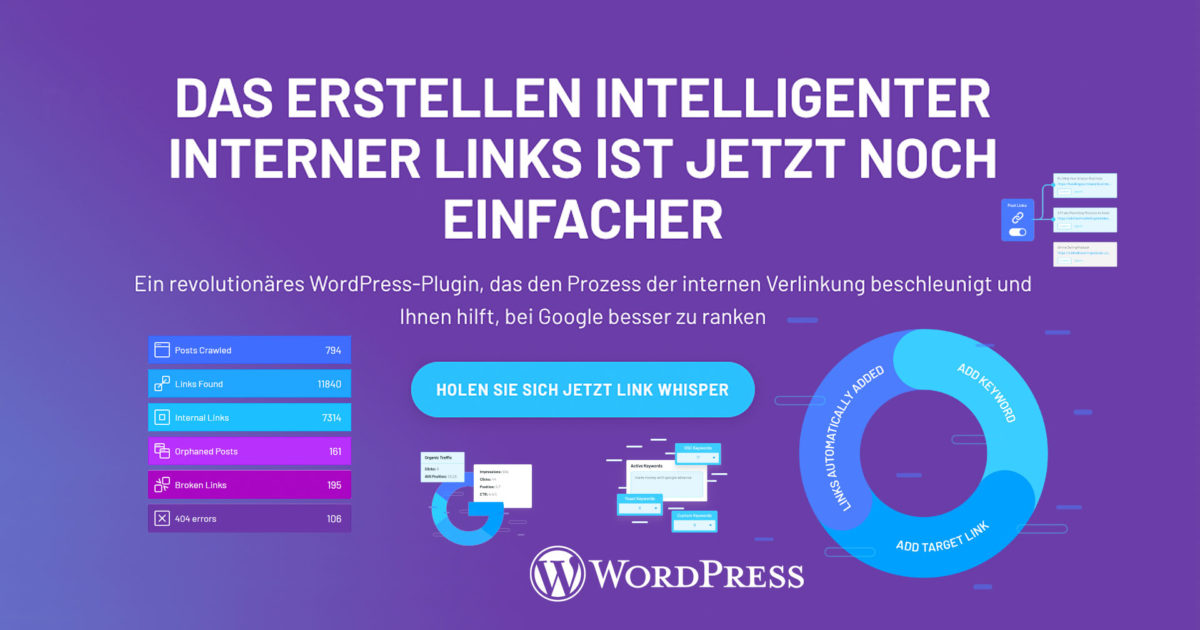
A revolutionary WordPress plugin to speed up the process of internal linking and with which you can professionally set internal links to rank better on Google (SEO Search Engine Optimization). Internal link building is one of the least utilized strategies in SEO, and the WordPress plugin Link Whisper takes away the hard work by making smart suggestions that are easy to manage. More on this in the article + explanation and tips.
WordPress automatic internal linking with Pro-plugin for best SEO rankings through internal links
Before your content can rank, it needs links. Google and other search engines find your posts and pages best when they are linked somewhere on the web (external backlinks). Internal links also connect your content and give Google an idea of your website’s structure. You can build a hierarchy on your website that allows you to give more link value to the most important pages, posts, products, and other posts than to other, less valuable pages = setting priorities.
Using the right internal links in WordPress will boost your SEO!
First, a brief explanation for understanding:
What are internal links?
An internal link is any link from one page on your website to another page on your website. Both your users and search engines use links to find content on your website. Your users use links to navigate through your website and find the content they want. Search engines also use links to navigate your website. They will not find a page if there are no links to it.
There are different types of internal links. In addition to links on your homepage, your menu, your post feed, etc., you can also add links to your content. We call these contextual links. Contextual links direct your users to interesting and related content. Furthermore, they allow search engines to find out what content your website is linked to and to determine the value of that content. The more links an important page receives, the more important it appears to search engines. Therefore, good internal links are crucial for your SEO.
Internal links vs. external links
Every website consists of internal and external links. Internal links connect pages and posts on your own website, and external links connect your pages to other websites. In this post, we focus on internal links and their importance for SEO. If you want to get more external links pointing to your website, read our posts on link building.
Relationships between content
Google crawls websites by following internal and external links with a bot called Googlebot. This bot comes to a website’s homepage, starts rendering the page, and follows the first link. By following links, Google can figure out the relationship between the different pages, posts, and other content. This is how Google finds out which pages on your website cover similar topics.
Above this post, for example, you will see links to the tags „Content SEO,“ „Internal Linking,“ and „Site Structure.“ We ensure that Google understands that the content of these pages is related to the content of this post by adding these links.
Building an Internal Linking Strategy and Semi-Automatic or Automatic Internal Link Placement in WordPress
It is crucial for your website’s SEO to regularly evaluate and improve your internal linking strategy. This is one way to improve your website’s fitness. By adding the right internal links, you ensure that Google understands the following:
- the relevance of pages
- the relationship between pages
- and the value of pages
To set up your internal linking strategy, you need to consider several things. How exactly you proceed will, of course, depend on your WordPress website and your goals.
The WordPress plugin for internal linking presented here will do 80% of the work for you.
Creating and placing internal links in WordPress is now easier than ever!
Setting up internal WordPress links with the Link Whisper plugin – easily set up internal links – semi- or fully automatic
 *
*LinkWhisper* is a WordPress plugin in the Pro version as a paid add-on for any WordPress and also WooCommerce installation. The plugin is compatible with Gutenberg and also with all other common page builders (visual editors). It can also be used in German and all other languages, and a broken link checker is also integrated. Below you will find a detailed description and a short introductory video.
Become more visible on Google & Social Media?
In a free strategy consultation for data-driven online marketing, we uncover your untapped potential, review any existing ad accounts if necessary, examine your SEO ranking and visibility, and determine which strategy is appropriate for your budget and which active measures will lead to more inquiries or sales.

✅ More visibility & perception through targeted placement
✅ More visitors > prospects > customers > revenue
✅ Reach target groups scalably with SEA
✅ Act and grow sustainably with SEO
🫵 Maximum success with our hybrid strategy
💪 More than 15 years of experience across industries in over 1,000+ projects demonstrable!







Note: The plugin is also designed for the German language!
Features & Functions of the Internal Linking Pro Plugin:
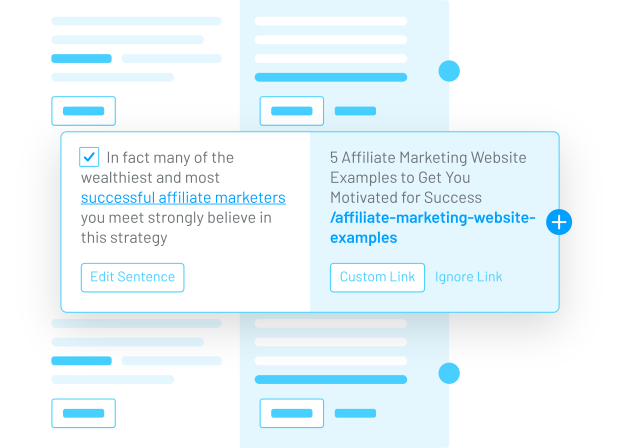
AUTOMATIC LINK SUGGESTIONS WHILE WRITING
Link Whisper is smart. Powered by artificial intelligence, Link Whisper suggests relevant internal links as you start writing your article directly in the WordPress editor. Depending on how many articles you have on your site and how relevant your existing content is, Link Whisper will suggest dozens or more internal links from the content you are editing. Simply check the box and click save. Internal links are created.
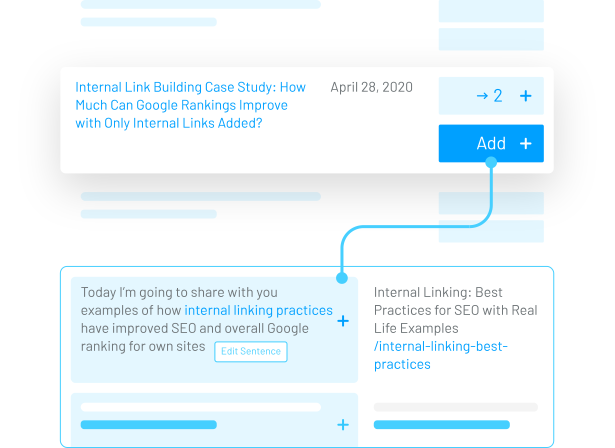
QUICKLY FIND AND CREATE INTERNAL LINKS TO OLD POSTS THAT NEED MORE
Have you ever wondered if you have „orphaned“ content that isn’t linked to by a single internal link? Link Whisper allows you to quickly identify which pages have very few or no internal links pointing to them. But it doesn’t stop there! You can just as quickly click „Add“ new internal links to the articles that have very few internal links pointing to them.
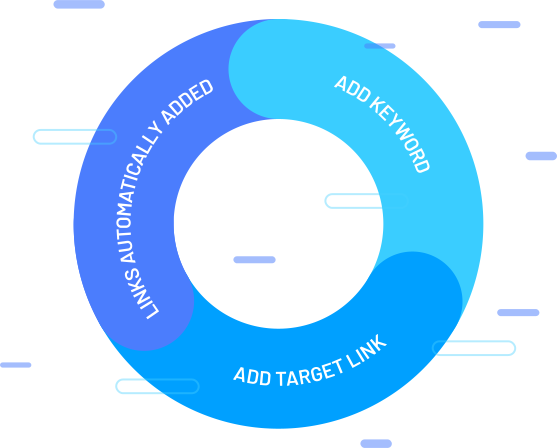
AUTOMATIC LINKS FROM KEYWORDS OF YOUR CHOICE
Do you want to create internal links faster? Try Link Whisper’s „Auto-Linking“ feature! Simply enter the keyword you want to create links from, and then specify the URL to which these links should lead. Just like that, Link Whisper automatically creates links from all past and future mentions of these targeted keywords to the page of your choice.

INTERNAL LINK REPORTING
With detailed link reporting, you can take control of your site structure and get the data you need to truly optimize your site. Not only do you get a good overview of your entire website, but you can also see how many outgoing internal and external links originate from each article. The link statistics dashboard gives you a complete overview of internal and external links, as well as any broken links, errors, or posts that could use additional internal links.
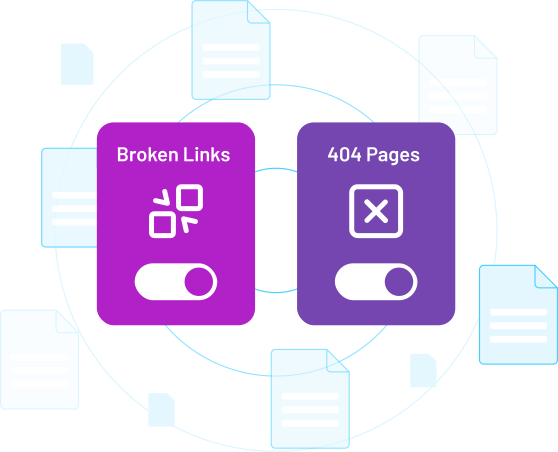
FIX BROKEN LINKS (Broken Links, 404)
Wondering if you have 404 pages or broken links on your website? Link Whisper makes it extremely easy to see all your broken internal and external links. You can also quickly edit or remove broken links within Link Whisper.
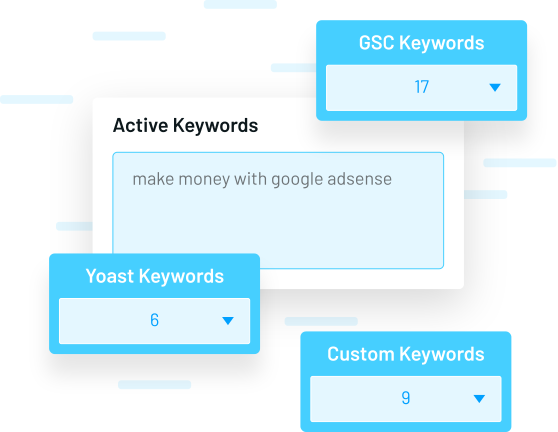
ADD TARGET KEYWORDS FOR EVEN BETTER INTERNAL LINKS
Add your SEO target keywords that you want to rank for in Google, and Link Whisper will suggest the most relevant links for your articles. Already using plugins like Yoast SEO, Rank Math, or All in One SEO to set your target keywords? Link Whisper automatically pulls in these target keywords, so you don’t have to duplicate any work!
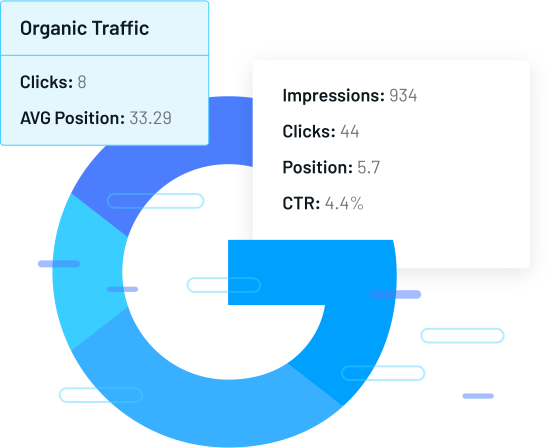
RETRIEVE TRAFFIC DATA FROM GOOGLE SEARCH CONSOLE
Link Whisper has an optional setting that allows you to connect and retrieve traffic data from Google Search Console. This way, you can quickly see organic traffic, average position, and the keywords that lead to results for your article. This keyword data can be invaluable for adjusting target keywords and internal links for maximum results.
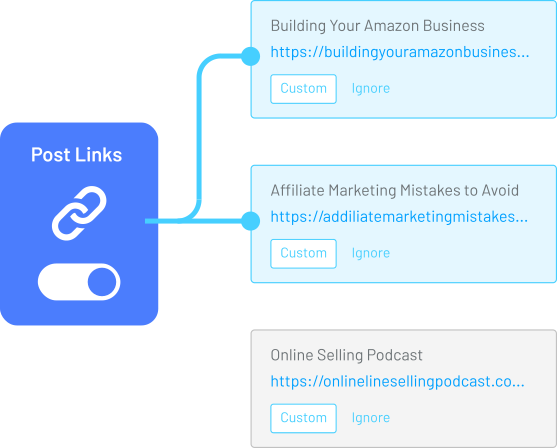
GET INTERNAL LINK SUGGESTIONS FOR OTHER WEBSITES YOU OWN
If you own multiple sites that use Link Whisper, you can „connect“ them and start receiving link suggestions between your website and webshop. This can be particularly powerful if you have multiple websites in a similar niche.
A great video contribution from colleague Jonas Tietgen on this:
FAST, SMART, AND EASY TO USE
- Easy Installation
Setup is as simple as installing the plugin and activating it. Links will then be automatically suggested. - Easy to Use
It truly is as simple as reviewing the link suggestions and checking the box next to the ones you want. Click and done. - Improve WordPress SEO Rankings
Internal links are a standard method to improve Google rankings. Now you can do it faster. - Ongoing Suggestions
As you add more content to your WordPress website or WooCommerce shop, Link Whisper constantly finds new opportunities for internal links… automatically! - Powerful Reporting
Quickly take control of your site’s internal link structure; including reporting on internal, external, and broken links. - Editor and Theme Compatibility
Compatible with almost all editors and themes: Classic, Gutenberg, Beaver Builder, Thrive, Architect, Elementor, WooCommerce, Kadence Blocks, and most other editors and themes. - Time Savings
Finding content, selecting anchor text, and inserting links takes a long time. Let Link Whisper do most of the work for you.
FAQ – Questions & Answers about the Plugin and Internal Linking in WordPress
What kind of link suggestions can I expect?
Link Whisper suggests a link based on the content of your website. In other words, it finds relevant connections that are related. These content-based, relevant links are the strongest type of internal links available. You have complete control over whether to accept or reject the link suggestion.
What is required to use Link Whisper?
Link Whisper is a WordPress plugin. So all you need is a self-hosted website with WordPress installed.
Which languages are supported besides English?
Link Whisper was originally developed to work with English-language websites. However, we have added support for many other languages, including Spanish, French, Portuguese, German, Dutch, Polish, and Russian. You can read the full list of supported languages here. More languages may be added upon request.
What if I don’t like the link suggestions I receive?
Remember that you can adjust the settings to optimize the suggested link types. You can set certain words and phrases to be ignored if certain suggestions appear too frequently. While the link suggestions are ready to use for most users, if you need help fine-tuning your settings, just let us know.
What if I want to remove links after creating them?
Internal links added with Link Whisper behave like any other link on your website. You can remove the links in your editor just like any other link.
What happens to all my links if I uninstall the plugin or cancel Link Whisper?
All your links will remain active, even if you cancel or uninstall the plugin! Once you add internal links to your website, they are like any other link. They are „permanent“ links that will only be removed if you wish (even if you no longer use Link Whisper… which we hope you never stop!).
Will Link Whisper help me rank better on Google?
There is no guarantee that you will rank better on Google just because you use Link Whisper. However, internal links can definitely have a positive impact on your ranking, so ideally you will see improved traffic when you use Link Whisper's intelligent link suggestions.
Who should use Link Whisper?
Link Whisper is ideal for bloggers, niche site creators, and anyone with a content-rich website and store with more than 50 products. The more written content you have on your website, the more powerful Link Whisper will become and the better your WordPress SEO ranking will be.





 DE
DE

