

A WordPress test environment is the wish of many WordPress users and especially WooCommerce shop operators. Theme updates, plugin updates, individual developments, etc., always carry a certain risk. Wouldn’t it be great to have a test environment (staging) to be able to efficiently test and migrate (data synchronization)? In this article, we show a staging plugin for WordPress websites as well as WooCommerce shops that REALLY WORKS!
WordPress Staging Plugin for Test Environment with Full Migration & Backups
WP STAGING is an enterprise-code-quality plugin for cloning, backing up, and migrating WordPress websites and WooCommerce webshops. Enterprise here means an enormously high quality of functions and programming in the background. The plugin in the Pro version is ideal for daily backups,transferring web hosting to another hosting or server, as well as targeted cloning of a WordPress installation for testing purposes.
Attention: The free version is NOT the right choice!
Why do we favor WP Staging? As a WordPress agency and various worldwide WordPress experts, we recommend WP STAGING due to its speed, reliability, and clean code. The pushing from the staging site to the live system works particularly well. Use the push function to copy a staging site directly to the production website. Optionally back up and export parts or your entire site to migrate all data from one server to another.
WordPress Staging (English) = WordPress Test Environment (German)
Attention: We are ALWAYS talking about the Pro (Professional) Version starting from only €89 per year, as the free version is not suitable for professional and serious use!
Example image:
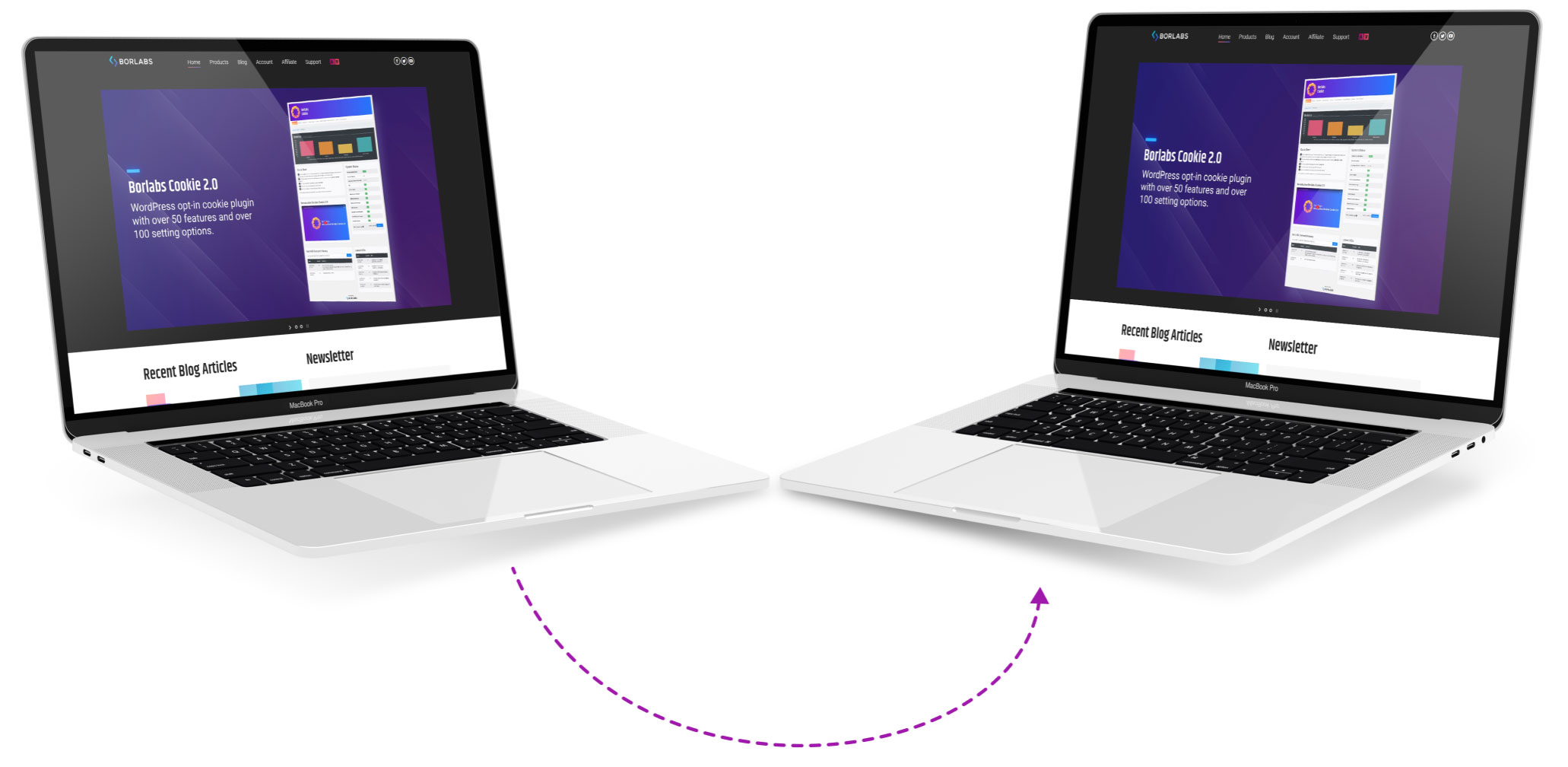
WordPress Staging as a test environment with comprehensive functions and easy operation at a reasonable price
Rough functional overview for staging & migration from live to test environment:
- Restore backup
Securely and reliably restore your entire WordPress site. - Clone
Create a copy of WordPress for development with one click. - Website migration
Transfer or duplicate your website to another server. - High-Performance
Backup & Cloning is much faster than with other plugins. - No Cloud Service
All data is located on your server. - Multisites are supported
Clone and push multisites. Supports main and network sites.
Advantages for every WordPress site & WooCommerce online shop:
- Copy database and files from staging site to live site
- Select database tables and folders to clone and back up (no other plugin can do this!)
- High-speed backup with enterprise robustness
- Even huge websites are supported. 50 GB+
- User authentication for staging sites
- Professional application and features, yet easy to use
Become more visible on Google & Social Media?
In a free strategy consultation for data-driven online marketing, we uncover your untapped potential, review any existing ad accounts if necessary, examine your SEO ranking and visibility, and determine which strategy is appropriate for your budget and which active measures will lead to more inquiries or sales.

✅ More visibility & perception through targeted placement
✅ More visitors > prospects > customers > revenue
✅ Reach target groups scalably with SEA
✅ Act and grow sustainably with SEO
🫵 Maximum success with our hybrid strategy
💪 More than 15 years of experience across industries in over 1,000+ projects demonstrable!







Features for backup, staging, and migration
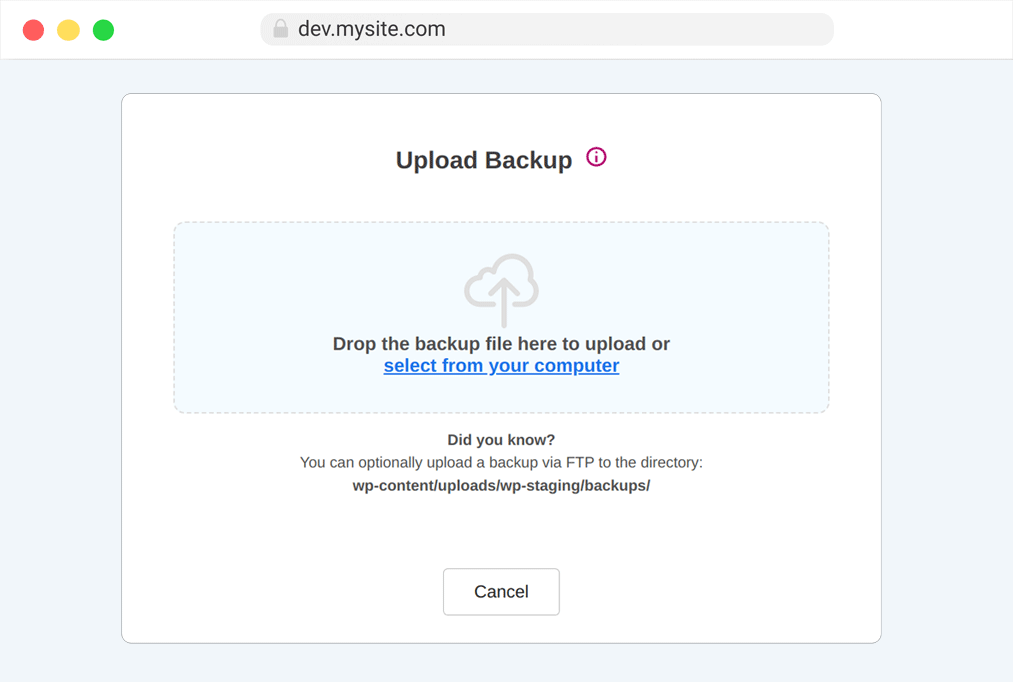
One-Click Backup
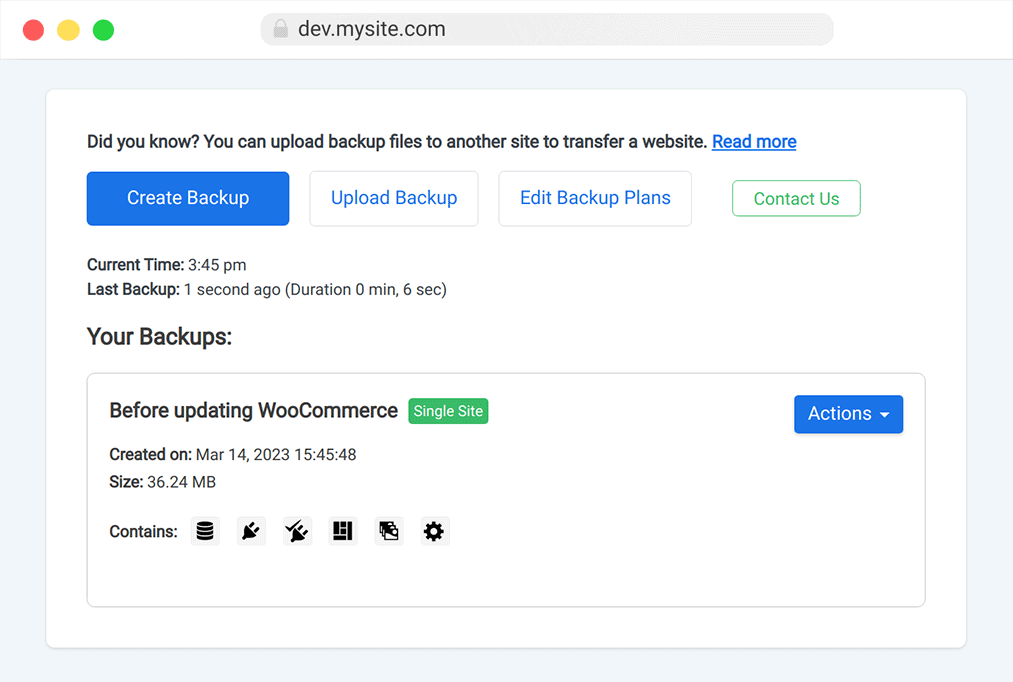
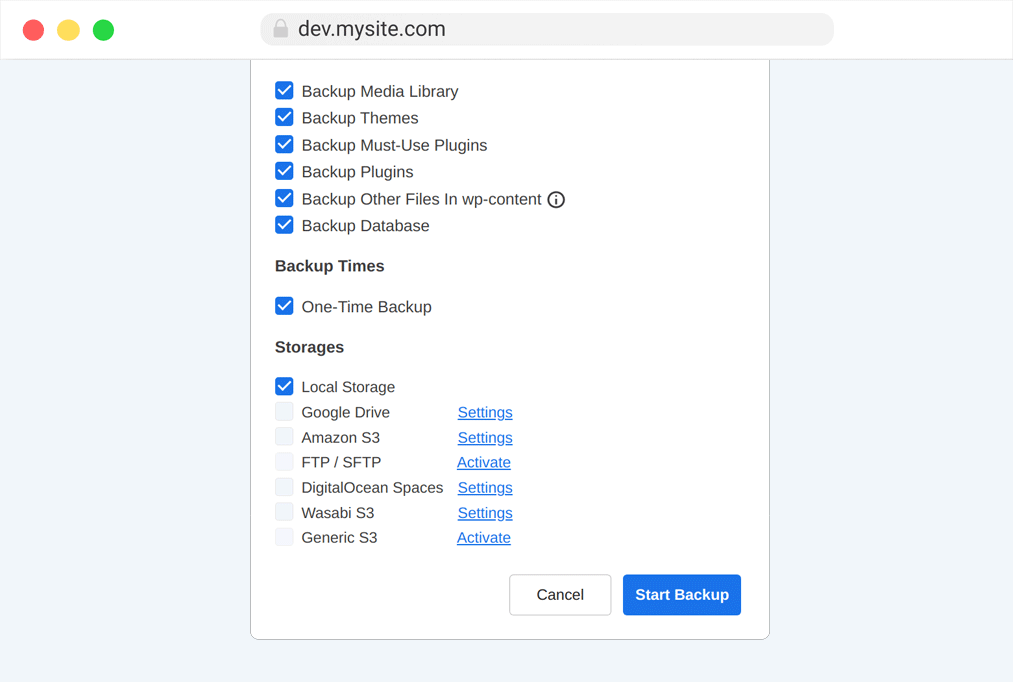
Backup Options
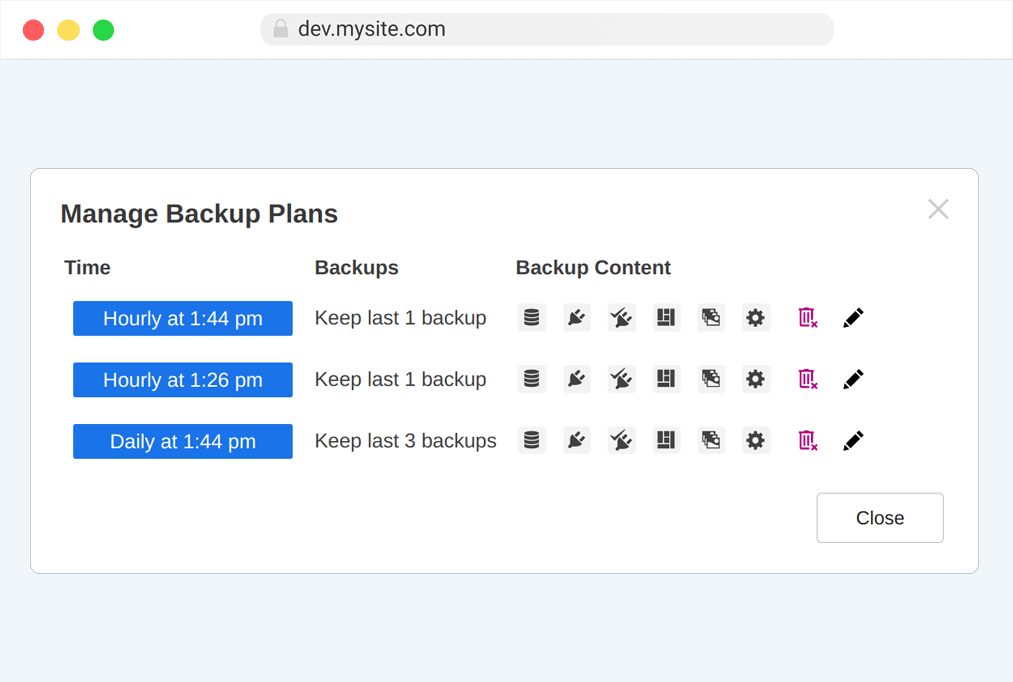
Backup Schedules
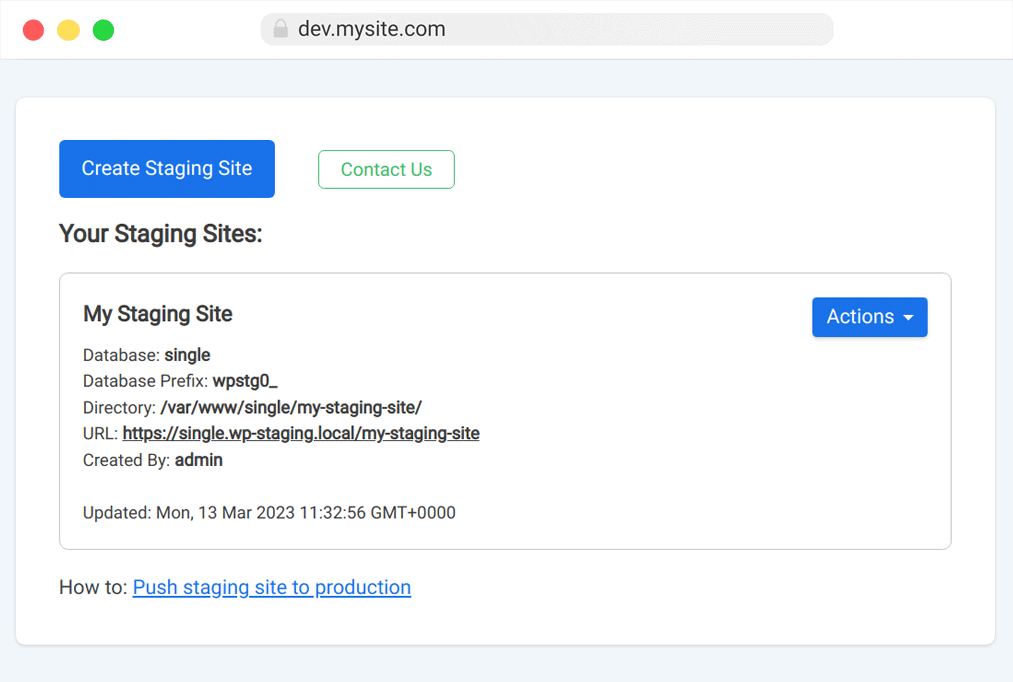
One-Click Cloning
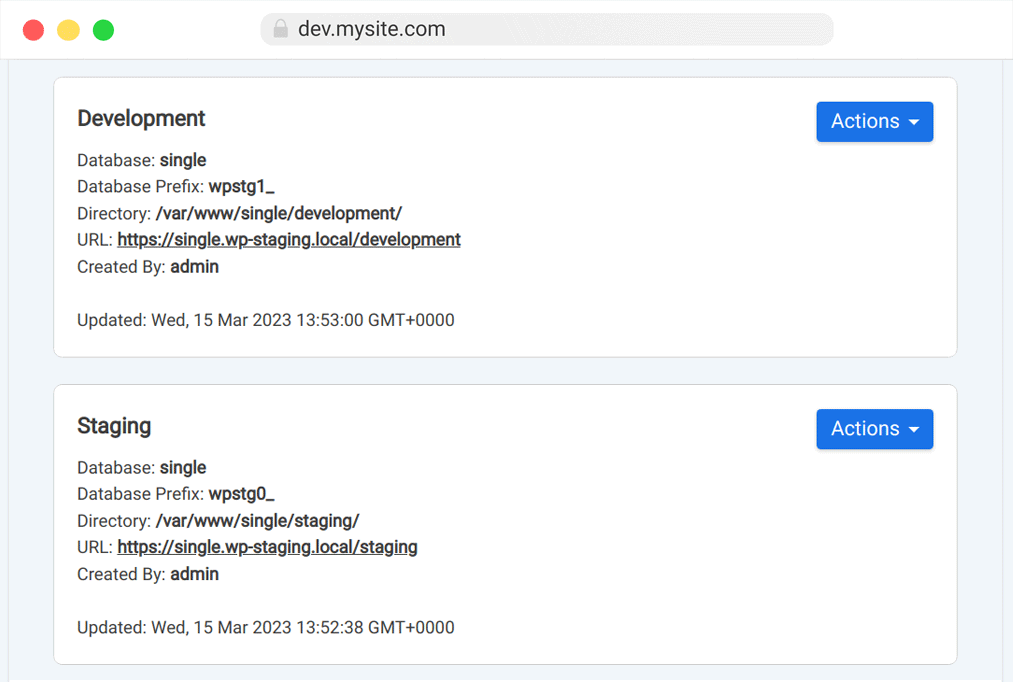
Create Multiple Clones / Instances
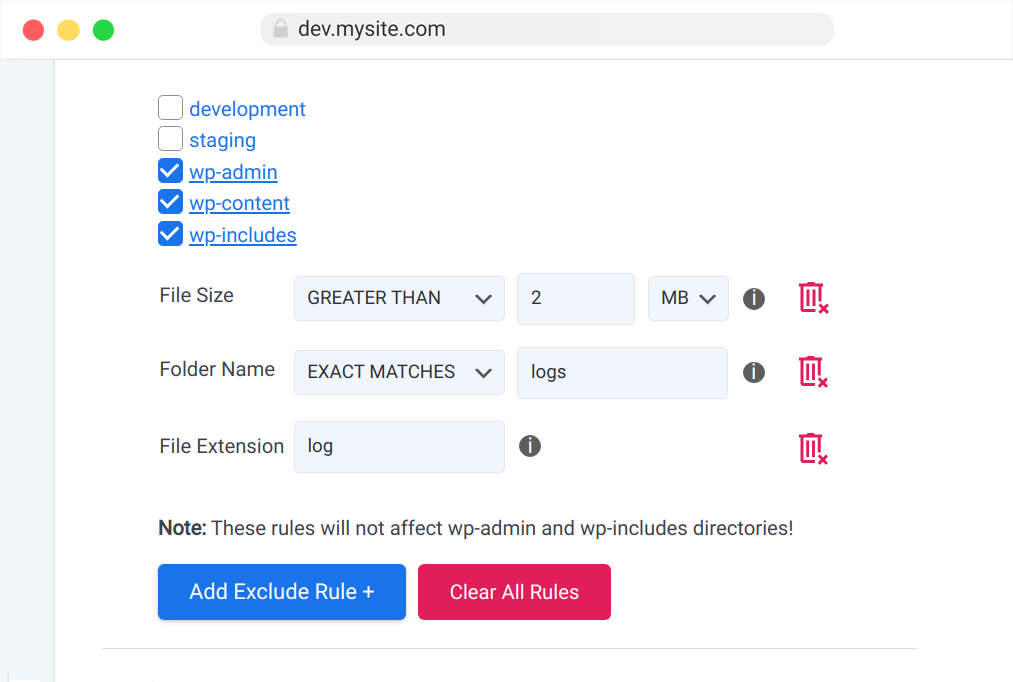
Selection of files and folders
Clone to another database
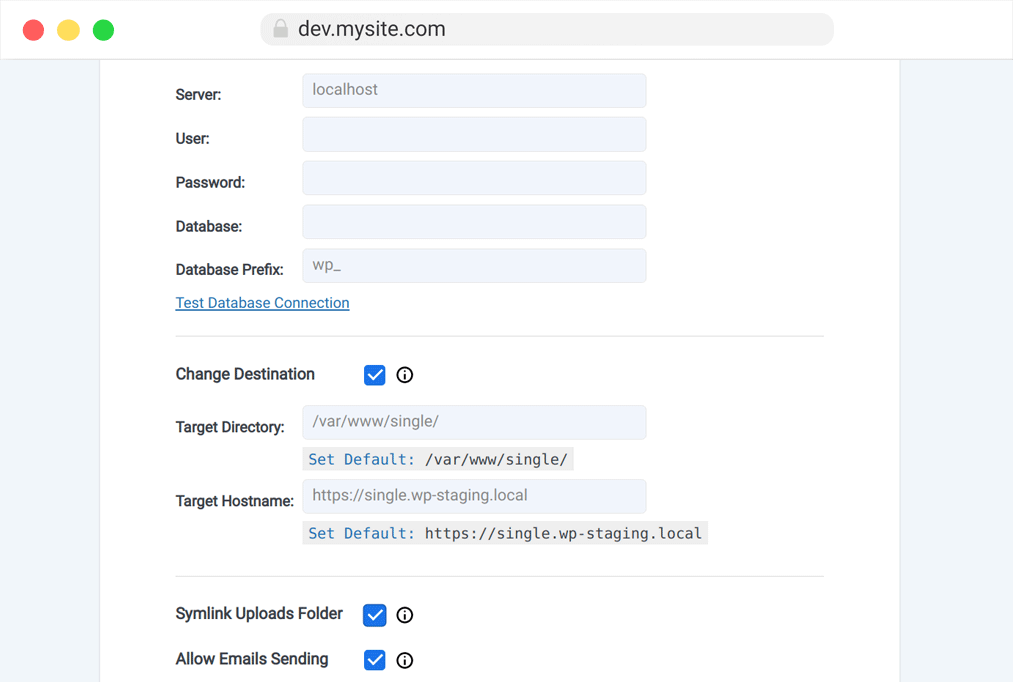
Website transfer
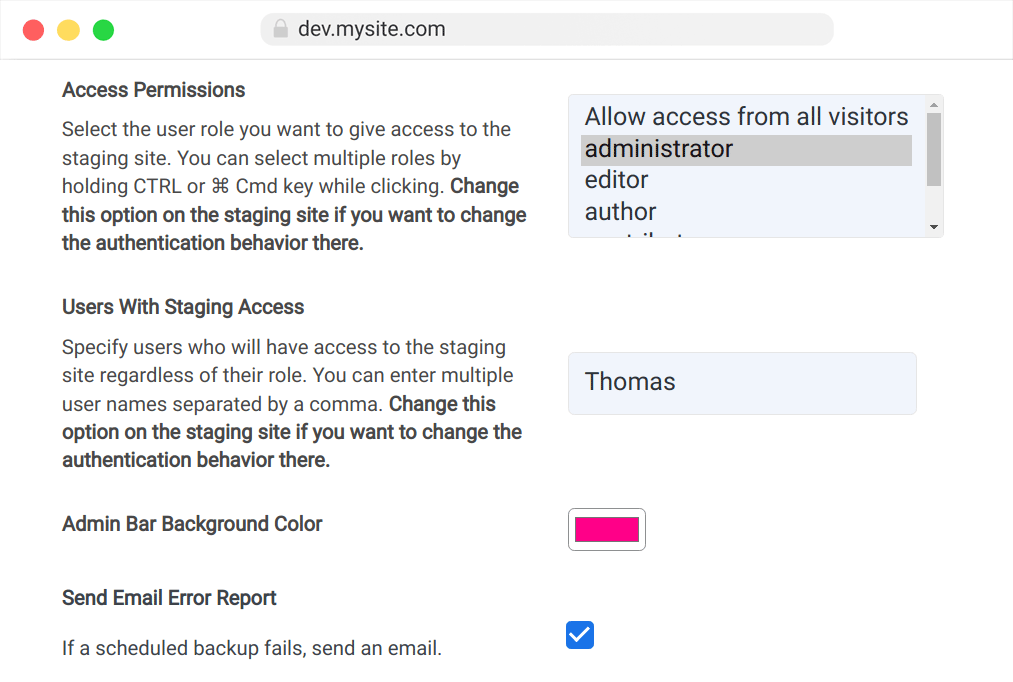
User authentication for special developer access (limitation in live environment)
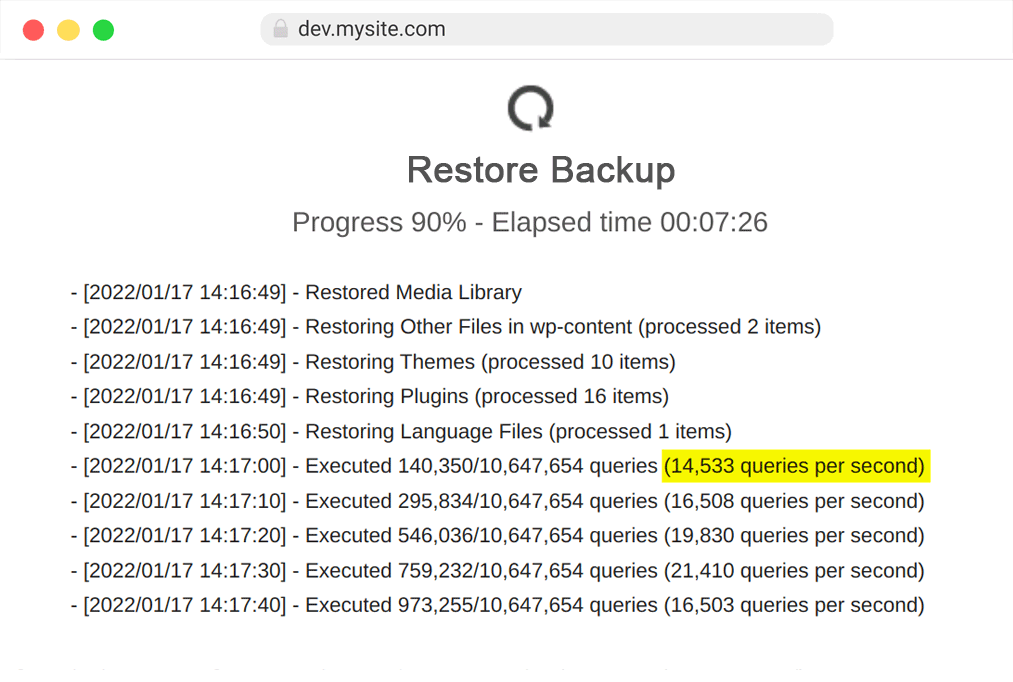
Extremely fast in the process
We use Wp Staging for all professionally managed client projects and recommend it to EVERY site operator & shop owner. With the plugin, you can set up a WordPress test environment online in just a few minutes, and that also applies to WooCommerce shops!

Florian Ibe
CEO & Marketing Consultant
Your contact person: Florian Ibe
WordPress Staging as a test environment with comprehensive functions and easy operation at a reasonable price
WordPress Staging offers a professional test environment that is very user-friendly and provides numerous functions for a complete migration from live websites to the test environment. It allows users to test changes to a website before they go live, to avoid potential errors. The easy operation and affordable prices make WordPress Staging Pro a popular choice for WordPress sites and WooCommerce online shops.
This innovative solution includes functions such as backup, staging, and migration. The seamless integration of these tools significantly facilitates the management of websites for developers and website operators. Additionally, WordPress Staging offers advantages that every website would need to operate efficiently.
Overview of functions for staging & migration from live to test environment:
WordPress Staging offers extensive functionality for backing up, testing, staging, and migrating websites. With one click, users can create backups, select various backup options, and set backup schedules. In addition, the tool allows cloning websites, transferring websites between servers, and setting up custom access restrictions for developers.
The processes are extremely fast and uncomplicated, which increases efficiency. In addition, WordPress Staging offers the possibility to create multiple clones or instances and to select files and folders as required. This tool makes website migration easy and effective.
Another highlight of WordPress Staging is user authentication for special access. This function allows developers to restrict certain areas of the test environment and thus protect the live environment from unwanted changes.
Advantages for every WordPress site & WooCommerce online shop:
WordPress Staging offers numerous advantages for every WordPress site and WooCommerce online shop. By providing a test environment, users can make changes without affecting the live website. The one-click backup option allows users to perform regular backups to prevent data loss.
In addition, WordPress Staging offers the possibility to install and test themes and plugins in the staging environment before they go live. This helps to identify and resolve potential conflicts or errors early on. Furthermore, users can easily and securely perform updates with WordPress Staging without affecting the live site.





 DE
DE

