


You’ve received an email from an „Independent Security Researcher“ claiming to have found a security vulnerability on your WordPress website? Don’t panic. In this article, we explain what’s behind it, why there’s (usually) no reason to worry – and what you can still do. Frequent message: „Password reset emails“. More on this in the article…
„Security Researcher“ reports WordPress vulnerability – and wants money for it: What’s behind Beg Bounty Mails?
WordPress operators are increasingly receiving emails from alleged „Security Researchers“ who point out a supposed security vulnerability – combined with the expectation of a financial „reward“. What at first glance appears to be responsible vulnerability disclosure often turns out, upon closer analysis, to be a so-called Beg Bounty Mail: a mixture of automated vulnerability scanning, generic threat communication, and a subtle request for payment.
But where is the line between a reputable bug bounty program and opportunistic scamming? What typical patterns, technical indicators, and rhetorical strategies are behind it – and how should website operators, agencies, and developers react professionally?
Note: EVERY WordPress installation has this worldwide.
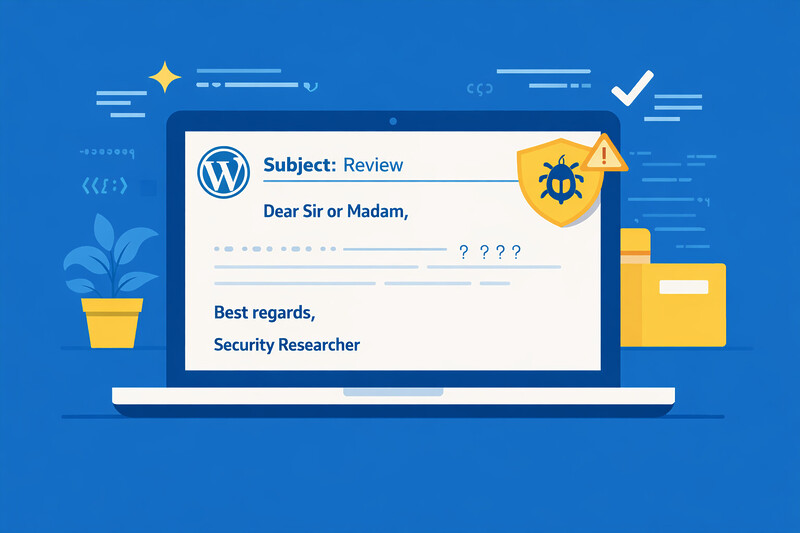
The email: professionally worded, thin on content
The pattern is almost always the same: a politely worded email, often in English, with a subject line like „Vulnerability Report – Urgent Attention Required“. The sender introduces themselves as an independent security researcher and describes a supposed vulnerability on your website. Often, a screenshot or video is even included – the whole thing appears professional and serious.
After a few days, a second email follows: They politely ask if the problem has been resolved – and if there might be a bug bounty, i.e., a reward for responsible disclosure.
Welcome to the world of Beg Bounties.
What is a Beg Bounty?
The term Beg Bounty (roughly: „begging premium“) describes a phenomenon that has become widespread. Individuals use automated tools to scan thousands of websites for known standard configurations and then report these as „security vulnerabilities“ – hoping that the website operator will pay a reward out of fear or ignorance.
In contrast to genuine bug bounty programs, where companies specifically invite security researchers and establish clear rules, these are unsolicited reports of non-vulnerabilities.
Become more visible on Google & Social Media?
In a free strategy consultation for data-driven online marketing, we uncover your untapped potential, review any existing ad accounts if necessary, examine your SEO ranking and visibility, and determine which strategy is appropriate for your budget and which active measures will lead to more inquiries or sales.

✅ More visibility & perception through targeted placement
✅ More visitors > prospects > customers > revenue
✅ Reach target groups scalably with SEA
✅ Act and grow sustainably with SEO
🫵 Maximum success with our hybrid strategy
💪 More than 15 years of experience across industries in over 1,000+ projects demonstrable!







The Classic: WordPress REST API User Enumeration
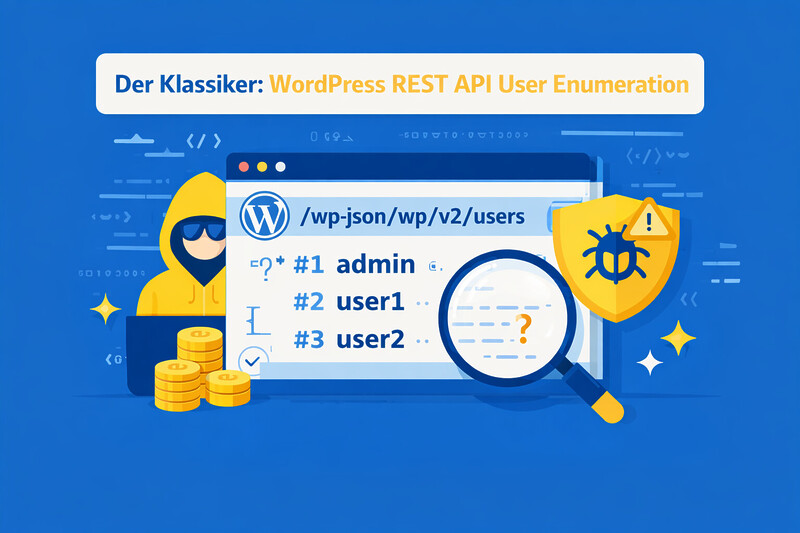
By far the most common „vulnerability“ reported in such emails is the WordPress REST API User Enumeration. Specifically, it concerns the endpoint:
/wp-json/wp/v2/users/If you call this URL, WordPress returns a list of users who have published posts – including username, display name, and profile picture. This looks alarming at first glance, but it is standard WordPress behavior since version 4.7 (January 2017).
Why does this endpoint exist?
The REST API is a central component of WordPress. Among other things, it is required for:
- The Gutenberg block editor
- Author pages and author archives
- Headless WordPress setups
- Mobile apps and external integrations
The display of author names on a blog is intentional and part of the normal operation of a website. Anyone who runs a blog displays author names – this is not a security vulnerability, but a feature.

Is this really dangerous?
Short answer: No.
A username alone is not a key. The actual security depends on completely different factors:
- How strong is the password?
- Is two-factor authentication (2FA) enabled?
- Is there brute-force protection?
- Is the WordPress installation up to date?
Usernames can also be found without the REST API – for example, via author archives (?author=1) or via the login page itself. The REST API is just the most convenient way.
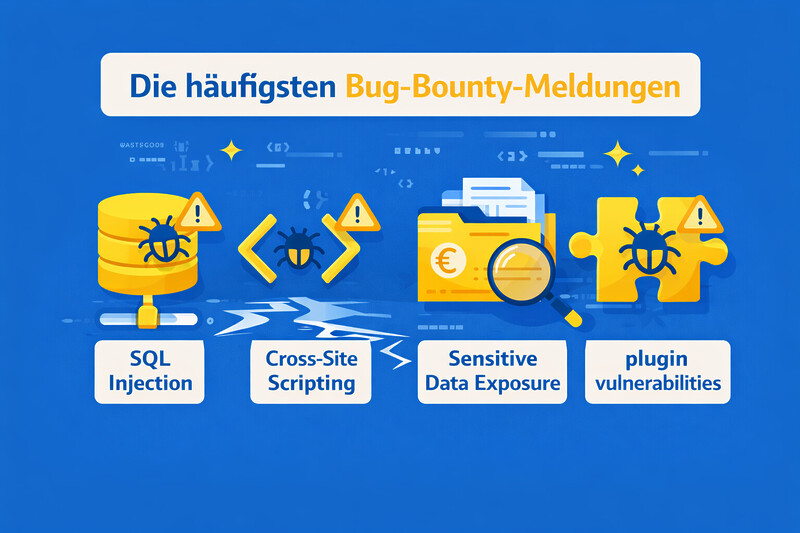
The most common bug bounty reports
The REST API User Enumeration is by no means the only „vulnerability“ that appears in such emails. Here are the classics that are regularly reported as supposedly critical security vulnerabilities:
- WordPress version visible – The WordPress version number is visible in the source code or RSS feed. This is standard and not a security risk on its own. An attacker will try exploits regardless of the visible version.
- Missing Security Headers – Headers like
X-Frame-Options,Content-Security-Policy, orStrict-Transport-Securityare missing or incomplete. Properly configured headers are good practice, but their absence is not an active vulnerability – especially not on a simple company website. - Directory Listing enabled – A directory like
/wp-content/uploads/displays its contents. Unsightly, but not a real security problem for publicly accessible media files. - XMLRPC.php accessible – The file
xmlrpc.phpis externally accessible. This is the case with every standard WordPress installation. Only in combination with weak passwords and a lack of brute-force protection does this become a problem. - Clickjacking „possible“ – The website can theoretically be embedded in an iFrame. For a normal company website without sensitive forms, the risk is minimal.
- SSL/TLS configuration „not optimal“ – A scanner complains that certain older TLS versions or cipher suites are still supported. As long as TLS 1.2+ is active and the certificate is valid, there is no realistic risk.
- Login page publicly accessible – The fact that
/wp-adminor/wp-login.phpis accessible is reported as a vulnerability. This is simply the standard login page of every WordPress installation worldwide. - Missing Rate-Limiting on Login – There is no limit to login attempts. This is indeed a point that should be addressed – but it's not a bug, rather a missing hardening measure.
All these reports have one thing in common: they describe standard configurations or missing hardening, not active security vulnerabilities. Automated scanners like Nikto, WPScan, or Shodan find these „problems“ on millions of websites – and this is precisely the basis for mass-sent bug bounty emails.
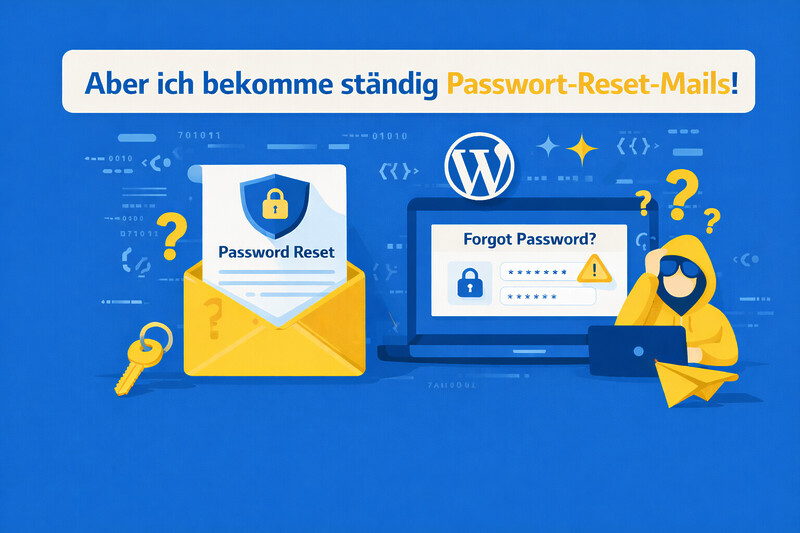
„But I keep getting password reset emails!“
Many website operators notice after such a report that they receive an increased number of password reset emails. This understandably causes concern – but usually has nothing to do with the „researcher.“
What is really happening here?
Automated bots scan the internet for WordPress installations and try known usernames with common passwords. The reason is simple: there are still websites where the user „admin“ has the password „123456“. The bots try thousands of combinations, and if one works, it is noted.
What happens next varies:
Sometimes malware is injected, sometimes spam pages are created, and in brazen cases, the operator is even offered to fix the „hack“ for a fee – mind you, a problem that the attacker himself caused!
These bot attacks are fully automated and affect virtually every WordPress site on the internet. They are not the result of the reported „vulnerability“.
Direct help with WordPress experience since 2010:

Florian Ibe
CEO & Marketing Consultant
Your contact person: Florian Ibe
What you should do (and what not to do)
Do not do:
- Do not panic. The reported „vulnerability“ is not one.
- Do not reply. A reply signals that the email address is active and someone is responding – this can lead to more emails.
- Do not pay money. There is no reason to pay a reward for reporting standard WordPress behavior.
Do (as general hardening):
Even if the reported „vulnerability“ is harmless, there are sensible measures to generally better secure a WordPress site:
- Use strong passwords – At least 16 characters, randomly generated. A password manager helps with this.
- Activate Two-Factor Authentication (2FA) – This is by far the most effective single measure. Even if a password is guessed, the attacker cannot get in without the second factor.
- Set up Brute-Force Protection – Plugins like Limit Login Attempts Reloaded or Wordfence limit the number of failed login attempts.
- Keep WordPress and Plugins Updated – Most real security vulnerabilities are caused by outdated software, not by the REST API.
- Deactivate XML-RPC – This older endpoint is often abused for brute-force attacks and is no longer needed by most websites.
- Optional: Restrict REST API for Unauthenticated Users – If you don’t run a blog or don’t need public author pages, you can deactivate the Users endpoint. However, this is cosmetic, not a security gain.
Tip to protect yourself from such bots, crawlers and bad access:

How do I recognize a genuine security message?
Not every security report is a bug bounty. There are indeed reputable security researchers who responsibly report vulnerabilities. Characteristics of a serious report:
- It describes an actual vulnerability, not standard behavior
- It contains a detailed technical description with reproducible steps
- The researcher has a verifiable reputation (CVE entries, HackerOne profile, known publications)
- No money is demanded; instead, confirmation and remediation are requested
- Communication takes place via official channels (not via Gmail addresses with number sequences)
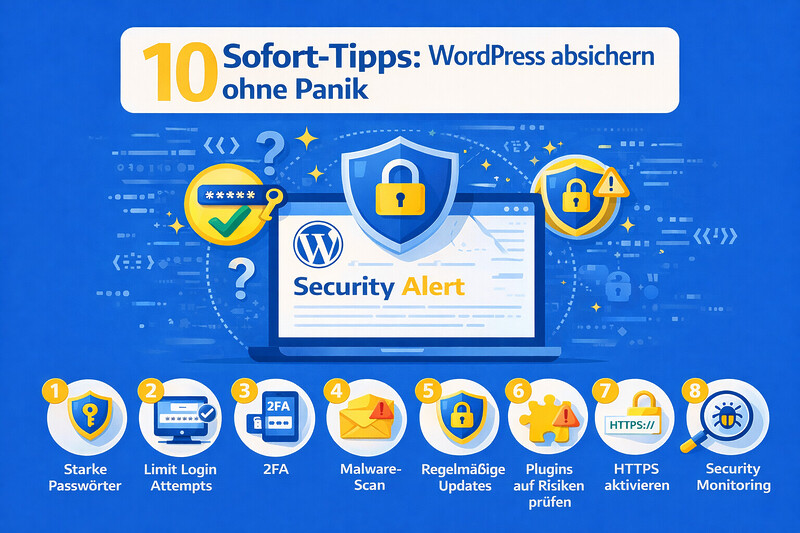
10 Instant Tips: Securing WordPress Without Panic
Regardless of whether you have received a bug bounty email or not – every WordPress operator should implement these measures. Most can be completed in a few minutes and will make your site significantly more secure.
1. Enforce Strong Passwords for All Users
Sounds trivial, but it is still the most common vulnerability. At least 16 characters, randomly generated, no reuse. It is best to use a password manager like Bitwarden or 1Password. Tip: WordPress already offers a strong password generator when creating users – make sure to actually use it.
Are you unsure whether all users on your site are using secure passwords? Florian Ibe from VASTCOB will gladly perform a security check.
2. Activate Two-Factor Authentication (2FA)
The most effective single measure of all. Even if a password is compromised, no one can access the backend without the second factor. Recommended plugins: WP 2FA,Two-Factor or the 2FA function of Wordfence. Activate for all users with backend access – not just administrators.
Do you need help with the setup? VASTCOB will take care of the configuration for you.
3. Limit Login Attempts
Without a limit, a bot can try an unlimited number of passwords. Plugins like Limit Login Attempts Reloaded or Wordfence block IP addresses after a certain number of failed attempts. A simple measure with a big impact.
4. Keep WordPress, Themes and Plugins Up to Date
Most real security vulnerabilities arise from outdated software. Automatic updates for minor versions are active by default – for plugins and themes, you should also update regularly. Important: Always create a backup beforehand. No time or desire to check updates yourself regularly? VASTCOB offers WordPress maintenance contracts that cover exactly that.
5. Disable XML-RPC
The xmlrpc.php interface is no longer needed by most websites, but it is a popular gateway for brute-force attacks. One line in functions.php is enough:
add_filter('xmlrpc_enabled','__return_false');Alternatively, access can be blocked directly via .htaccess or the server configuration.
6. Change login URL
The default URLs /wp-admin and /wp-login.php are known to every bot. With plugins like WPS Hide Login, the login address can be changed in a few seconds – for example, to /my-access. This drastically reduces automated attacks.
7. Delete unused themes and plugins
Deactivated themes and plugins are not secure – they can still contain vulnerabilities that can be exploited externally. Delete everything that is not actively used, do not just deactivate it.
8. Set up automatic backups
No security concept is complete without backups. Daily automatic backups with plugins like UpdraftPlus or BackWPup, ideally to an external storage location (cloud, FTP). In an emergency, a current backup is worth its weight in gold.
Would you like a professional backup concept with external storage? Florian Ibe from VASTCOB will set it up for you.
9. Set Security Headers
Even if missing headers are not an acute vulnerability, correctly configured headers offer an additional layer of protection. The most important headers (X-Frame-Options,X-Content-Type-Options,Strict-Transport-Security,Content-Security-Policy) can be set via .htaccess, a plugin, or the server configuration.
The correct configuration of security headers can become complex depending on the theme and plugins used. VASTCOB ensures that everything works smoothly.
10. Conduct regular security audits
Setting it up once and forgetting about it is not enough. Plugins are updated, new vulnerabilities are discovered, and configurations change. A regular check – at least quarterly – ensures that security remains up to date.
Would you like to have your WordPress site checked by an expert? Florian Ibe offers comprehensive WordPress security audits – from configuration and plugin analysis to server hardening.

Conclusion on these „security vulnerabilities“ and related WordPress hacker emails
The report of the WordPress REST API User Enumeration as a security vulnerability is a classic among bug bounties. It sounds threatening, but it is nothing more than a standard WordPress function. Anyone who uses a strong password, has 2FA activated, and keeps their installation up to date is well protected.
So: Don’t panic, don’t pay, don’t reply – and instead invest your time in real security measures.





 DE
DE

