

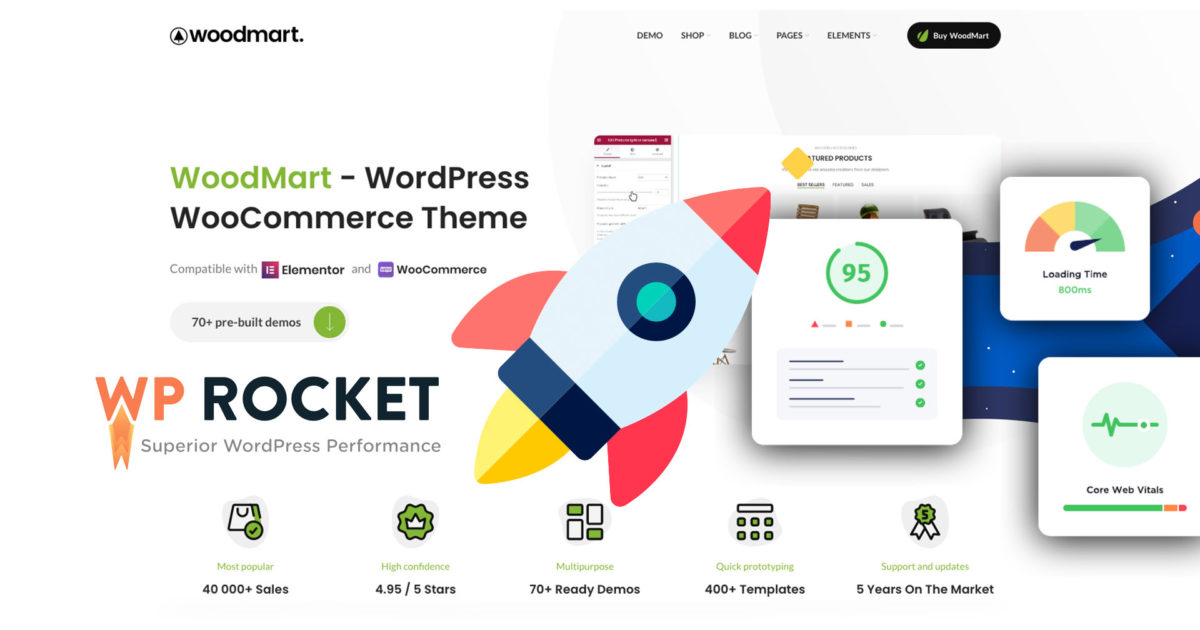
For us, the WoodMart theme for WordPress and WooCommerce is one of, if not the best, theme templates for WooCommerce shops. However, depending on the number of products and activated functions, it is difficult to achieve over 70% on Google PageSpeed and GTMetrix without caching. But which caching plugin should one use with this theme?
The right caching plugin for the WoodMart theme for the fastest loading times and top rankings on Google
We have witnessed the development of the WoodMart Theme* and its numerous functions, as well as improvements in terms of speed and loading time, from the very beginning. Normally, we use W3 Total Cache for almost all websites, but caching does not work as well with the WooCommerce theme WoodMart. Therefore, we tried WP Super Cache, WP Fastest Cache, and Cache Enabler in both the free and pro versions, but the results were not as good as expected.
Normally, we are not fans of WP Rocket*, but we tested it, and wow. Even without OPCache and Redis, it delivers real performance, reaching over 90 on Google PageSpeed and even up to 98% on GTMetrix without any frills. Truly amazing.
Since the configuration and settings in WP Rocket are so simple, it is also very user-friendly and justifies the small price of only $49 (approx. €45). The costs are minimal, and the performance afterward is gigantic.
Caching Plugin for WoodMart Theme = WP Rocket!

Fragen oder Probleme mit WoodMart oder dem Caching? Gerne melden:
E-Mail: fi@vastcob.com
Florian Ibe
Caching is a great step for store owners who want to speed up their store easily and affordably.
Video and blog article generally for a fast WordPress site:
Make WordPress Faster 🚀 WP Website Woo WooCommerce Shop Page Speed Optimization Load Time
Essentially, a caching plugin creates and stores a static version of your shop. So when a customer returns to you, they are shown a cached version of your product pages.
Become more visible on Google & Social Media?
In a free strategy consultation for data-driven online marketing, we uncover your untapped potential, review any existing ad accounts if necessary, examine your SEO ranking and visibility, and determine which strategy is appropriate for your budget and which active measures will lead to more inquiries or sales.

✅ More visibility & perception through targeted placement
✅ More visitors > prospects > customers > revenue
✅ Reach target groups scalably with SEA
✅ Act and grow sustainably with SEO
🫵 Maximum success with our hybrid strategy
💪 More than 15 years of experience across industries in over 1,000+ projects demonstrable!







The great thing about WordPress caching is that it happens without the customer knowing that they are seeing content they have already downloaded before. Caching minimizes the amount of data sent between the customer’s browser, the WordPress database, and the web server, which reduces loading times.
If you are using a caching plugin for your WooCommerce site, exclude these pages from the cache:
- Cart
- My Account
- Checkout
These pages, as well as other elements like shopping cart widgets, must remain dynamic because they contain customer-specific information.
Since your cart and checkout pages cannot be cached, but are critical for conversions, you need to pay special attention to their speed. It is important that you do everything possible to optimize these pages as much as possible and remove unnecessary resources.
WP Rocket is fully compatible with WooCommerce, so you don’t have to manually exclude these pages – WP Rocket automatically detects all WooCommerce pages and does not cache them. However, it is recommended to avoid minifying JavaScript files.
Important: Avoid using JavaScript minification when using WP Rocket with WooCommerce.
Accidentally caching dynamic pages in your store can cause the customer to see unexpected results, such as previously viewed content instead of new products they have added to their cart. Even if you think caching is working as it should, it’s important to test your WooCommerce cache setup after configuring the caching plugin to ensure it works as expected.
WP Rocket offers:
- Fast setup
- Page caching
- Cache preloading
- Sitemap preloading
- GZIP compression
- Browser caching
- Database optimization
- Google Fonts optimization
- Remove query strings from static resources
- Lazyload
- Minification / Concatenation
- Defer JS loading
- CloudFlare compatibility
- CDN
- DNS prefetching
- Mobile Detection
- Multisite Compatibility
- E-commerce Friendly
- Multilingualism
- Connected Users
- Import Export
- Developer Friendly
Feel free to also check out our blog article + video on WP Rocket:
Probably the best WordPress Cache Plugin / Caching Plugin for maximum Page Speed (fast loading time)
Page Speed Optimization in WordPress & WooCommerce – faster loading time + security





 DE
DE

