

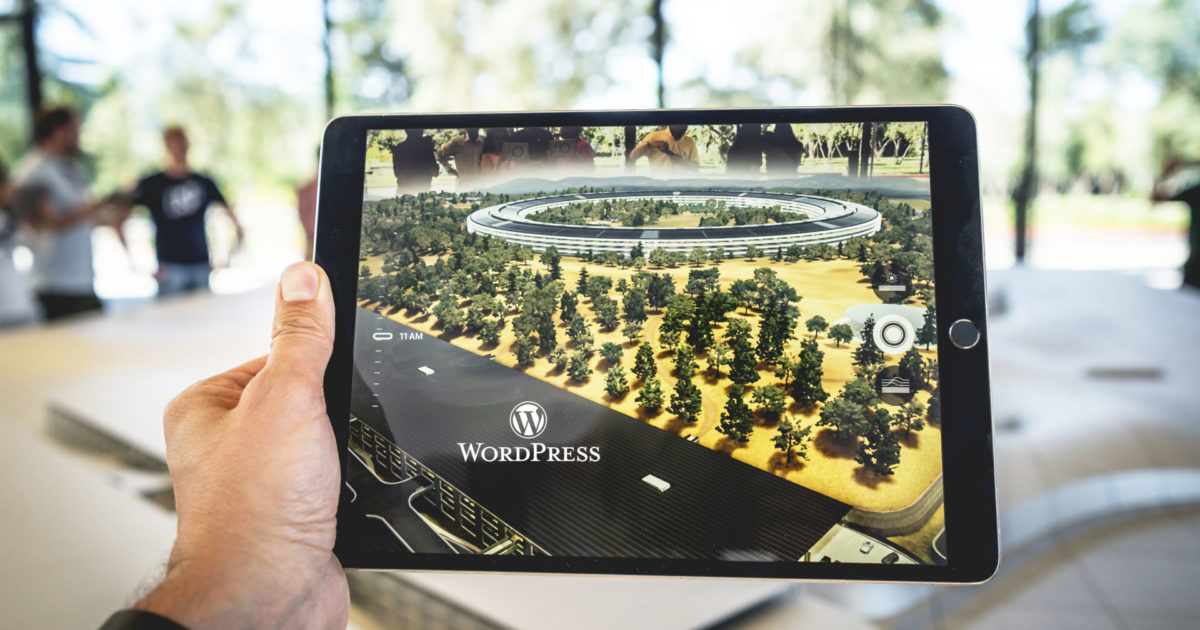
This article is about WordPress plugins for creating 360 panoramas on your website or online shop. This way, you can display images in an interesting way and, for example, create virtual tours. Let’s now talk about how using one of these 360 Panorama View WordPress plugins can add an interesting element to your website.
Adding 360 Panorama WordPress plugins for media purposes to your websites can improve your website’s status. Images have become too stereotypical, and it’s time for a shift. Panoramas have become the new favorite due to the wide-angle view, 3D effects, and the „WOW“ after-effect they leave on visitors.
WordPress Plugin 360 Panorama Images (Virtual Reality)
With these 360 Panorama View WordPress Plugins, you can have stunning and engaging elements in your images and let your imagination run wild. You can create an online shopping website and use one of these plugins to allow users to see the product from all angles. You can also create virtual tours of buildings and places. The options are only as limited as you can imagine. So, if creating a 360-degree panorama for your images sounds interesting, let’s look at these plugins so you can see all their different features in a row and decide which one you should choose.
With these plugins, you can add the 360-degree panorama to posts,pages,widgets, or anywhere else you want to add it. Quickly add a 360-degree view to your website using the shortcode generator tool.
In fact, you can also use these panorama plugins to get a 360-degree view of the products and services you sell.
iPanorama 360° – Virtual Tour Builder for WordPress*

The bestselling iPanorama 360 WordPress Plugin* is designed for creating virtual tours without requiring extreme programming or coding knowledge. Now, you might be thinking, „How many features can this type of plugin have?“, but in fact, iPanorama 360 has a decent amount of very useful tools and functions. There’s a built-in builder that allows you to easily: upload your panoramic photos, add hotspots, and add popover windows. This is also a responsive plugin, so it transitions well from large desktops to small mobile phones and everything in between.
iPanorama 360 is the WordPress plugin that allows you to create excellent virtual tours for clients directly from the WordPress admin in seconds. The plugin supports markers to provide information about any part of the scene or to navigate to other rooms/areas. With a well-developed tooltip system, you can enrich a scene with text, images, videos, and other online media resources. Use this plugin to create interactive and virtual tours, maps, and presentations.
With this plugin, you can easily create a virtual tour for your website. Just provide a 360-degree panoramic photo, and the plugin will do all the work for you. To attract more users, you can add markers with tooltips that contain additional information. Add more scenes to navigate as well.
![[Panoramabeschreibung]](data:image/svg+xml,%3Csvg%20xmlns='http://www.w3.org/2000/svg'%20viewBox='0%200%200%200'%3E%3C/svg%3E)
Become more visible on Google & Social Media?
In a free strategy consultation for data-driven online marketing, we uncover your untapped potential, review any existing ad accounts if necessary, examine your SEO ranking and visibility, and determine which strategy is appropriate for your budget and which active measures will lead to more inquiries or sales.

✅ More visibility & perception through targeted placement
✅ More visitors > prospects > customers > revenue
✅ Reach target groups scalably with SEA
✅ Act and grow sustainably with SEO
🫵 Maximum success with our hybrid strategy
💪 More than 15 years of experience across industries in over 1,000+ projects demonstrable!







Features:
- 5 Scene Types – Sphere, Cube, Little Planet, Flat, and Google Street View
- Markers – Allows you to mark different areas you want to point out
- Virtual Tour – Travel from one scene to another by clicking on special markers
- Tooltip System – The plugin has a built-in, powerful tooltip system
- Popover System – Displays extensive information in the lightbox
- Marker Style Creator – Create your own marker view
- Tooltip Show and Hide Animations – Wählen Sie aus über 50 Typen
- Popover Show and Hide Animations – Wählen Sie aus über 50 Typen
- Thumbnails – Let people see a quick snapshot of your scene
- Thumbnail – You can set an image to be displayed as a preview
- Fullscreen – You can switch from normal to fullscreen mode and back
- Mouse Wheel – Zoom with mouse wheel scrolling
- Keyboard – Arrows can be used to navigate through the scene
- Touch – Touch was used for navigation tasks
- Gyroscope – Navigation with orientation for mobile devices
- Autoplay – The scene automatically rotates around the axes
- Audio Background – Set background music for a scene
- Embed – Publish Pano with the Iframe on different websites
- Fantastic Looks – 2 predefined themes (light & dark)
- Responsive Design
- Export & Import Config – Save the virtual tour to a file
- Powerful API – over 45 options
- Email support
- and much more ..
Flat 360° Panorama Image Viewer – Responsive WordPress Plugin*

The Flat Panoramic Image Viewer takes static flat rectilinear panoramic images and uses WordPress to add hotspots and scrolling for an ultra-realistic viewing experience. And yes, it supports the new Gutenberg WordPress Editor!
To breathe life into your static panoramic photos, our Flat Panoramic Viewer plugin is the answer you’ve been looking for. Our plugin manipulates your original photography so that your end-user has the most comprehensive user experience possible. It allows users to rotate 360° right and left and offers additional features that enable hotspots by linking a <map> element without requiring additional image configuration.
Flat Panoramic Viewer requires no programming knowledge to be ready for use, as we provide a shortcode generator in the TinyMCE editor toolbar, making your experience a breeze. For advanced features, some HTML, JS, and CSS knowledge are required – however, I am also here to help you!
Your purchase not only provides you with this amazing plugin, but you also get access to excellent support for any technical issues you may encounter.
Comprehensive documentation with clear examples and easy-to-follow step-by-step instructions is also included, so you’ll be up and running with minimal effort or experience.
You can add a Flat Panoramic Viewer to any page, post, widget, and any custom shortcode-based plugin area, and easily have multiple instances on a given page. It also works well with a lightbox solution like Responsive Lightbox (not included), allowing your hotspots to be magnified for a more realistic effect. Simple!
Why not try it yourself right now? Check out the Live Preview so you can interact with the full effect!
Of course, Flat Panoramic Viewer is fully responsive and optimized for use on all modern devices today, including smartphones, tablets, desktops, and laptops, so the user always has a great experience regardless of the devices used.
Features
- supports only flat panoramic images (no spherical or other more complex ones)
- mobile / touchpad support
- can be used in a responsive design
- takes the width of the container (height must be set if used in a fixed-size version)
- Auto-scroll with sliders
- 180/360 degree visibility
- Shortcode generator integrated into TinyMCE WordPress editor
- Gutenberg Editor ready
- Ability to add hotspots via a map tag and integrate into a lightbox plugin
- supports multi-location configuration
- Localization ready (including .pot file)
- highly optimized + documentation
Plugin for all users of Wp Bakery (formerly Visual Composer)
The following plugins are ideal as WPBakery Addons for the visual editor.
360 Panorama Photo Sphere – Visual Composer Addon*

360 Panorama Photo Sphere – The Visual Composer Addon is a filter that allows you to display 360 × 180-degree panoramas.
Photo Sphere Viewer is pure JS and based on Three.js. It allows for very good performance on WebGL-enabled systems (the latest browsers) and reasonably good performance on other systems that support HTML Canvas.
Please note that this plugin will not work on your older tablets and mobile phones.





 DE
DE

