

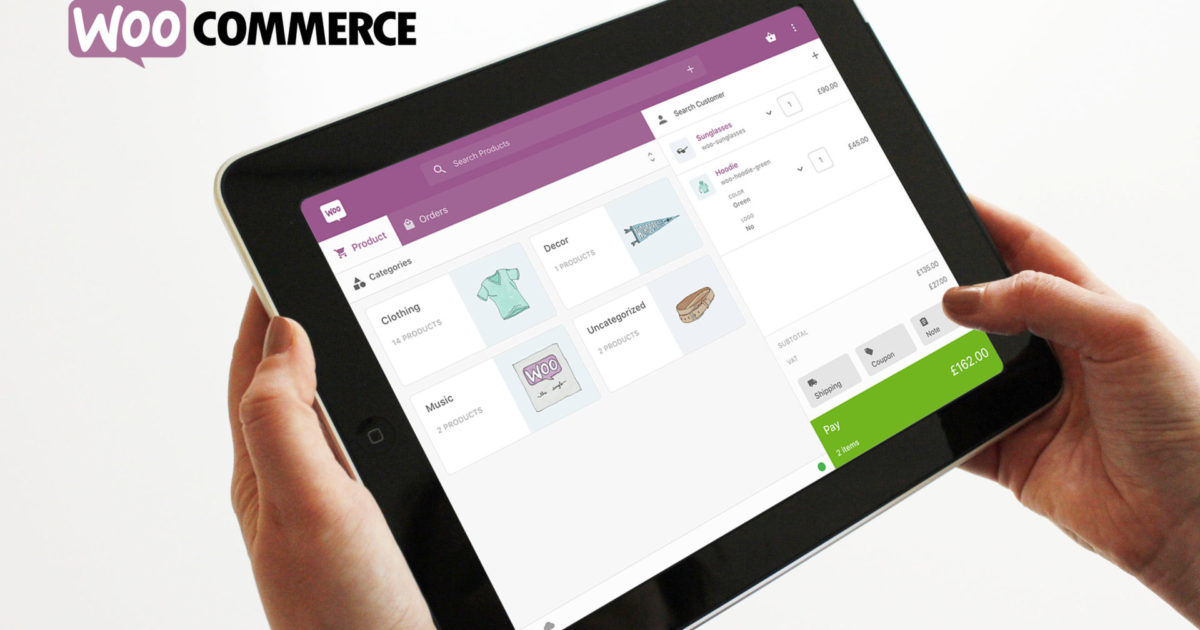
The WooCommerce POS system, with almost 5,000 buyers, is probably the most popular and most used POS system with full integration into the shop system worldwide. At the beginning of January 2020, the new plugin version 5.0.0 was developed, which finally contains the new, better code, the new interface, and many new functions. What has been developed is incredibly good. The doubled price from a one-time $199 for life is worth every penny and should not deter anyone from integrating this full-featured point of sale system as a plugin into their online store themselves or with our help as a WooCommerce agency.
An extended toolkit / plugin for in-store ordering via a Point of Sale (POS) interface based on WooCommerce.
Point of Sale for WooCommerce* is a web-based POS application (Point of Sale) that allows store owners to seamlessly sell online products in physical retail stores. It transforms every modern web browser into a cash register with which you can manage your products, orders, and customers holistically. Point of Sale for WooCommerce is ideal for retail stores, market stalls, food and beverage retailers, vape shops, jewelers, and more.
The plugin is also available with an initial German translation, which can be easily expanded by yourself (see information in the FAQ section below).
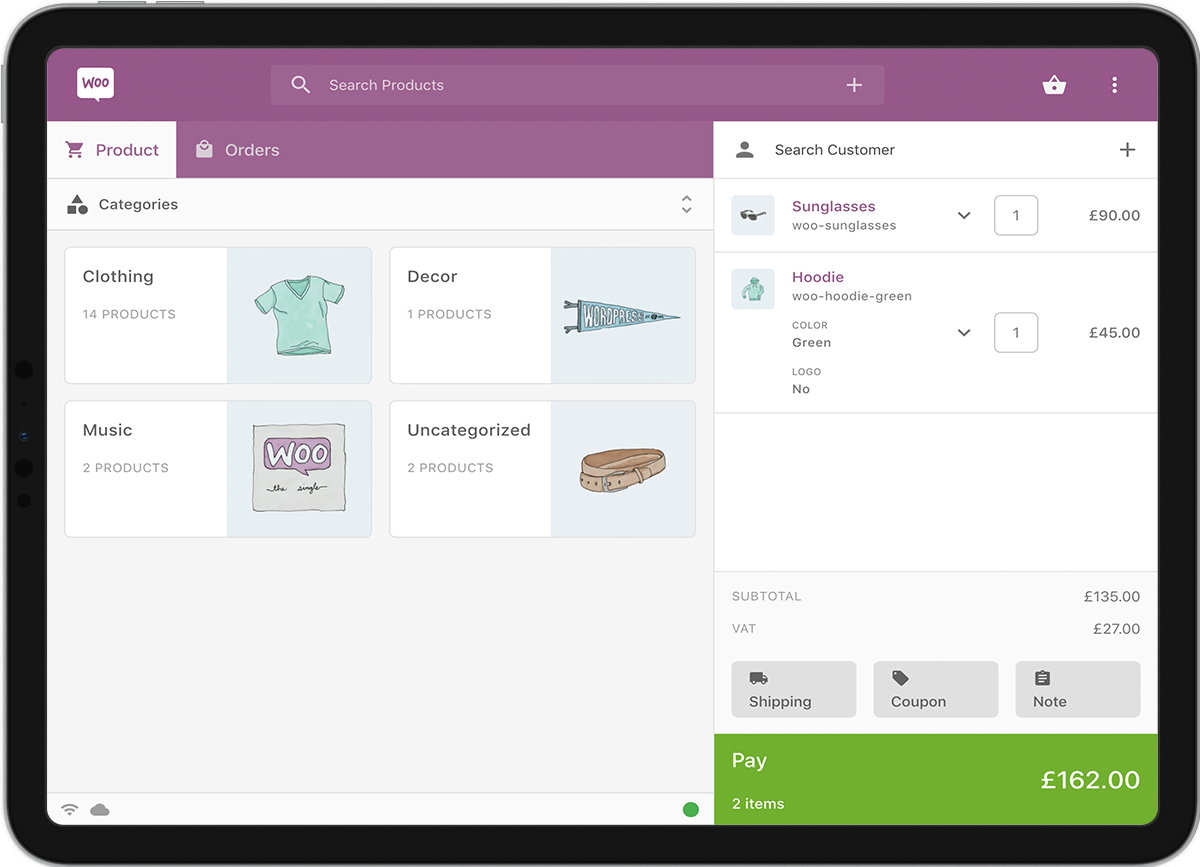
Point of Sale – developed for WooCommerce shops
After more than five years of research and development, Point of Sale was developed and built to work with WooCommerce. There are no third-party API interfaces. Simply download the extension and install it. Open a register and start selling.

+++ NEW CASH REGISTER SYSTEM: Fully compliant with cash register standards for Germany + Austria +++
Legally secure according to KassenSichV, TSE, GoBD and GDPdU
- Checkout with smartphone, tablet, Mac or PC
- Item entry with barcode scanner
- Generate and Print Labels
- Bundles, meter, gram and kilo goods as well as tare
- Cash Count and Z-Report
- Record goods receipt at POS (GR delivery note)
- All payment methods and receipt splitting (cash/debit card/credit card)
- KassenSichV, TSE, GoBD and GDPdU compliant
- Connection of EC terminals and hardware
- Payment via voucher or cash card
- Create and print value vouchers in store
- Integrated Customer Management (CRM)
Specifically for WooCommerce
- Real-time inventory synchronization store with WooCommerce online shop
- Real-time article synchronization store with WooCommerce online shop
- Automatic Online Customer Creation
- Voucher Reconciliation
- Connection to marketplaces such as Ebay, Amazon and Zalando
- Click & Collect
- Click & Return
- Integration with ERP System
- Automatic transfer to accounting, such as DATEV and Lexoffice
- Free Choice of Hardware
- EC-Terminal Connection
- Use with PC, MAC, tablet and smartphone
Manage one or multiple sales outlets centrally
- Overview of all business areas
- Items are imported directly from WooCommerce shop
- Item entry with barcode scanner
- Reports by branch, employee and cash register
- Inventory reconciliation between flour and WooCommerce
- Unlimited warehouse/multi-warehouse management
- Warehouse transfers from headquarters or branch
- Logging of all warehouse movements
- All Branch Data in One System
- Article Management
- Create goods receipt documents, such as quotes, orders, delivery notes, invoices, credit notes
- Create goods issue documents, such as supplier orders, delivery notes, invoices
- Create Purchase Orders
Multiple Configurations
This extension offers a variety of POS configurations and flexibility and versatility for store owners to remain competitive and innovative for success and growth.
Registers and Points of Sale
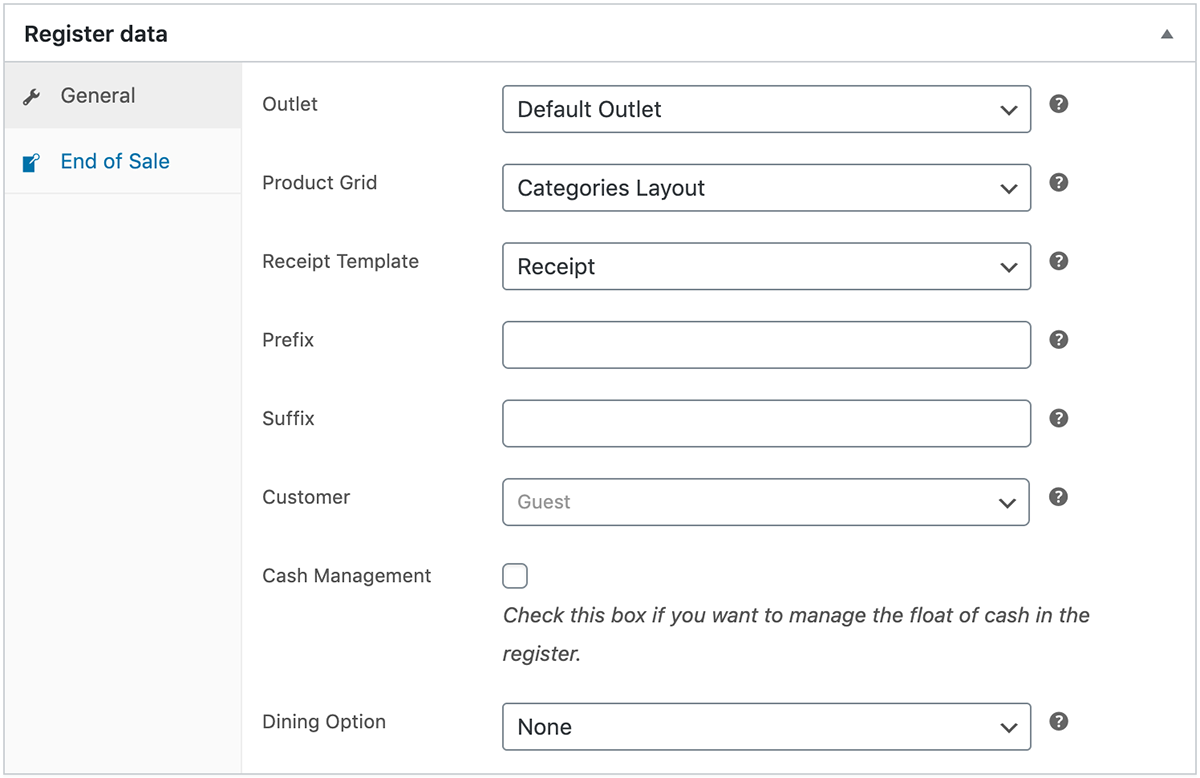
Manage multiple locations and registers to expand your e-commerce business both in-store and online. Assign users to points of sale to provide a register and cashier access environment.
Store Departments
Configure product grids and tiles to display individual products and/or categories. Assign grids to registers to provide a customized POS experience for each store department.
Custom Products
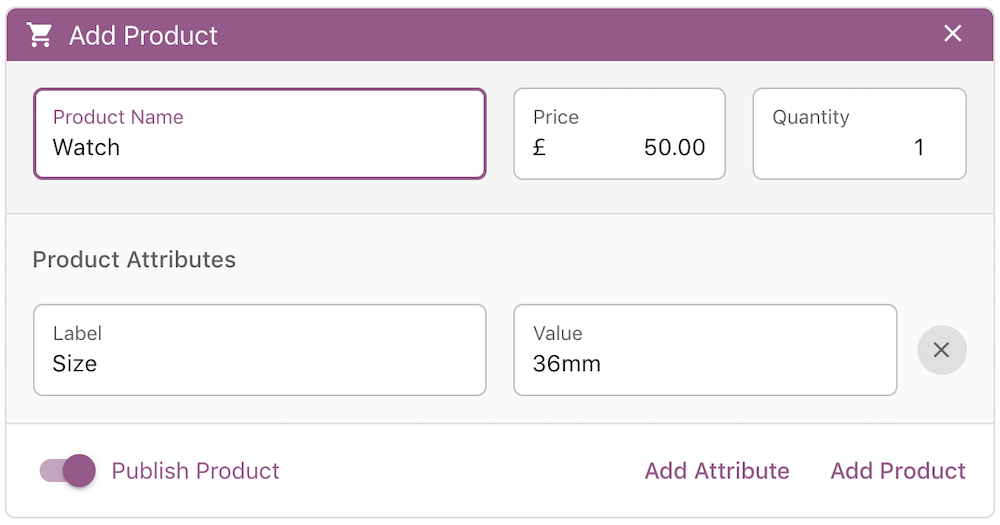
Add custom products on the go directly from the POS interface. Include key product attributes such as color and size and publish them simultaneously to your existing catalog.
Vouchers, Discounts and Fees
Reward your customers with fixed or percentage discounts, including vouchers. Additionally, cashiers can charge fixed or percentage fees, such as cleaning services or insurance coverage.
Order and Customer Notes
Add notes to important orders that require special attention. Choose between notes sent to the customer and administrative notes for internal record-keeping.
Order Management
Search for previous orders to repeat or query customer requests, and see where orders were received and which staff members served the customers.
Payment Methods
Accept cash or process payments with a third-party card terminal of your choice. The Chip & PIN payment method included can prompt cashiers with a reference number for record-keeping purposes.
Supporting Prompts
Configure which prompts are displayed at the end of each sale, such as email or receipt printing, checking attached notes, or capturing signatures for authorization purposes. Apply default settings for both registered customers and walk-in customers.

Quick Switching
Switch between assigned cashiers within the POS application, or configure the register to automatically log out the cashier after each sale.
Product Display
Present your products in detail with the integrated product preview panel. This is useful for store owners who want to offer a digital shopping experience in the store.
Store Cards
Serve your regular customers by quickly scanning their assigned customer card to load their data into the POS.
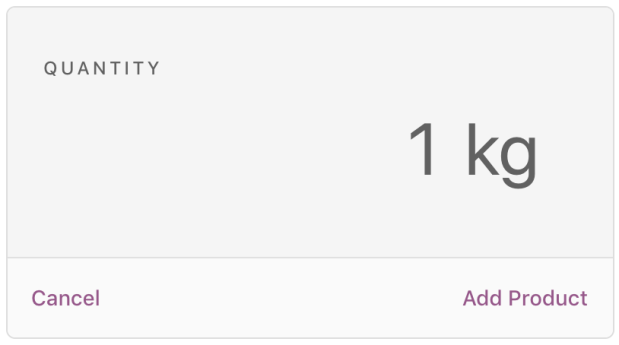
Units of Measurement
Define and set your preferred units of measurement for inventory management. This is useful for products such as flooring, fresh produce, fabrics, or jewelry.
Barcode Scanning
Scan each product SKU barcode with a compatible USB or Bluetooth barcode scanner to identify a product or product variant.
Product Barcodes
Print product barcode labels to quickly scan and add products to orders. Choose from a selection of templates and configure which information is displayed on the label.
Inventory / Stock Management
Manage your inventory easily through the inventory management interface. Enter your product SKU and the new quantity and choose whether you want to update, replace, or remove the quantity. No additional inventory management software (WaWi) such as Billbee for WooCommerce is required.
Order Filtering & Reporting
Filter your online sales from your in-store sales in the backend using the register and outlet filters and generate reports based on sales made through the POS by register, outlet, or cashier.
Tax Calculation
Taxes are calculated automatically based on tax rates and class settings. Configure taxes based on the business address, outlet address, customer billing address, or customer shipping address.
Frequently Asked Questions
Q: Does it work everywhere in the world?
A: Yes, Point of Sale for WooCommerce works in every country that WooCommerce supports.
Q: Is it also available in German?
A: Yes, it is basically already translated into German. However, your own translation is very easy with Loco Translate (help article).
Q: Can I run it on any computer?
A: Yes, Point of Sale for WooCommerce runs on most modern web browsers, including Google Chrome, Safari, Firefox, and Microsoft Edge.
Q: How easy is the setup process?
A: Very easy. Download and install the extension. Click on Point of Sale and open your register. That’s it!
F: Can I manage multiple WooCommerce websites?
A: Yes, if you purchase a multi-domain subscription.
F: Does this extension store my data or share it with third parties?
A: No. WooCommerce handles all e-commerce functions and payment processing the same way your online shop does.

Fragen zum Point of Sale oder Hilfe bei der Einrichtung?
E-Mail: fi@vastcob.com
Florian Ibe






 DE
DE

