

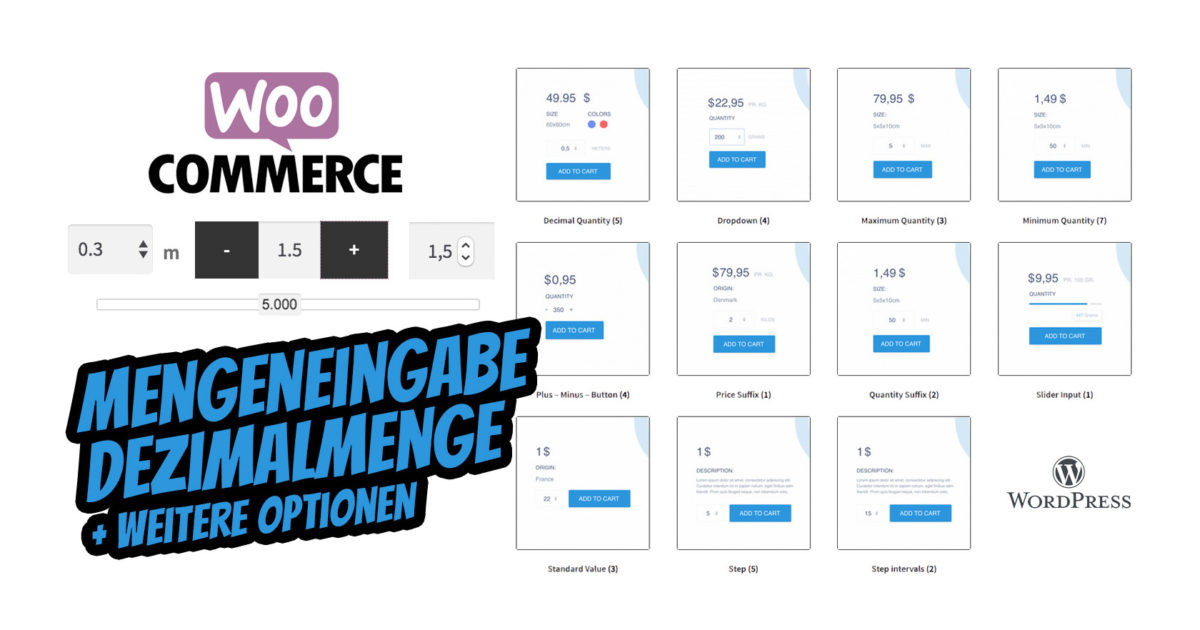
With the WooCommerce plugin, you have complete quantity control + many ways to design the quantity input in the online shop on the product page. The plugin allows you to enter decimal places in the quantity field on the product page in the shop within a few minutes.
Advanced quantity input in the WooCommerce shop – quantity input as a partial quantity (comma decimal number) for e.g. meter goods in centimeters after 0.5m or similar.
With the WooCommerce Advanced Quantity plugin, you can control how the quantity field for products works and is visually displayed.
Currently, you can change the minimum value of the quantity field (flexible quantity input with comma), you can set a maximum value, you can change the interval between individual steps in the quantity field, you can set a default value for the quantity fields, and you can add a price suffix.
This way, you have many options to control the quantity of each product a customer can purchase.
NOTE: The plugin can, of course, also be completely translated into German. To the instructions
Allow decimal quantities, specify minimum, maximum, steps, fixed quantities, and partial quantities in WooCommerce
You can allow decimal numbers as quantities (ideal for stores selling food, textiles, or other products measured by weight or length/height – piece goods). For example, allow your customers to buy one-tenth of a product: 0.1, 0.2, 0.3, … or only half of the products: 0.5, 1, 1.5, ….
Control the interval between individual steps
You can set an interval between individual steps, which allows you to control how many products the customer must buy at once (ideal for stores with products packaged in packs of x products each). For example, ensure that the customer only buys 5, 10, 15, … units of the product.
Set the minimum quantity + maximum quantity (min / max quantity)
You can enforce a minimum quantity that a customer must purchase (ideal for wholesale stores, bulk goods, yard goods, fixed packaging sizes). For example, if you set the minimum value to 10, your customers must purchase at least 10 units of the product.
You can control how many products a customer can purchase per order (ideal for limited offers). For example, if you set the maximum value to 30, a customer can only purchase 30 products in one order.
Become more visible on Google & Social Media?
In a free strategy consultation for data-driven online marketing, we uncover your untapped potential, review any existing ad accounts if necessary, examine your SEO ranking and visibility, and determine which strategy is appropriate for your budget and which active measures will lead to more inquiries or sales.

✅ More visibility & perception through targeted placement
✅ More visitors > prospects > customers > revenue
✅ Reach target groups scalably with SEA
✅ Act and grow sustainably with SEO
🫵 Maximum success with our hybrid strategy
💪 More than 15 years of experience across industries in over 1,000+ projects demonstrable!







Set a default value
You can set a default value for the quantity fields. For example, if you set the default value to 7, it means that 7 will be displayed in the quantity fields. However, you can still buy less or more than 7.
Set a price suffix
You can set a price suffix. This is text that is displayed after the price. For example, if you set the price suffix to „pr. kg.“, the text will be displayed after the price.
The WordPress + WooCommerce plugin can be easily translated into German.
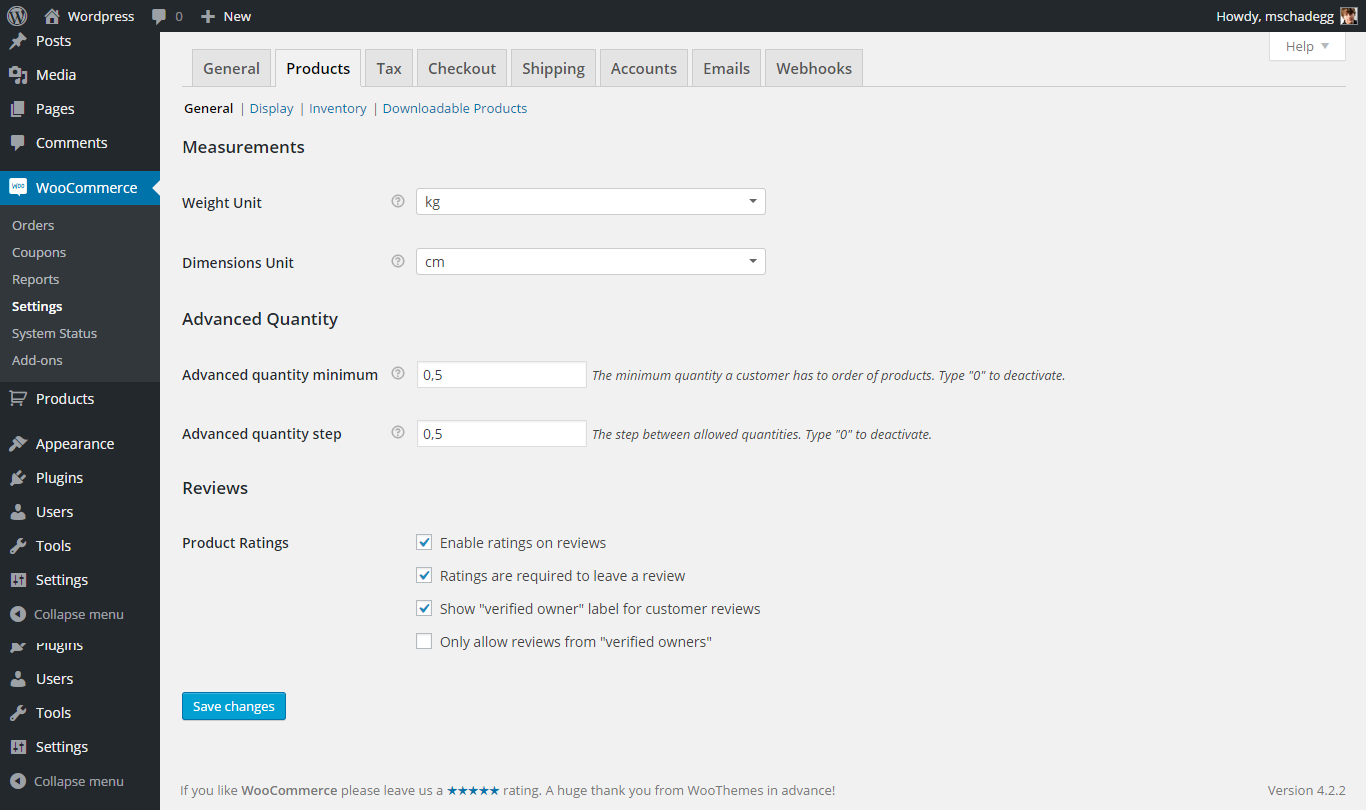
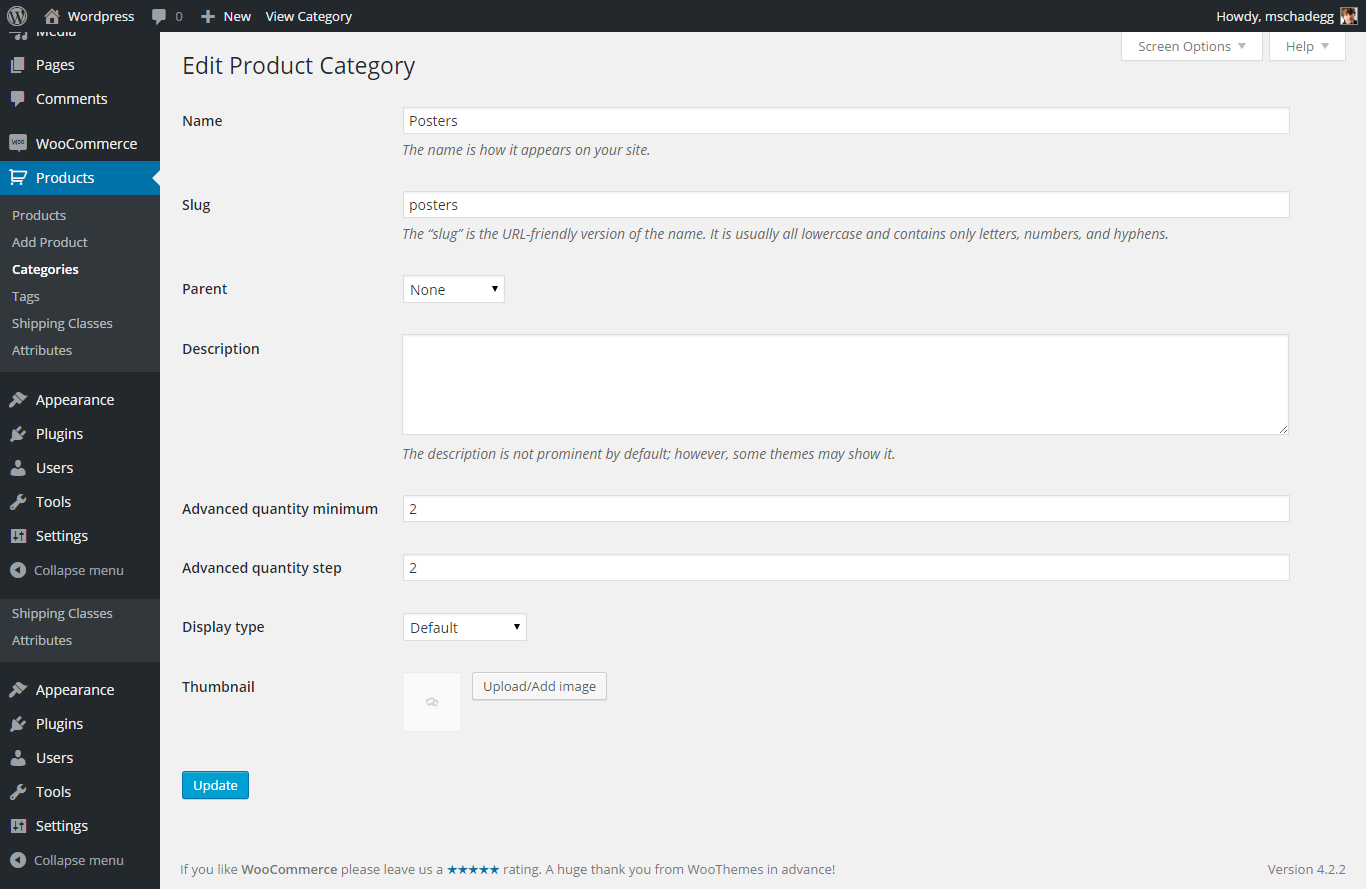
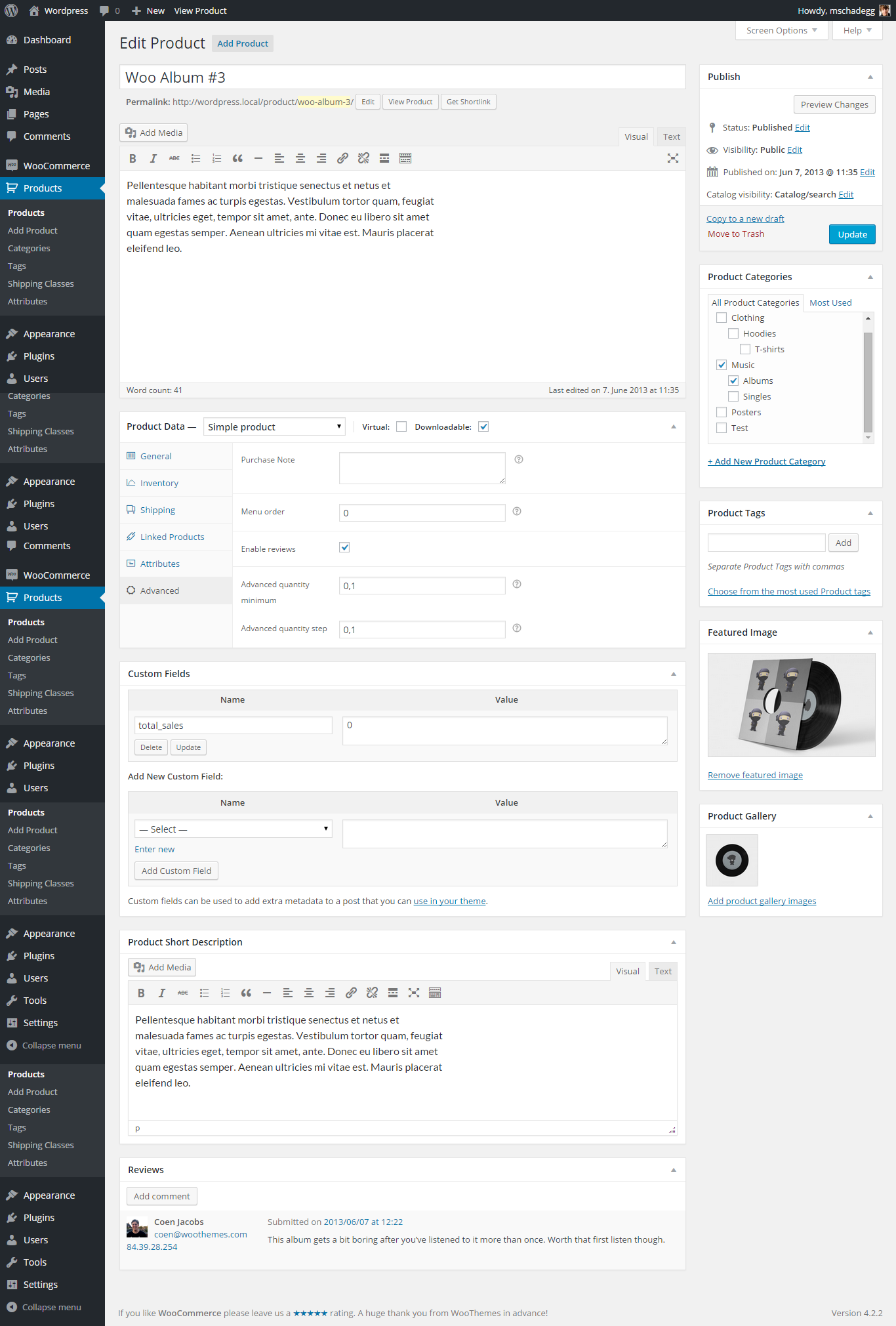
Source Screenshots: Envato Marketplace codecanyon
Reviews for the WooCommerce Quantity Plugin (partially translated):
- „This is my expectation for a great quantity input plugin, which is 100% the case here. Thanks for the great plugin, keep up the good work!“
- „Great plugin, fast and helpful support, perfect code. I like what I bought, instant purchase. :)“
- „A really great plugin that is easy to set up! Special mention for the support.“
- „I’ve been using this plugin for years and it works. instantly 🙂 It saves me a lot of time and gives me the ability to add new categories, attributes to products…“
- „Never had any problems – updates are quite rare, but overall I’m happy with the plugin – it does what it should. Thank you very much!“
- „Worked as described + when I needed some help, the developer successfully guided me through.“
Another more complex option is the Woo plugin as a measurement price calculator and calculator for area, volume, weight, etc..

Hilfe bei WordPress? Jetzt unverbindlich anfragen und aktiven Support erhalten:
E-Mail: fi@vastcob.com
Florian Ibe






 DE
DE

